Gaming Mouse Buying Guide 2026: The 5 Things That Actually Matter
Ever stared at a wall of gaming mice on Amazon, each one screaming “26K DPI!” or “ultra-lightweight!”? You probably had no idea which one was actually right for you. You’re not alone. Most people end up buying three, four, sometimes ten different mice chasing an “endgame” setup. They end up with an empty wallet and a drawer full of regrets instead.
At GearZon, we’ve tested dozens of gaming mice across every price bracket, from $25 budget clones to $160 flagship wireless models. And after all that testing, the truth is simpler than the marketing makes it sound. Only five things actually matter when you’re choosing a gaming mouse. Everything else is noise designed to make you spend more than you need to.
This guide breaks down exactly what to look for: sensor, weight, shape, build material, and price. That way, you can buy the right mouse the first time, instead of learning the hard way.
How we approached this guide: the recommendations below come from hands-on testing across our published mouse reviews, from sub-30g featherweights to 100g+ wireless flagships. We backed that up with hours of side-by-side sensor benchmarking and grip-comfort testing during actual ranked matches, not just spec-sheet reading. Where relevant, we’ve linked out to the full review so you can see the detailed notes for yourself. This guide was also informed by the buying advice shared in the YouTube video “DON’T Buy A New Mouse Without Watching This Video! (2026)” by DiamondLobby Reviews.
Quick Summary: What to Look For at a Glance
| Factor | What to Look For | Why It Matters |
|---|---|---|
| Sensor | 12,000+ DPI, or a PAW3311 / PAW3330 / PAW3395 sensor | Modern sensors are already accurate enough — differences are rarely noticeable in-game |
| Weight | Under 65g for most shooters; 35–55g for fast-paced competitive games | Less effort to move, reduced wrist/arm fatigue over long sessions |
| Shape | Matched to your natural grip type, not your hand size on paper | Comfort directly affects aim consistency and long-session endurance |
| Build Material | Standard plastic shells are fine | Carbon fiber and magnesium rarely improve performance — you’re paying for looks |
| Price | Under $130, with the sweet spot around $45–$90 | Gains above this price point are minor and rarely worth the premium |
Do This / Skip This
| ✅ Do This | ❌ Skip This |
|---|---|
| Trust any current PAW3311, PAW3330, or PAW3395 sensor without a second thought. | Chase DPI numbers above 12,000 or polling rates you won’t actually feel. |
| Prioritize a sub-65g body if you play fast-paced shooters. | Pay a premium for carbon fiber or magnesium shells. |
| Study how you actually hold your current mouse before shopping for a new one. | Pick a mouse based on hand-size charts alone. |
| Consider value-focused Chinese OEM brands — the quality gap has shrunk massively. | Overspend past $130 chasing marginal, “perfect but pointless” gains. |
1. Do Gaming Mouse Sensors Still Matter in 2026?
Short answer: not as much as marketing wants you to think. Most gaming mice marketed toward competitive play today ship with sensors that are more than good enough. There are technical differences between sensor generations, sure. If you stare at benchmark graphs with scattered dots on them, you’ll technically see a difference. But in practice, during an actual match, that difference is almost always negligible.
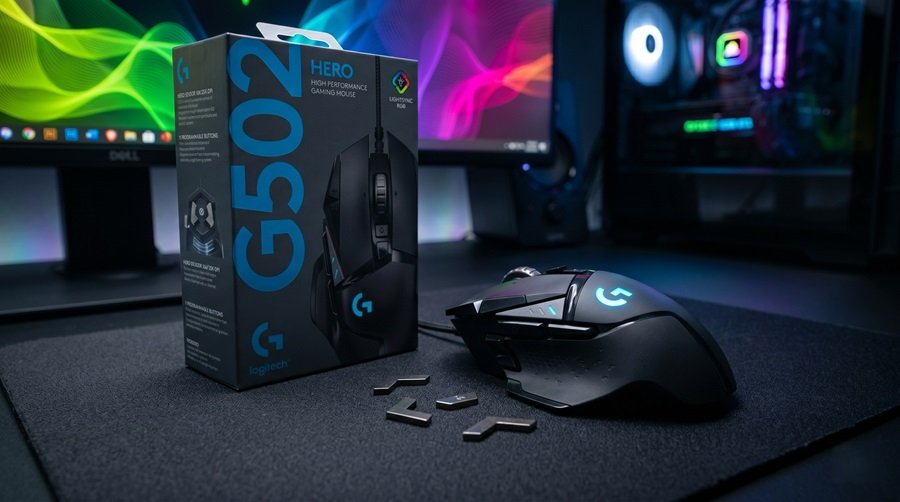
Any mouse advertising a DPI of over 12,000 will likely suit the vast majority of players. To make shopping even easier, look for a PAW3311, PAW3330, or PAW3395 sensor on the spec sheet. These are the three most common optical sensors from PixArt on the market right now. You can be confident any of them will perform well. These are the same sensor families found in mice we’ve tested and rated highly, like the G-Wolves Lyan and the Logitech G502 Hero.
Higher polling rates (4,000Hz, 8,000Hz) can offer a benefit when paired with a high-refresh-rate monitor. That said, the actual, felt difference is still largely anecdotal. For the average gamer, there are simply too many variables — your game, your PC hardware, your monitor, your DPI setting. Polling rate alone won’t make or break your performance. The blunt truth: if you’re inconsistent at 1,000Hz, you’ll still be inconsistent at 8,000Hz. Buy a mouse, plug it in, and focus on your actual aim.
2. Why Mouse Weight Is the Feature That Actually Changes Your Game
If you play games that require large, frequent mouse movements, a lightweight mouse isn’t a luxury — it’s close to a necessity. A lighter body requires less effort to move around the mousepad. Combined with the right shape (more on that next), it can genuinely reduce wrist and arm fatigue during long sessions.
How light is “light enough” depends on what you play:
- Slower, precision-based games (like Counter-Strike): more horizontal movement, slower pace — you can get away with a heavier mouse, but we’d still recommend staying under 65g.
- Fast-paced shooters (like Deadlock or Team Fortress 2): mice in the 35–40g range, sometimes lower, tend to feel noticeably better for quick flicks and repositioning.
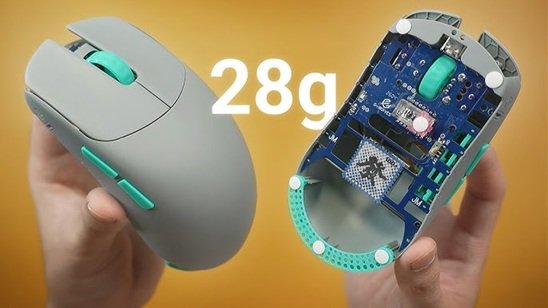
If you’re coming from a heavier mouse, know that switching to an ultra-lightweight model requires an adjustment period — be patient. With about two consistent weeks of use, most people fully adapt to the lighter feel, and rarely want to go back. For shooters specifically, we’d recommend aiming for something under 55g. Mice like the sub-30g G-Wolves Lyan sit at the extreme end of this trend. Heavier value options like the VXE R1S by ATK show what you’re trading off if you go heavier for the sake of a bigger battery or extra features.
3. Finding Your Perfect Mouse Shape (Forget Hand-Size Charts)
Shape is arguably the most important factor of all. It affects how well you aim and how long you can play before discomfort sets in. So how do you actually find the right one?
Why Flat Hand Measurements Fall Short
Telling a reviewer your hand size and asking “what’s the best mouse for me?” doesn’t give them much to work with. Most people measure their hand flat on a table with fingers together. That’s not how your hand actually sits on a mouse. A more useful measurement is taken with your hand in a relaxed, natural position — closer to how it actually rests during gameplay. As an example, a hand that measures 18 by 10cm flat on a desk can measure closer to 15 by 10cm once relaxed. Even that number alone still won’t tell you much.
Questions to Ask About Your Current Mouse’s Shape
What actually helps is understanding your current mouse — in detail:
- What grip type are you using (palm, claw, or fingertip), both in and out of game?
- What do you like about your current mouse’s shape? The ring/pinky support? The hump sitting tight against your palm, or out of the way?
- What do you dislike? Do you struggle to reach the side buttons? Do any edges dig into your hand?
- Does the shape affect your aim — can you shift the mouse vertically fast enough, or do micro-adjustments feel awkward and unstable?
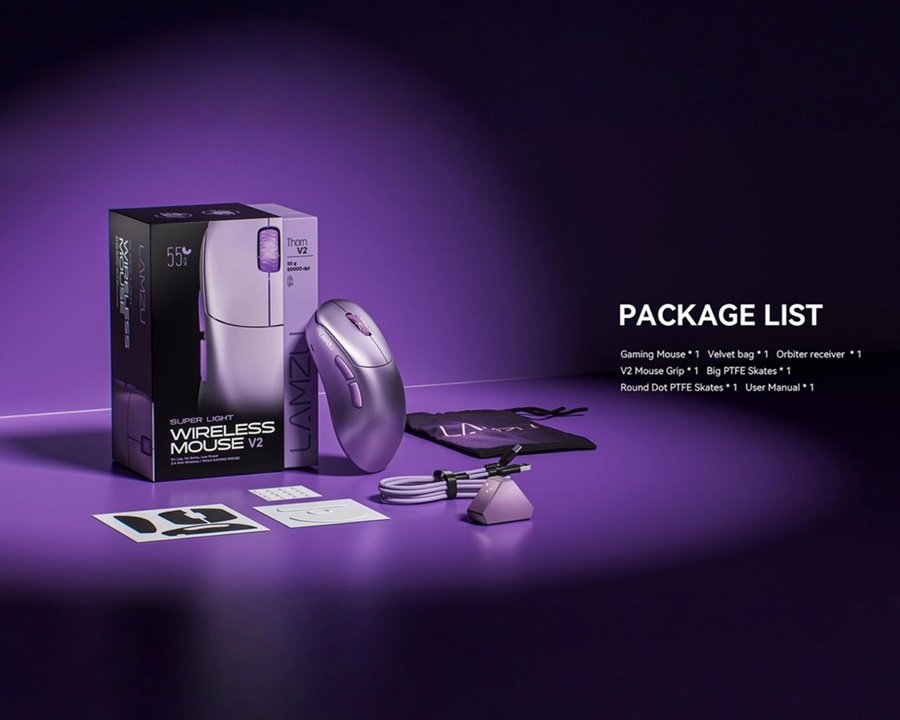
Answering these questions first makes it far easier to find a shape that actually works for you. It also gives anyone helping you shop much more to go on than raw measurements. Outline-based tools like ELO shapes can help but should be used carefully, since a 2D outline misses a lot of real-world detail. If you already own a mouse whose shape you like, don’t overlook the option of simply staying in that family. Our Lamzu Thorn V2 review covers one of the more distinctive ergonomic shapes on the market today. It’s a useful reference point if you’re trying to describe what you do and don’t like.
Palm, Claw, and Fingertip Grip: A Quick Primer
If you’ve never formally identified your grip type, here’s the fast version:
- Palm grip: your whole hand rests on the mouse, fingers relatively flat. You’ll usually want a taller hump and more length to fill your palm.
- Claw grip: your palm rests near the back of the mouse while your fingers arch and grip the front. You’ll want a shorter, steeper front and a well-defined hump for your palm to anchor against.
- Fingertip grip: only your fingertips touch the mouse, with little to no palm contact. Smaller, lighter, and flatter shapes tend to work best here. That’s because you’re moving the mouse almost entirely with finger and wrist motion.
Most players are actually a hybrid of two of these. That’s exactly why the “flat hand-size measurement” method falls apart. It assumes a single static grip that doesn’t reflect how your hand actually behaves mid-game.
4. Why You Shouldn’t Pay More for “Premium” Materials
This is one of our biggest pet peeves in the current market. A growing number of brands are experimenting with alternative materials — carbon fiber composites, magnesium alloy shells. They charge a real premium for them, likely because the profit margins are higher. We’ve tested plenty of gaming mice built from these alternative materials. Almost none have made us think, “this genuinely performs better than plastic.”
Some come close, and most of the time, the material choice is really just there to enable a cooler-looking design. That’s a valid goal, but it’s rarely worth the premium price tag compared to an equivalent standard-plastic mouse. In most cases, these materials function as vanity products for brand loyalists. Or they work as marketing tools designed to look good in influencer unboxing videos. Carbon fiber looks and sounds impressive because of its association with Formula 1 cars. But for a full-shell mouse that just sits on your desk, that association is functionally meaningless.
5. How Much Should You Actually Spend on a Gaming Mouse?
How Much Is Actually Worth Spending?
This is the big one, and it’s become even more relevant given how much pricing has shifted recently. As a general rule, the average person shouldn’t need to spend more than $130 on a gaming mouse. Some mice above that price do offer real benefits. But even when we consider those benefits close to perfect, “perfect” doesn’t automatically mean “good value.” It definitely doesn’t mean “a mouse that will win you games,” either.
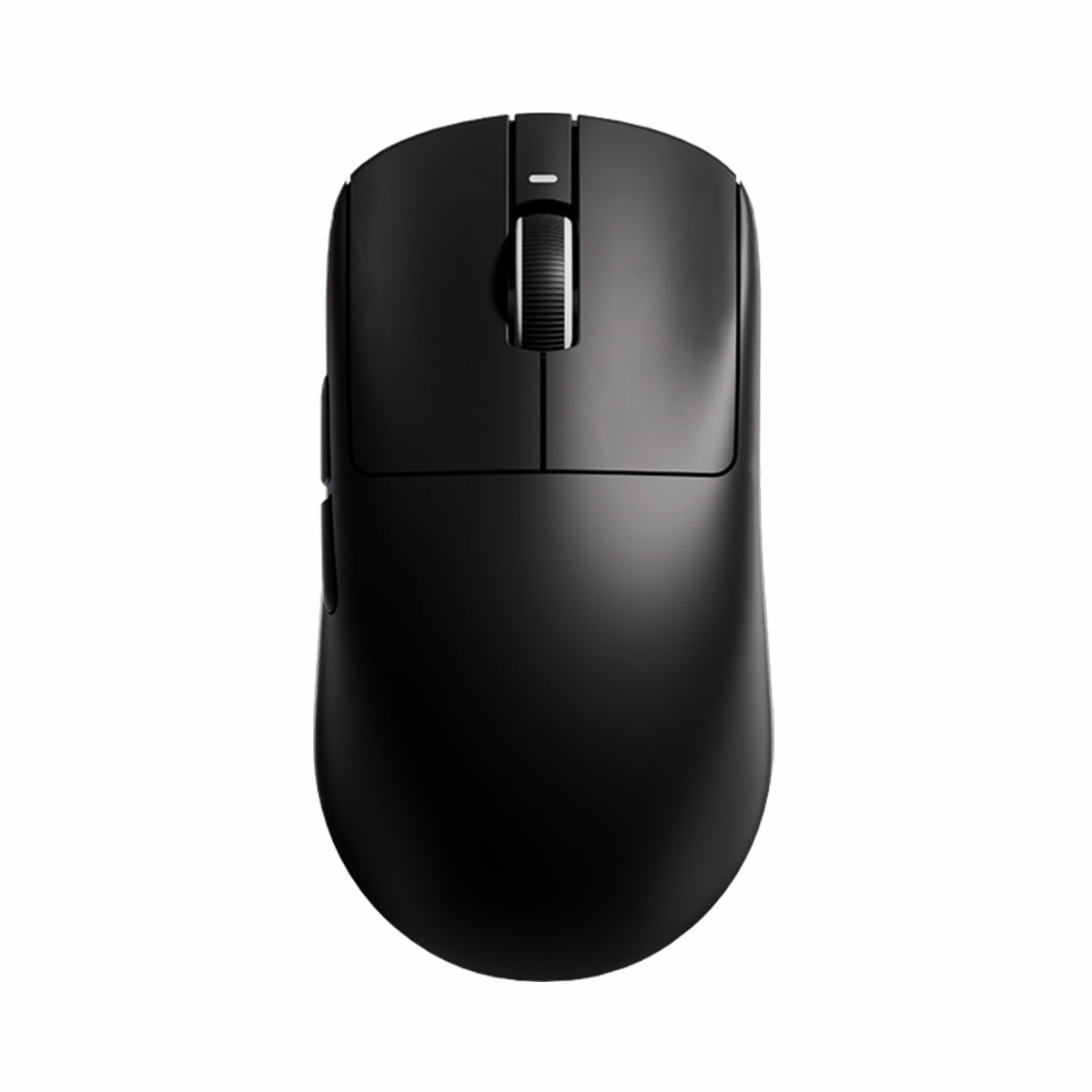
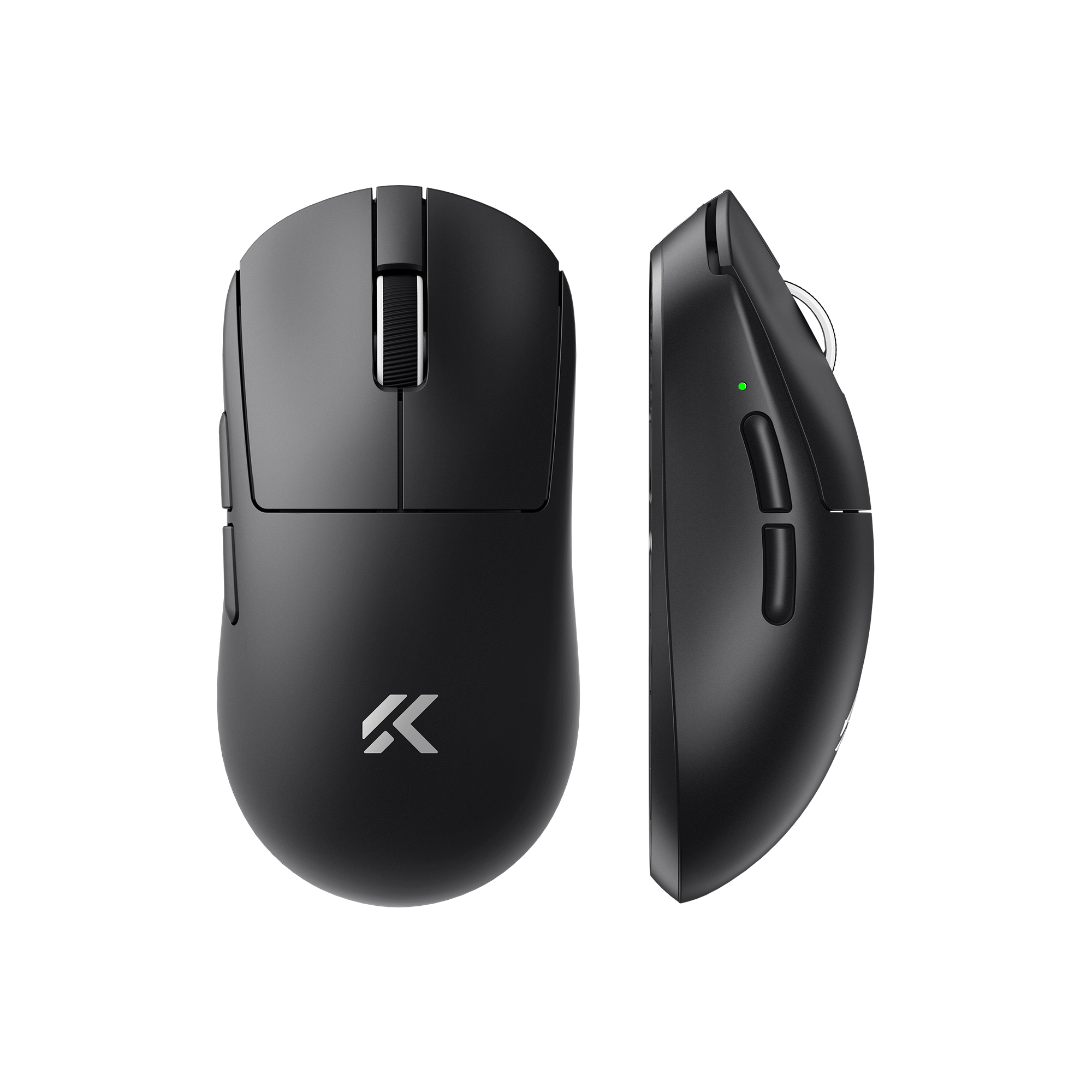
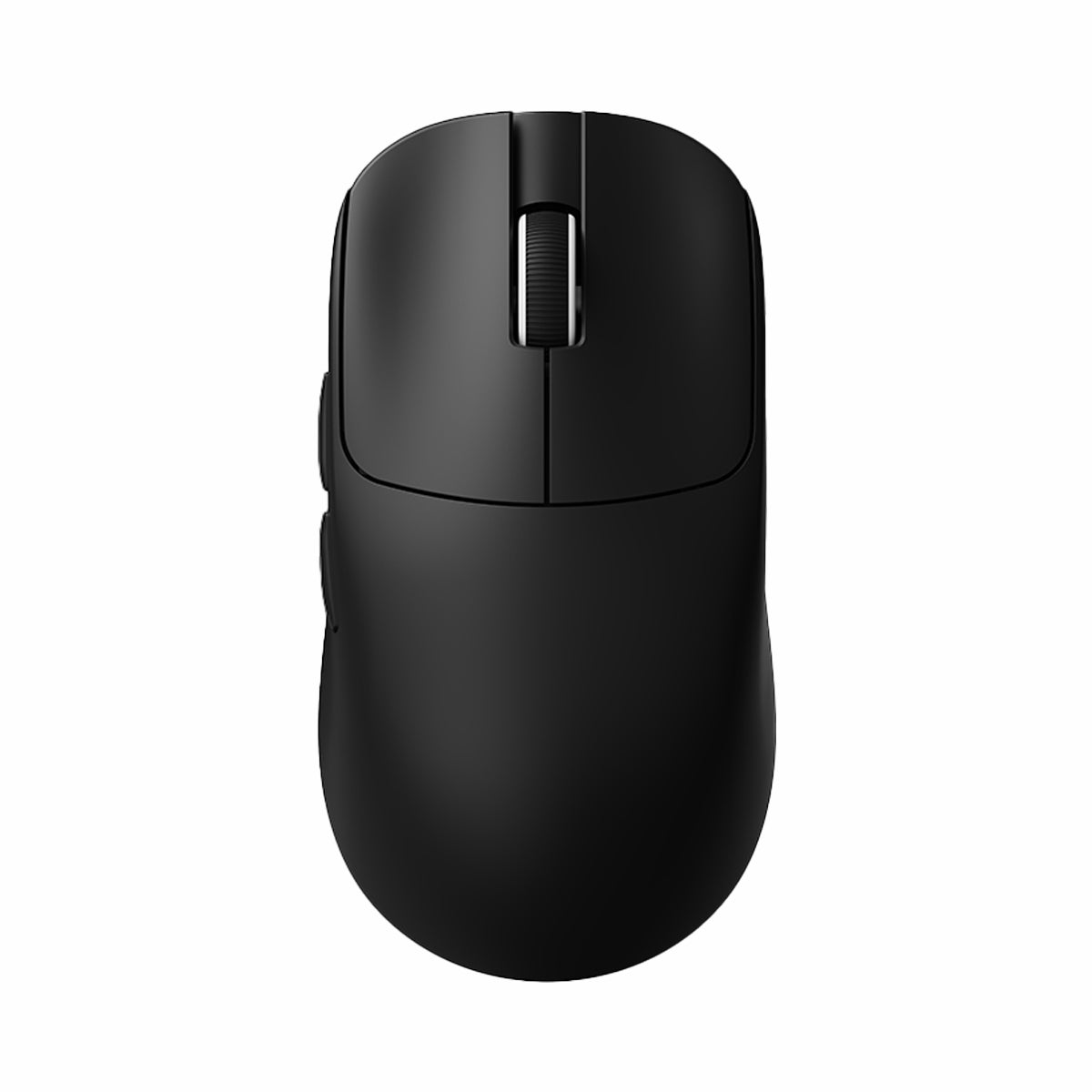
The gap between low-to-mid-budget mice and premium-tier mice has shrunk dramatically over the past two years, largely thanks to Chinese manufacturers. Mice like the ATK VXR1 Pro, Mad R, MChose L7, and A7V2 are genuinely end-game-capable: excellent sensors, lightweight builds, and solid overall performance. And they typically cost between $45 and $65.

Do Established Brands Like Logitech and Razer Still Matter?
That doesn’t mean established brands like Logitech and Razer have nothing to offer. Bigger brands typically provide an extra year of warranty, tighter quality control, and more reliable firmware and software. They’re also largely responsible for most genuine innovation in the category. Those benefits just don’t always justify the extra cost. Outside of Logitech and a small handful of others, most “innovation” at the top end produces only marginal gains. See our Logitech G Pro X2 Superstrike review for an example of where that premium is (and isn’t) worth paying.
The Trade-Offs of Buying Budget
On the flip side, cheaper isn’t automatically “perfect” either. Quality control on some budget Chinese clones can be inconsistent, and warranty claims can be slow to get a response. In some cases, you may even have to cover return shipping to China yourself. If you’re comfortable with that trade-off, the budget picks above are ones we’d personally recommend and consider reliable.
6. Budget vs. Premium: Which Gaming Mouse Should You Actually Buy?
| Tier | Price Range | Example Mice | Best For |
|---|---|---|---|
| Budget Chinese OEM | $45 – $65 | ATK VXR1 Pro, MChose L7, A7V2, Mad R | Value-focused competitive players who don’t mind DIY-level support |
| Established Mid-Range | $60 – $100 | Logitech G502 Hero, VXE R1S | Players who want reliable software and better QC without going flagship |
| Premium Flagship | $100 – $150 | Logitech G Pro X2 Superstrike, Lamzu Thorn V2 | Enthusiasts who want best-in-class warranty, build, and support and don’t mind paying for it |
None of these tiers are objectively “wrong.” The point isn’t that you must buy budget, or that premium is a waste — it’s that you should know exactly what you’re paying for before you spend more than $130 chasing gains you likely won’t feel in an actual match.
Which Mouse Suits Which Grip: Our Reviews at a Glance
Tiers tell you what to spend. This table helps you match a shape and weight to your grip. Weights come from manufacturer or reviewer spec sheets, and each row links to our full review.
| Mouse | Listed weight | Best suited to | Full review |
|---|---|---|---|
| ATK U2 V2 Ultimate | 45 g (±3 g) | Claw grip | ATK U2 V2 Ultimate review |
| VXE R1S by ATK | 55 g (±3 g) | Claw and fingertip grip | VXE R1S review |
| Pulsar X2F | 29 g | Fingertip grip | Pulsar X2F review |
| G-Wolves Lyan | Under 30 g | Players chasing minimum weight | G-Wolves Lyan review |
| Logitech G PRO X SUPERLIGHT 2 | 60 g | Buyers who want a mainstream-brand wireless flagship | SUPERLIGHT 2 review |
| Lamzu Thorn V2 | See review | Larger hands and ergonomic comfort | Lamzu Thorn V2 review |
Only you can judge shape, so use the table as a shortlist.
Software: What to Check Before You Buy
Software rarely decides a purchase. Weak software can still spoil a good mouse. Check for these basics before you pay:
- Onboard memory, so your settings survive a change of PC.
- Adjustable DPI stages and polling rate.
- Lift-off distance and debounce options.
- Firmware updates delivered through the app.
- A web or lightweight desktop app that does not demand an account.
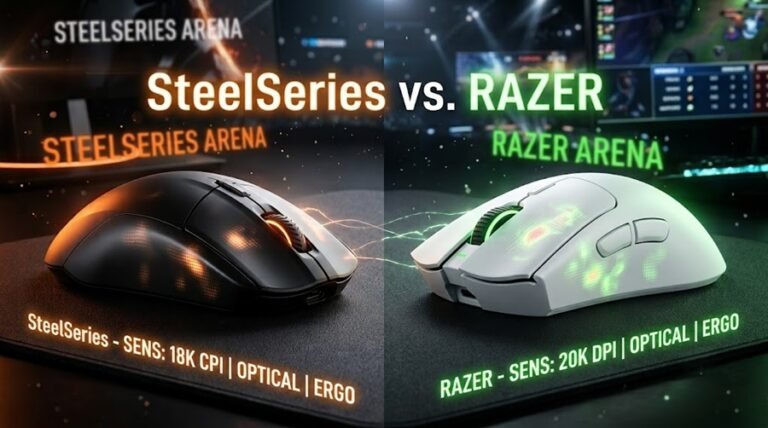
Brands differ here. Logitech lists G HUB for the G PRO X SUPERLIGHT 2. ATK offers V HUB, which ATK’s own guide describes as covering up to eight DPI levels, lift-off distance, debounce, macros, and firmware updates. Our VXE R1S review calls the ATK app surprisingly polished for a $20 mouse. For a mainstream-brand workflow, see our G502 X Plus review and our SteelSeries vs. Razer comparison.
Common Buying Mistakes to Avoid
- Ignoring return terms. ATK’s store lists a 7-day return window and a 30-day troubleshooting guarantee for the R1 series and the U2 V2. Read each brand’s terms before you commit.
- Skipping the dongle extension. Our VXE R1S review explains why a short USB extension helps a 2.4GHz receiver.
- Choosing by weight alone. A 29 g mouse with the wrong shape is worse than a 55 g mouse that fits your grip.
Wired vs. Wireless: Does It Actually Matter for Competitive Play?
This question comes up in almost every mouse discussion, and the honest answer in 2026 is: for competitive play, no — not anymore. Modern wireless gaming mice using 2.4GHz dongles have latency and polling consistency that’s effectively indistinguishable from a wired connection in blind testing. The days of “wireless equals input lag” are over for any mouse actually marketed toward gaming. That debate died with the first generation of proper esports-grade wireless sensors years ago.
What wireless does add is a small amount of weight from the battery and internal antenna, plus one more thing to charge. If you’re chasing the absolute lowest weight possible, a wired mouse will usually undercut its wireless sibling by several grams. If convenience, cable drag, and a clean desk matter more to you than shaving off a few grams, wireless is no longer a compromise. Flagship options like the Logitech G Pro X2 Superstrike prove that wireless can sit at the very top of the performance tier, not below it.
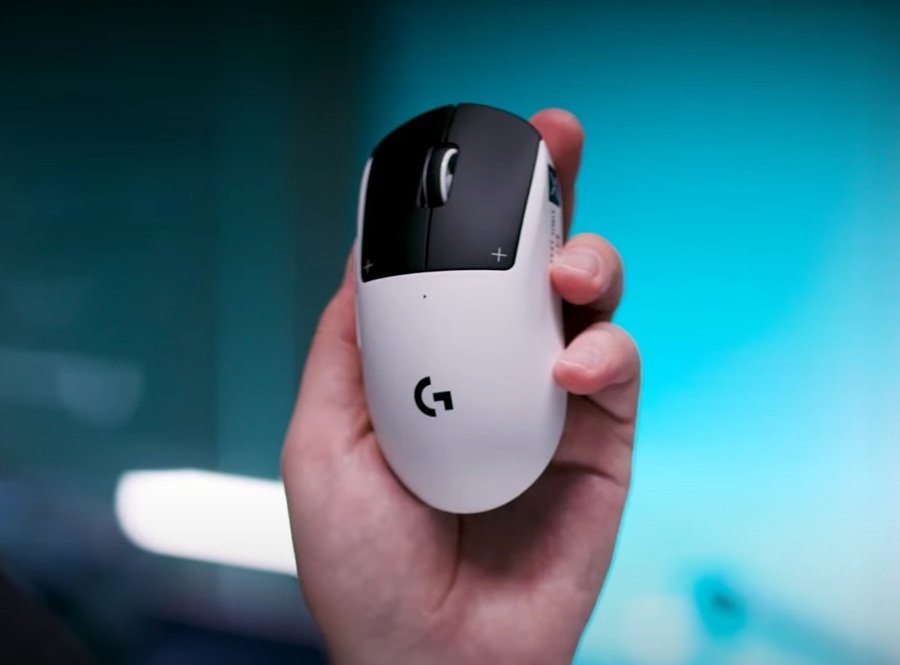
Our advice: don’t let “wired vs. wireless” be a deciding factor on its own. Decide on weight, shape, and budget first, then pick whichever connection type the best-fitting mouse happens to offer.
Battery Life Ratings Vary Widely
If you go wireless, compare battery claims like for like. Manufacturers usually quote them at 1,000Hz polling. According to ATK’s product page, the VXE R1S uses a 520mAh cell rated for 150 hours. ATK’s store lists the U2 V2 Ultimate at 500 hours on a 500mAh cell. Logitech lists up to 95 hours for the G PRO X SUPERLIGHT 2. Higher polling rates will cut those figures, so check the fine print if you plan to run 4,000Hz or 8,000Hz.
Optical vs. Mechanical Switches
Mechanical switches rely on physical contact. Optical switches use a light beam instead. ProSettings notes that optical designs need no debounce delay, which removes a common cause of double clicks. The trade-off is feel, and that is personal. Some players prefer the crisper bump of a mechanical switch.
ATK lists custom optical switches for the U2 V2 Ultimate, while the budget VXE R1S uses Huano mechanical ones. See our ATK U2 V2 Ultimate review for the optical option.
Final Verdict: Who Should Buy What
If you’re a competitive shooter player on a tight budget, start with a sub-65g Chinese OEM mouse like the ATK VXR1 Pro or MChose L7. You’ll get 90% of flagship performance for a fraction of the price. If you value software reliability and don’t mind paying a bit more, the Logitech G502 Hero remains a dependable mid-range pick. If your hands are on the larger side and you’ve struggled with cramped shapes in the past, take a look at our Lamzu Thorn V2 review. It’s a solid ergonomic alternative. And if budget genuinely isn’t a concern and you want the most polished experience available, consider the Logitech G Pro X2 Superstrike. It’s one of the few flagship mice we think earns its price tag.
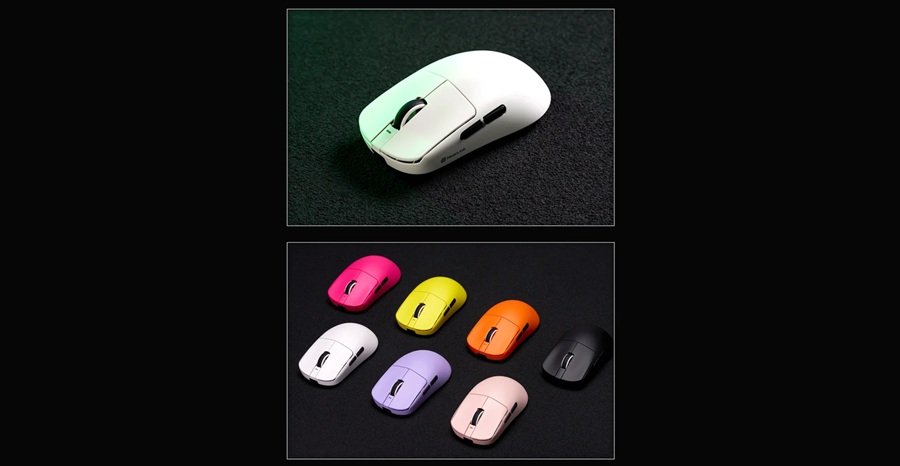
Whichever direction you go, browse our full Mice & Mousepads review archive before you buy. Every mouse mentioned in this guide has a full hands-on review with detailed shape and grip notes.
Frequently Asked Questions
What DPI do I actually need for gaming?
For almost all players, anything above 12,000 DPI is more than enough, and most people play comfortably between 400 and 1,600 DPI in-game anyway. Chasing higher advertised DPI numbers won’t improve your aim.
Is a lighter gaming mouse always better?
Not always — it depends on the game. Slower, precision-focused titles are fine with a heavier mouse (under 65g is still a good target), while fast-paced shooters benefit more from ultra-lightweight mice in the 35–55g range.
How long does it take to adjust to a lighter mouse?
Most players fully adapt after about two weeks of consistent use. Give it a fair trial before deciding a lighter mouse “isn’t for you.”
Do expensive materials like carbon fiber actually improve performance?
In our testing, almost never in a way you’d notice during gameplay. Alternative materials mostly affect looks and price, not in-game performance.
What’s the best gaming mouse under $100?
The Logitech G502 Hero and budget Chinese OEM options like the ATK VXR1 Pro are both strong picks under $100. Which one is right for you depends on whether you prioritize brand support or raw value.
Should I buy a Chinese OEM gaming mouse like ATK or MChose?
If you’re comfortable with potentially slower warranty support, yes. Mice like the ATK VXR1 Pro, Mad R, MChose L7, and A7V2 offer genuinely end-game-level performance for $45–$65, a fraction of flagship pricing.
Is a wireless gaming mouse as good as a wired one now?
Yes. Modern 2.4GHz wireless gaming mice have latency that’s effectively identical to wired in blind testing. The main trade-off is a small amount of added weight from the battery, not performance.
What’s the difference between palm, claw, and fingertip grip?
Palm grip rests your whole hand on the mouse. Claw grip arches your fingers while your palm stays near the back. Fingertip grip uses only your fingertips, with little to no palm contact. Most players are a hybrid of two, which is why shape should be chosen around your actual grip, not hand size alone.
Are optical mouse switches better than mechanical ones?
Optical switches use a light beam instead of physical contact, so they need no debounce delay and avoid double-click faults, according to ProSettings. Feel is subjective, though. Many players still prefer the crisper bump of a good mechanical switch, so treat optical as a durability bonus rather than a requirement.
How long should a wireless gaming mouse battery last?
Ratings vary widely by model. ATK rates the VXE R1S at 150 hours and the U2 V2 Ultimate at 500 hours, while Logitech lists up to 95 hours for the G PRO X SUPERLIGHT 2. Brands usually quote these figures at 1,000Hz, so higher polling rates will shorten them.