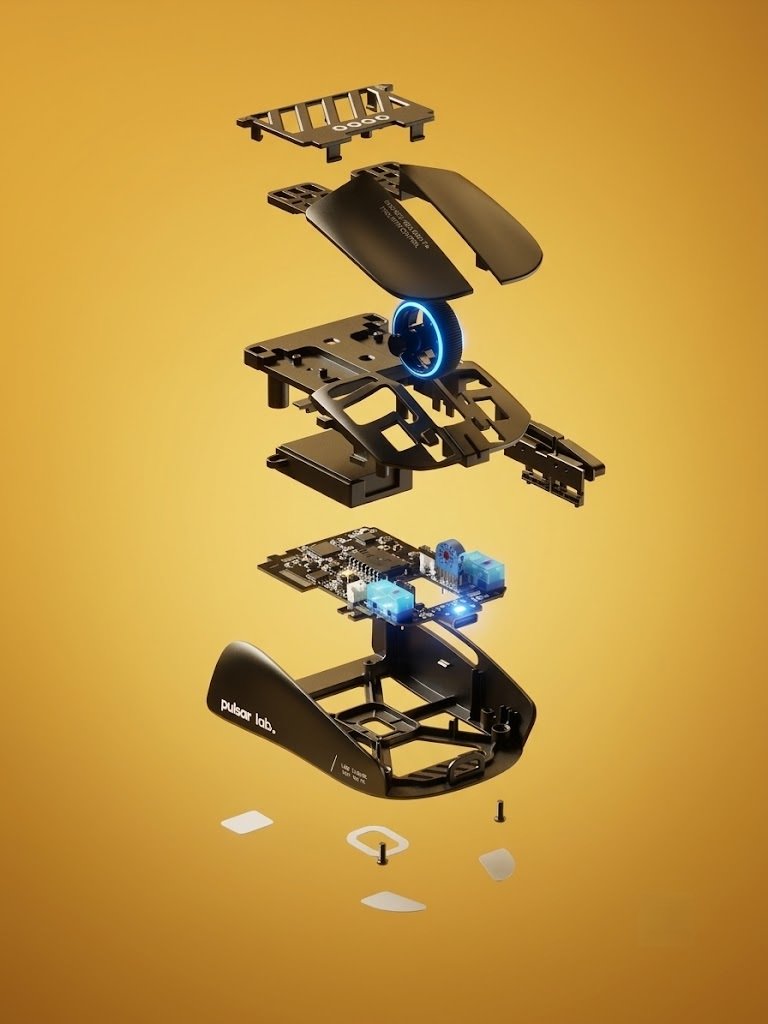
If you are a competitive FPS player who utilizes a dedicated Fingertip Grip, traditional gaming mice carry unnecessary bulk and weight at the back. Engineered directly under the experimental Pulsar Labs project, the Pulsar X2F strips away the entire rear shell to create an ultra-lightweight, high-precision instrument built purely for fingertip aimers.
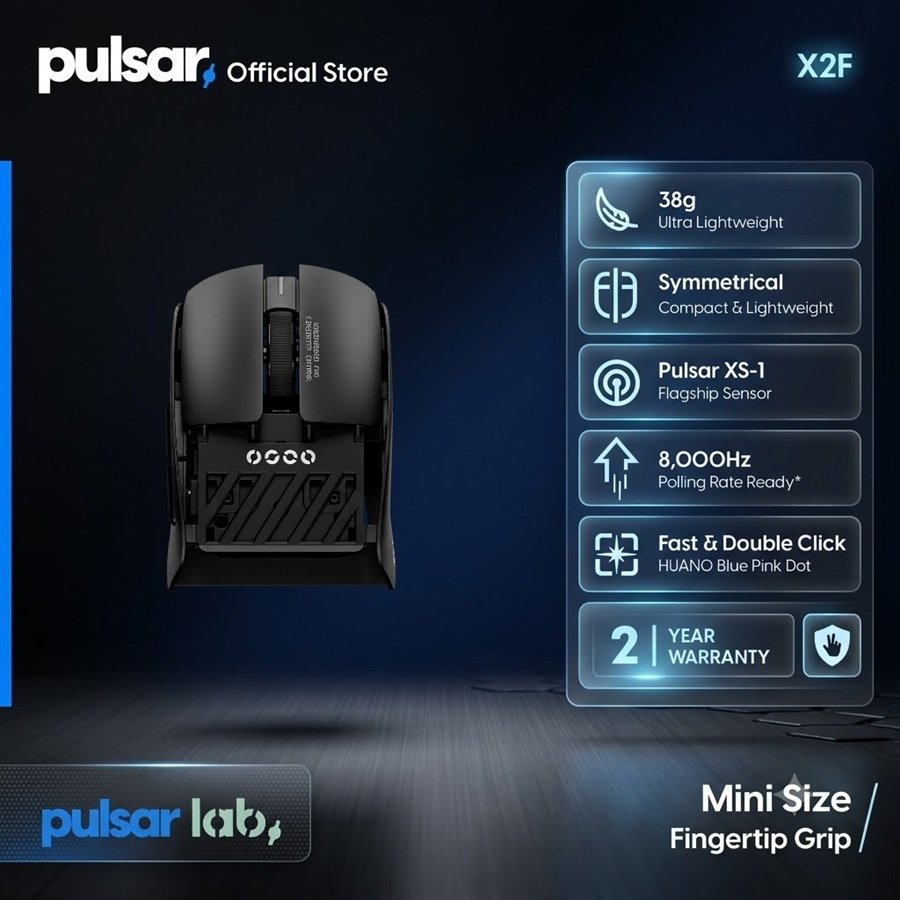
Weighing in at an extraordinary ~38 grams, powered by the flagship XS-1 sensor (Pulsar’s custom PixArt PAW3950 variant), and loaded with crisp Huano Blue Shell Pink Dot switches alongside 8K polling support, the X2F aims to redefine precision. Welcome to Gearzon’s in-depth review of this unique eSports peripheral.
Watch our unboxing, weight testing, skate installation, and hands-on overview of the Pulsar X2F.
⚙️ Quick Specifications
- ⚖️ Weight: ~38g (Averages ~40g with installed skates)
- 🖱️ Grip Type: Pure Fingertip Grip (Truncated rear body)
- 🎯 Sensor: Pulsar XS-1 (PixArt 3950 variant, up to 32,000 DPI)
- ⚡ Polling Rate: Up to 8,000Hz (Includes Pulsar 8K Dongle)
- 🔘 Main Switches: Huano Blue Shell Pink Dot Mechanical Switches
- 🔋 Battery Life: ~22 Hours continuous use at 8,000Hz
- 🔌 Charging Cable: Angled USB-C to USB-A Paracord Cable
Specs at a Glance
The quick list above covers the headline numbers. The table below adds the official size, tracking limits and box contents, as listed on Pulsar’s X2F product page.
| Spec | Pulsar LAB X2F |
|---|---|
| Weight | ±38g (1.34 oz) |
| Size (L x W x H) | 87.5 x 61.1 x 31.6 mm |
| Sensor | XS-1, up to 32,000 DPI |
| Tracking speed / acceleration | 750 IPS / 50g |
| Main switches | Huano Blue Pink Dot, rated for 80 million clicks |
| Polling rate | Up to 8,000Hz with the included 8K dongle |
| In the box | Mouse, 8K dongle, USB-C paracord cable, three sets of UHMW-PE skates |
| Battery life | Not listed by Pulsar |
| Price on Pulsar’s store | $149.95 USD |
Pulsar does not publish a battery figure on that page. The 22-hour number in this review is therefore a reading from our own review, not an official rating.
1. Ergonomics & Shell Engineering: Designed Exclusively for Fingertip Aimers
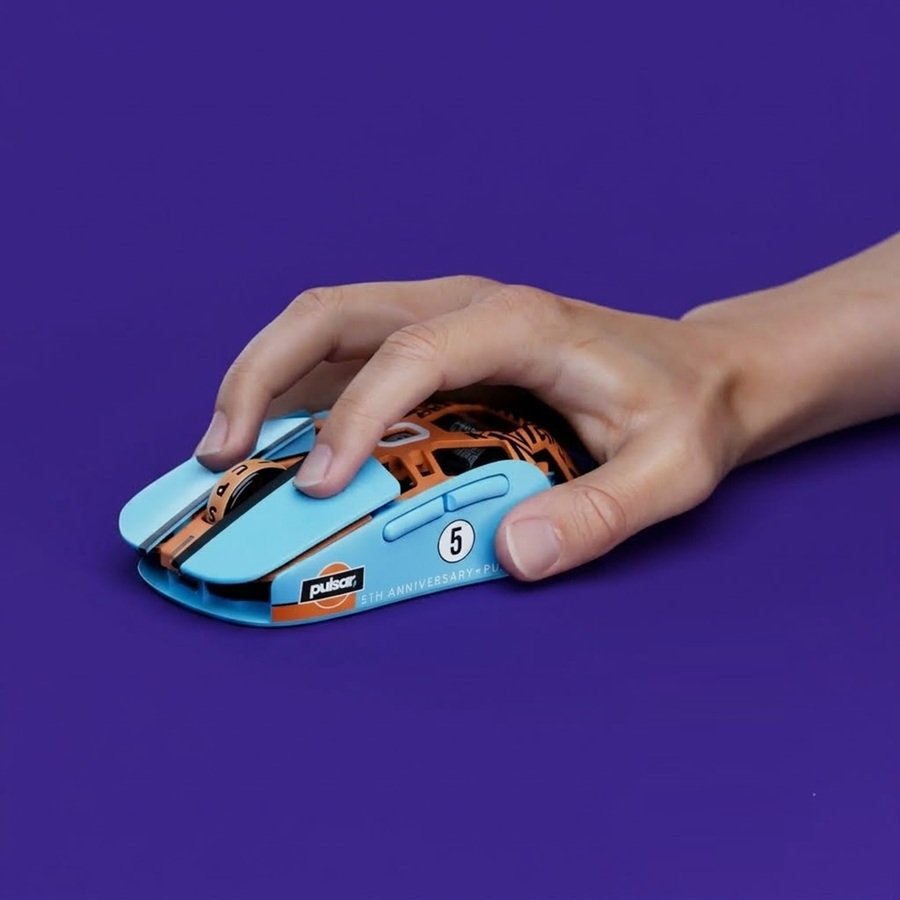
The defining characteristic of the Pulsar X2F is its completely truncated rear shape. By chopping off the palm hump, Pulsar removes all contact with the lower palm. If you use a Palm or Claw grip, this mouse is unusable by design. However, for fingertip grip loyalists, it offers unhindered wrist and finger articulation for vertical micro-adjustments.
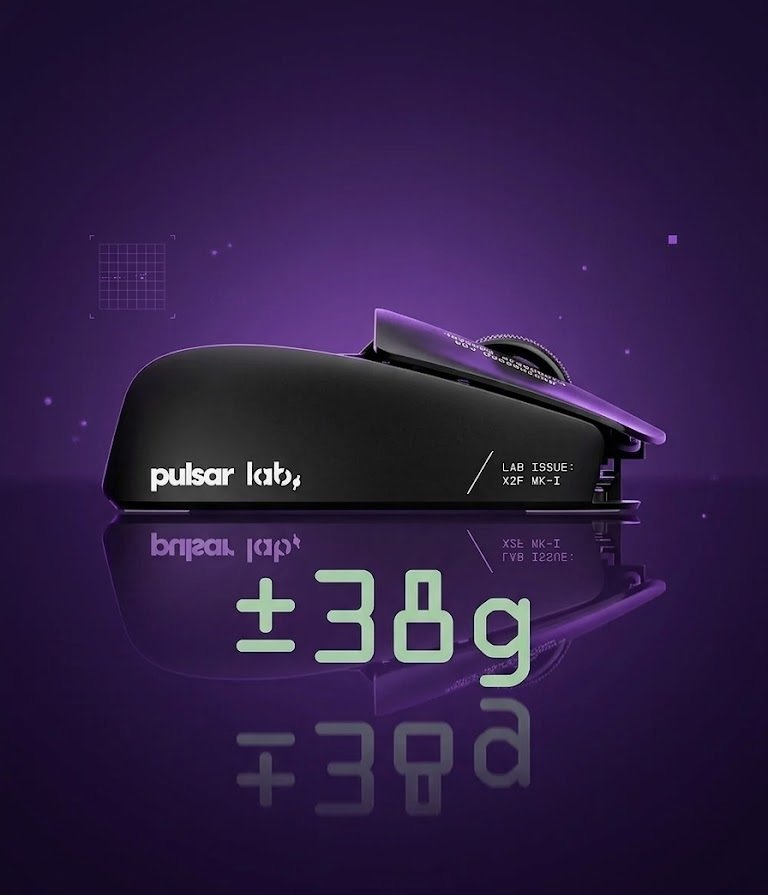
Pulsar uses a refined smooth-matte coating across the chassis. It feels soft to the touch while offering exceptional grip stability when your fingers get warm during intense competitive matches. On our scale, the mouse weighed in at 40 grams with skates applied—an amazingly low mass that drastically reduces inertia during rapid flick shots in Valorant or CS2.
2. Sensor Performance & Switch Tactility
At the core of the X2F is the **Pulsar XS-1 sensor**, built in partnership with PixArt on the flagship 3950 platform. It supports up to 32,000 DPI, offering flawless tracking accuracy, zero smoothing, and pixel-precise response across cloth and hybrid mousepads.
For primary inputs, Pulsar selected Huano Blue Shell Pink Dot switches. These mechanical switches are widely considered a gold standard among competitive aimers: they produce a crisp, tactile click with minimal pre- and post-travel, making rapid double-clicking effortless and satisfying.
3. 8,000Hz Wireless Polling & Battery Realities
Pulsar includes their dedicated 8K Wireless Dongle directly in the box with the Launch Edition. While running at an 8,000Hz polling rate reduces input latency to 0.125ms, it comes with a trade-off in battery longevity—dropping total battery life down to roughly 22 hours.
4. Unboxing, Tester Card, & Customizable PTFE Skates
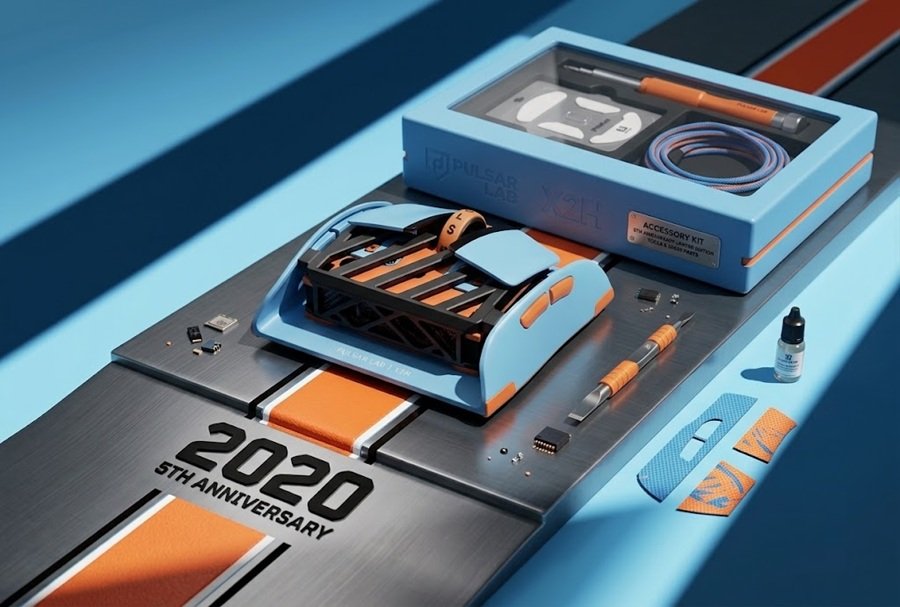
Pulsar’s attention to detail shines in the unboxing experience. The mouse is cradled in a protective styrofoam vault and includes a collector card thanking beta testers who helped refine the final chassis.
Rather than pre-installing skates, Pulsar provides multiple 100% virgin PTFE skate configurations in the package:
- Large Surface Skates: Ideal for players who want extra stopping power and friction control.
- PTFE Dot Skates: Includes three different dot sizes for users who prefer maximum glide speed and minimal pad contact.
5. Pros and Cons Summary
👍 Pros
- Extremely lightweight (~38g – 40g) tailored specifically for fingertip grip.
- Flawless XS-1 (PixArt 3950) sensor tracking up to 32,000 DPI.
- Crisp, tactile Huano Blue Shell Pink Dot mechanical switches.
- Smooth matte coating provides excellent grip during intense play.
- Bundled with 8K dongle, angled paracord cable, and versatile PTFE skates.
👎 Cons
- Exclusively designed for Fingertip Grip (unsuitable for Palm/Claw users).
- Battery life is short at 8,000Hz polling (~22 hours).
- Side button placement requires adjustment depending on hand size.
Hand Size and Shape: Who Really Fits the X2F
The X2F measures 87.5 mm long and 61.1 mm wide, according to Pulsar. That is short for a gaming mouse. Your fingertips do most of the steering, and the missing rear shell gives your palm nothing to rest on.
What an Early Beta Reviewer Found
Periview reviewed the X2F Beta in April 2025. The reviewer called the sides “very flat” with only a subtle flare at the back. They judged it best for small hands in fingertip or claw grip. A reviewer with a 21 x 10.5 cm hand reported fatigue over longer sessions.
That beta had a coating with little grip, so the reviewer added tape to the main buttons and sides. Our own review describes the retail matte coating as grippy, so treat the beta comment as history rather than a verdict. The hand-size warning still holds, though. If your hand is large, measure it before you buy.
A Nuance on Claw Grip
This review says the X2F is unusable for palm and claw grip. Palm grip is a hard no. Small-handed claw users may find it workable, because the beta reviewer rated it for that grip. Even so, it was designed for fingertip aim first. If you want a shape that suits several grips, read our gaming mouse buying guide before you commit.
Software, Polling and Lift-Off Distance
Pulsar lists a downloadable driver for the X2F. According to the manufacturer, it controls DPI, polling rate, button functions, macros, Motion Sync and lift-off distance. A retailer listing adds that the lift-off distance can be set to 2 mm, 1 mm or 0.7 mm.
Lift-off distance matters more on a fingertip mouse than on most. You lift and reposition the mouse often, so a low setting can stop the cursor from drifting mid-air. Start at 1 mm, then adjust once you know your pad.
The 8K dongle comes in the box, and Pulsar says the 8,000Hz rate needs it. The beta reviewer also noted that some testers saw tracking inconsistencies and lift-off issues at higher polling rates. That was a pre-release unit, so retail behavior may differ. Still, it supports the advice above to try 1,000Hz or 2,000Hz first.
Pulsar X2F vs Its Closest Rivals
No other mouse sits in exactly the same niche. The table below compares the X2F with three lighter or better-known options, using each maker’s own spec page.
| Mouse | Weight | Sensor | Polling | Official price |
|---|---|---|---|---|
| Pulsar LAB X2F | ±38g | XS-1, 32,000 DPI, 750 IPS | Up to 8,000Hz | $149.95 |
| Pulsar X2F CrazyLight | 29g ±2g | XS-2, 42,000 DPI, 800 IPS | Up to 8,000Hz | $149.95 |
| G-Wolves Lycan 8K (Lyan) | ~28.8g (black) | PAW3955, 750 IPS | Up to 8,000Hz | $132 (black) |
| Logitech G PRO X SUPERLIGHT 2 | 60g | HERO 2, 44,000 DPI | Up to 8kHz | $159.99 |
X2F vs the 29g CrazyLight
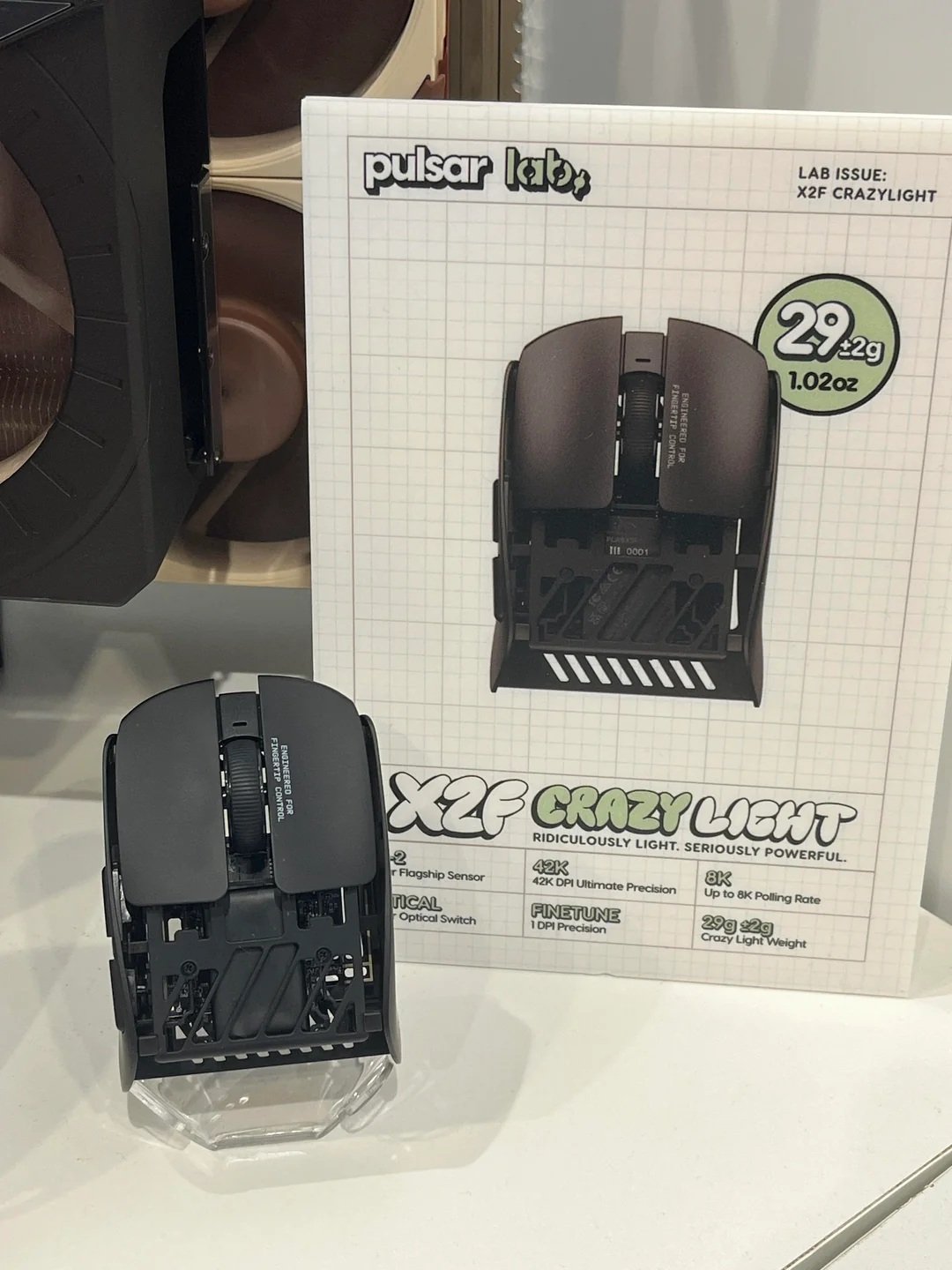
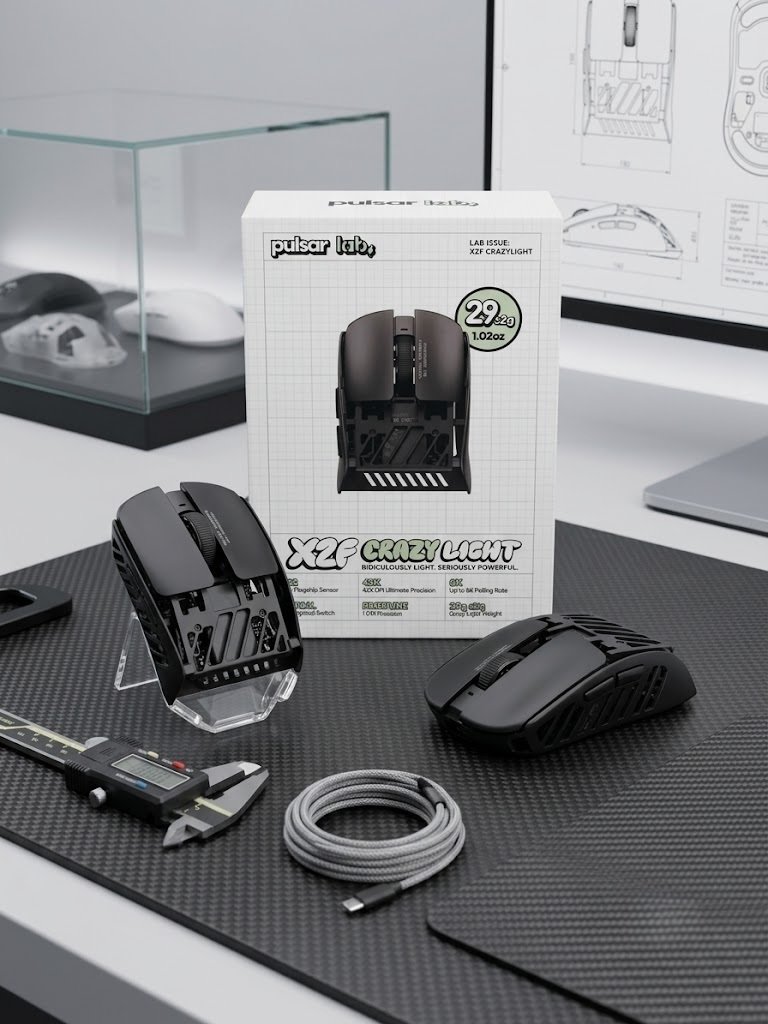
Pulsar sells a lighter sibling. The X2F CrazyLight keeps the same 87.5 x 61.1 x 31.6 mm body. It drops to 29g ±2g and swaps in the XS-2 sensor and 100-million-click optical switches. Both cost $149.95 on Pulsar’s store. If weight is your top priority, the CrazyLight is the more extreme choice, while the original uses mechanical Huano switches.
X2F vs the G-Wolves Lyan
Our G-Wolves Lyan review covers a full-size claw-grip mouse that is even lighter at about 28.8g. Its official page lists it at 119 mm long. So the two do different jobs. The Lyan suits claw grip with a hard pad, while the X2F targets pure fingertip use with a much shorter body.
X2F vs Mainstream Flagships
The Logitech G PRO X SUPERLIGHT 2 weighs 60g and lists up to 95 hours of battery life. We cover it in our SUPERLIGHT 2 review. It is a safer all-round pick, though it lacks the fingertip-only shape. Logitech’s haptic flagship is in our PRO X3 SUPERSTRIKE review. For a far heavier contrast, see our Logitech G502 HERO review. Our VXE R1S review looks at another heavier mouse with a big battery, which shows the opposite design approach.
Claw-grip fans may also like our ATK U2 V2 Ultimate review. For a palm-friendly ergonomic option, read our Lamzu Thorn V2 review.
Who Should Buy the X2F and Who Should Skip It
Buy It If
- You use a true fingertip grip and your hand is small to medium.
- You play fast, flick-heavy shooters such as Valorant or CS2.
- You want 8K polling and a flagship sensor in a very light shell.
- You are happy to swap skates and tune settings for your pad.
Skip It If
- You use a palm grip or a relaxed claw grip with a larger hand.
- You want battery life that Pulsar has officially confirmed.
- You want one mouse for work, browsing and gaming.
- You need a mouse with several grip options. A mainstream shape such as the Logitech G502 X Plus is a better fit.
One last point on value. At $149.95, the X2F costs about the same as other flagship wireless mice. You pay for specialization rather than extra features.
6. Final Verdict: Who Should Buy the Pulsar X2F?
The Pulsar X2F is a specialized eSports tool engineered for a specific style of player. By omitting the rear shell, Pulsar created one of the lightest, most agile mice on the market for fingertip aimers.
If you play competitive FPS titles using fingertip grip and want sub-40-gram speed paired with a flagship sensor, the Pulsar X2F comes with a strong recommendation from the Gearzon review team.
Ready to Elevate Your Fingertip Aim?
Check current pricing, stock availability, and shipping deals for the Pulsar X2F on Amazon.
Explore More Gaming Peripheral Reviews
Chasing the lightest possible shell? Our G-Wolves Lyan 29g review covers an even lighter rival, while our ATK U2 V2 Ultimate review looks at a claw-grip-focused alternative. For Logitech’s take on the lightweight flagship class, see our Logitech G PRO X SUPERLIGHT 2 and G502 X Plus reviews. Not sure what shape or weight class fits your grip? Our gaming mouse buying guide breaks down sensor, weight, shape, and price. For the official spec sheet, visit Pulsar’s official site.