Razer Basilisk V4 Pro Review: Is the 14-Button Ergonomic Upgrade Worth $169.99?
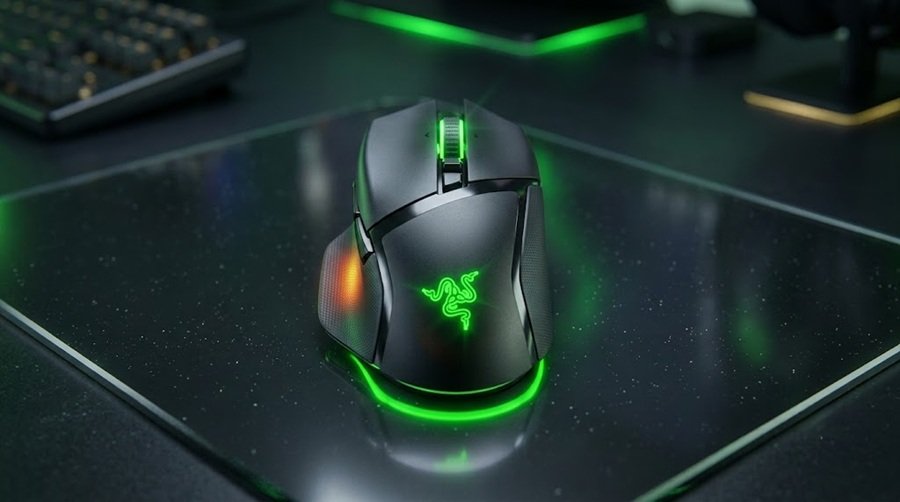
The Razer Basilisk V4 Pro is the brand’s new flagship ergonomic wireless mouse, and it arrives with a lot to talk about. You get a 50,000 DPI optical sensor, true 8,000 Hz polling, fourth-generation optical switches and 14 programmable controls. The price is $169.99, only about $10 more than the Basilisk V3 Pro 35K it replaces.
How we built this review. GearZon did not run lab tests on this mouse, and we will not pretend otherwise. This article combines three sources: Razer’s official specifications, independent coverage from outlets such as Basic Tutorials, and the hands-on findings from The Techne’s video review of the Basilisk V4 Pro. Every first-person observation below belongs to that reviewer, and we credit it each time.
The video is especially useful because it focuses on feel instead of spec sheets. It includes a scale weigh-in, caliper measurements and a heat-signature grip test. We pair those results with the official data so you can judge the mouse from both angles.
Razer Basilisk V4 Pro Specs and Quick Verdict
⚙️ Quick Specifications
Full specs table
| Spec | Razer Basilisk V4 Pro |
|---|---|
| Shape | Right-handed ergonomic |
| Weight | 100 g (black), 101 g (white) per Razer’s figures; 99.4 g on the reviewer’s scale |
| Dimensions | 130 × 75.1 × 42.5 mm |
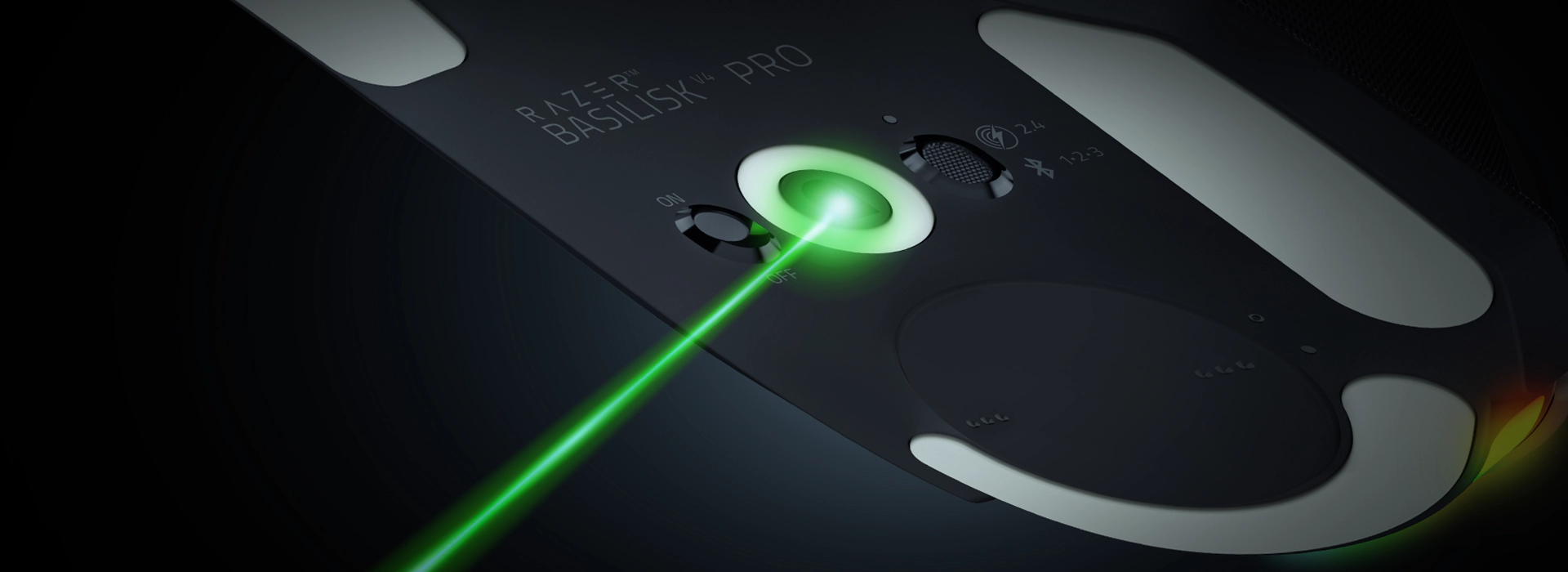
| Sensor | Razer Focus Pro 50K Optical Gen-3 (50,000 DPI, 930 IPS, 90 G) |
| Polling rate | Up to 8,000 Hz, wired and wireless |
| Switches | Razer Optical Mouse Switches Gen-4, rated for 100 million clicks |
| Controls | 14 programmable controls |
| Scroll wheel | HyperScroll Tilt Wheel Gen-2 (4-way tilt, free-spin, 24-step, 48-step, Smart-Reel) |
| Connectivity | HyperSpeed Wireless Gen-2, Bluetooth 6.2, wired USB-C |
| Battery | Up to 200 hours (HyperSpeed, 1,000 Hz); up to 275 hours (Bluetooth) |
| Lighting | 7-zone Chroma RGB with underglow |
| Charging extras | Compatible with Razer’s wireless charging accessories (sold separately) |
| Price | $169.99 |
The Good and The Bad
👍 The Good
- ✔ Under 100 g in the reviewer’s measurement, 12 g lighter than the V3 Pro 35K
- ✔ 50K sensor and native 8,000 Hz polling
- ✔ 14 controls, including a third side button
- ✔ Up to 200 hours of battery at 1,000 Hz
- ✔ Tilt wheel with several scroll modes
👎 The Bad
- ✘ Premium price at $169.99
- ✘ The new top button is a stretch with a relaxed claw grip
- ✘ Wireless charging dock is a separate purchase
- ✘ Right-handed only, and a mid-size shape that may feel small
- ✘ Fewer RGB zones than the older V3 Pro 35K
if you like ergonomic mice and want more buttons, this is the strongest Basilisk yet. If you already own a V3 Pro and play mostly slow-paced games, the upgrade is optional.
What Changed From the Basilisk V3 Pro 35K
The Basilisk V4 Pro keeps the familiar silhouette. Under the shell, almost everything has moved forward. The sensor jumps to the Focus Pro 50K Gen-3, the switches move to Gen-4 optical, and polling reaches 8,000 Hz on both wired and wireless connections.
Basic Tutorials lists the weight at roughly 12 g below the V3 Pro 35K’s 112 g. It also notes that the palm rest is flatter and the rubber thumb panel has been redesigned. The battery rating improves too, from 140 hours to 200 hours on the 2.4 GHz connection.
| Feature | Basilisk V3 Pro 35K | Basilisk V4 Pro |
|---|---|---|
| Weight | About 112 g | 100 g (about 12 g lighter) |
| Sensor | 35K optical | Focus Pro 50K Gen-3 |
| Switches | Previous-generation optical | Gen-4 optical, rated for 100 million clicks |
| Battery (2.4 GHz, 1,000 Hz) | Up to 140 hours | Up to 200 hours |
| Battery (Bluetooth) | Up to 210 hours | Up to 275 hours |
| RGB zones | 13 | 7 |
| Launch price | $159.99 | $169.99 |
The reviewer in the video says he is not a spec-first person. His headline finding is that the buttons are the biggest and most noticeable difference. We agree that the extra controls change how the mouse feels in daily use more than any spec-sheet number does.
Design, Weight and Shape
Weight in the hand
On the reviewer’s scale, the Basilisk V4 Pro landed at 99.4 g. That is just under the 100 g mark, and it is almost exactly what Razer claims. He points out that the Basilisk line has never been about ultralight weight. In an ergonomic shape that you hold with a relaxed grip, the number matters less than the way the mouse fills your hand.
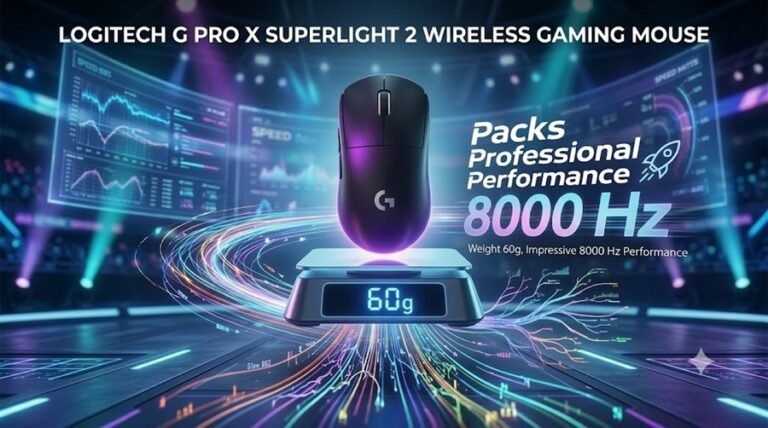
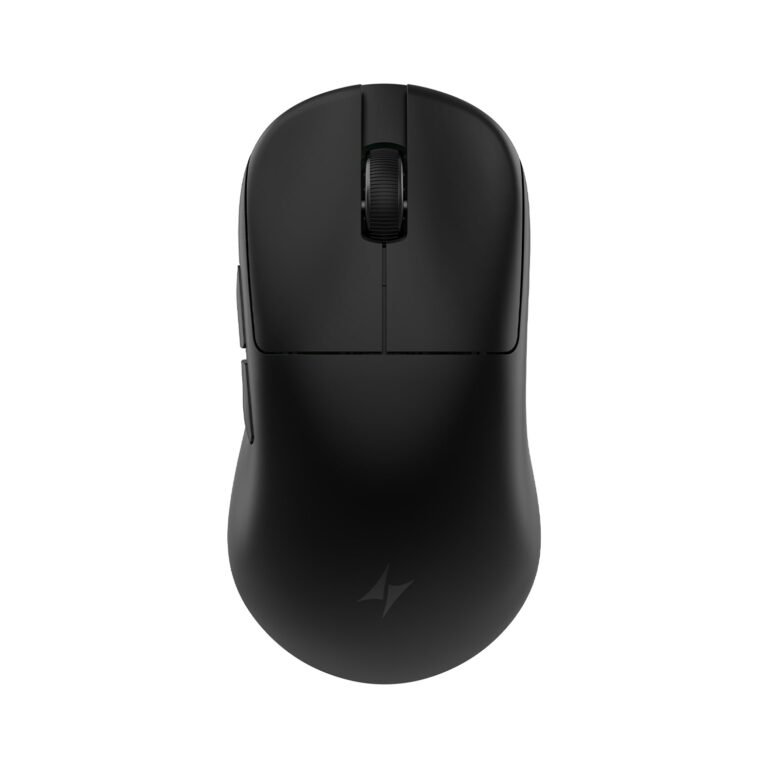
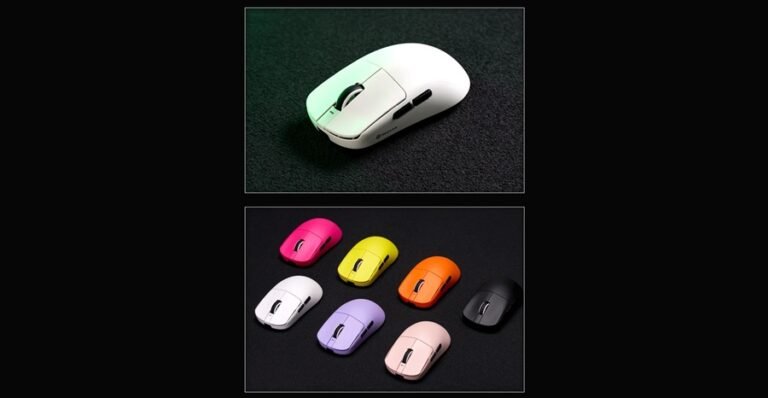
If you want a truly light shape, look at the Logitech G Pro X Superlight 2 or the Pulsar X2F. Those mice target a different buyer, and the Basilisk is not trying to compete with them on grams.
Caliper measurements
The reviewer measured the mouse with calipers. He admits that the Basilisk is a tricky mouse to measure because of the cutout at the front and the sweeping hump. Here are his rough numbers:
- Length: around 126 mm, give or take (Razer lists 130 mm).
- Core width by the buttons: about 63 mm.
- Width including the thumb ledge: about 73 mm.
- Front width: about 57 mm, with the back near 63 mm.
- Thumb ledge height: roughly 6 mm.
- Hump height: around 41.5 mm.
The only measurement he really cares about is the core width where you grip, which sits near 62 mm. As he says himself, the shape has not changed much from earlier Basilisks. If you know that shape, you already know what to expect.
The heat-signature grip test
This is the most interesting part of the video. The reviewer warms his hand, grips the cold mouse in his usual relaxed claw, and then lets go to reveal where his skin actually touched. The result is clear. His palm does not reach the back of the shell, and his thumb rests on the ledge and the inner edge near the buttons.
In other words, the Basilisk V4 Pro locks onto your thumb and fingers instead of your whole palm. He describes it as a good handful, though not a full palm grip. The shape suits a relaxed claw or a loose fingertip style better than a flat palm grip.
Is it too small?
Here comes the one real complaint. The reviewer says the mouse is not small, yet he wishes Razer would build a Basilisk in the DeathAdder shape, a plumper and larger body. Over long sessions, he noticed some discomfort in his pinky finger. A younger tester with smaller hands loved the shape, so medium and smaller hands should feel right at home.
Pay attention to your own hand size before buying. If you prefer a bigger body, the Lamzu Thorn V2 is another ergonomic option worth a look.
Buttons and the HyperScroll Tilt Wheel
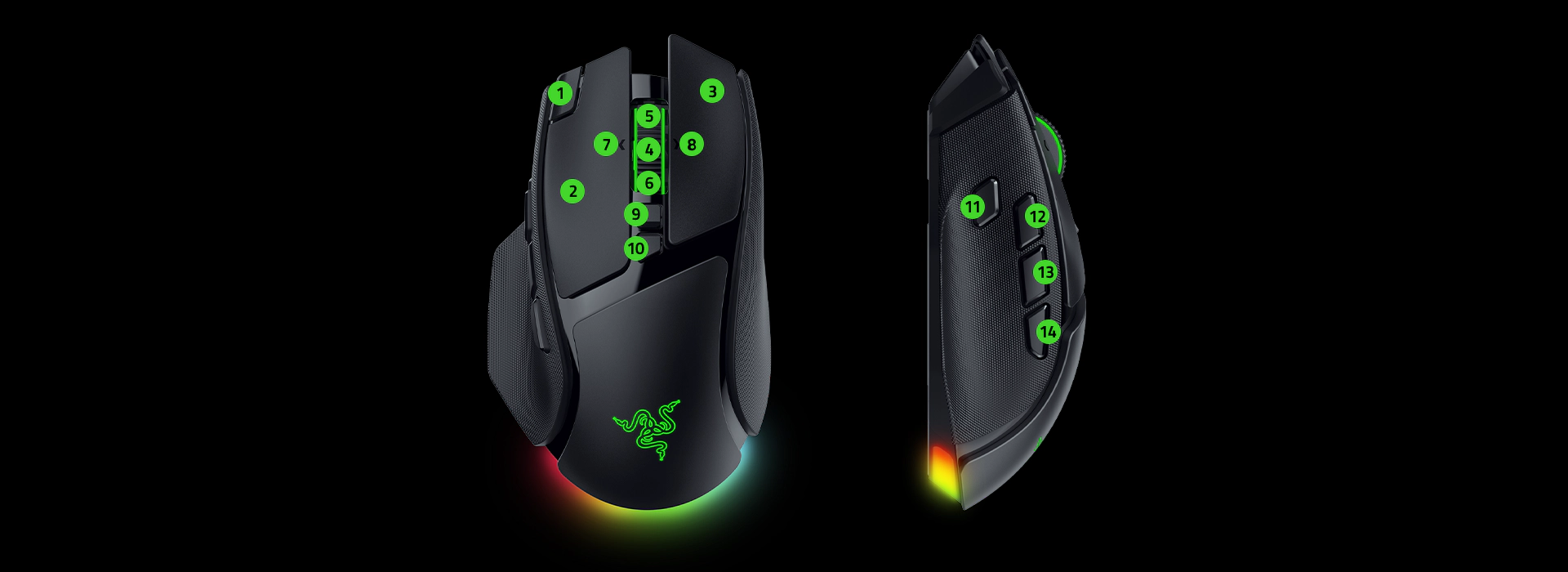
14 controls, explained
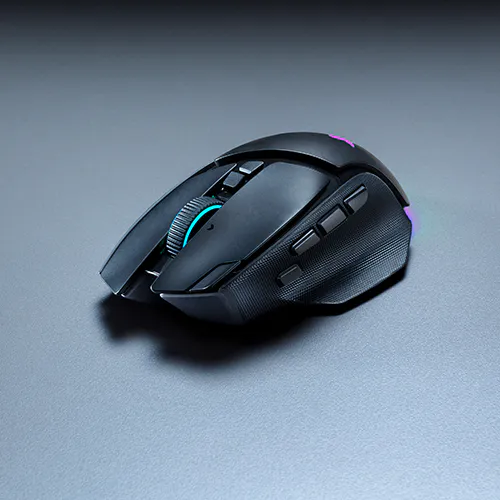
The control layout is the real headline. Compared with the old model, the Basilisk V4 Pro adds a third side button and a new top-edge button. The front trigger has also changed. It used to behave like a paddle, and now it works as a more traditional button.
The three side buttons are not identical in feel. The first and second stick out slightly, while the middle one sits recessed. That design lets you find each button by touch, even in the middle of a firefight.
How the reviewer mapped them
In shooters such as Battlefield, the reviewer uses the two outer side buttons for slide and melee. He assigns the top button to ping, which works well in Rainbow Six or Battlefield. The scroll wheel still handles grenades.
He rarely used the front button. With his grip, he had to reach forward to hit it. He also pressed one of the other buttons by accident now and then. Reaching the top button meant stretching his hand, so he suggests that a different button position could be easier. That remark is personal preference, and your grip may differ.
Tilt wheel modes
The HyperScroll Tilt Wheel Gen-2 supports free-spin, 24-step Tactile, 48-step Precision Tactile and a Smart-Reel mode that switches between them. Basic Tutorials praised Precision Tactile for hotbar switching and Smart-Reel for office work.
The video reviewer disagrees on one point. He found Precision Tactile too soft and caught himself making miswipes in games. He kept the traditional tactile mode instead. The nice part is that you can pick the mode that fits you, and you can assign a button to cycle through them.
Software: Razer Synapse 4
The mouse uses Razer Synapse 4 for configuration. The reviewer did not go through every menu, and neither will we. Instead, here are the settings that matter most:
- Button mapping and profiles: the reviewer assigned a button to switch profiles for Battlefield and Rainbow Six instead of changing DPI.
- Scroll modes: choose between free-spin, tactile and precision tactile, and set the Smart-Reel behavior.
- Performance: adjust DPI, polling rate and smart calibration. He plays at 1,600 DPI here, compared with about 1,300 on most other mice.
- Lighting: he keeps RGB around 25% brightness and turns off smart dimming.
- Power saving: adjustable sleep modes help conserve battery.
- Advanced options: dynamic sensitivity, angle rotation and Perfect 180 for quick turns.
Basic Tutorials adds that Synapse 4 also handles macros, Hypershift, five onboard profiles and automatic polling-rate switching. It ran smoothly without noticeably taxing the system.
Performance: Sensor, Polling Rate and Real Gameplay
Sensor and tracking
Razer claims 99.8% tracking accuracy from the Focus Pro 50K Gen-3 sensor. The reviewer has a simple verdict on performance: it is solid. He saw no hiccups, delays, stutter or lag. Basic Tutorials reports the same clean tracking with no angle snapping or erratic movement, even at high sensitivity.
We should be honest here. Most modern flagship mice from big brands track flawlessly. Most players will not feel the difference between 35K and 50K DPI in real play. Treat the headline DPI figure as a marketing number and the lower latency and cleaner switches as the real gains.
4,000 Hz or 8,000 Hz?
The reviewer runs the mouse at 4,000 Hz and skips 8,000 Hz. He feels it adds unnecessary strain on the PC. That choice also saves battery. Razer rates the battery at up to 200 hours at 1,000 Hz. At 8,000 Hz, Basic Tutorials cites Razer’s figure of roughly 54 hours.
Our advice is simple. Start at 1,000 Hz or 2,000 Hz, and try higher settings only if your PC and game support them. Competitive players with a strong CPU may enjoy 8,000 Hz. Everyone else can leave it alone.
Using it with a glass mousepad
The reviewer paired the mouse with a thin glass pad, and he thinks the combination suits a heavier mouse. A light mouse can feel slippery on glass. This one has enough weight to stay controlled.
If you want to compare how a well-known rival handles performance and shape, our SteelSeries vs Razer comparison is a helpful read.
Which games suit it?
The reviewer thinks the shape is fine for slower-paced games, but he warns about reaching the top button in fast FPS action. For tactical shooters and battle royales, the 14 controls help a lot. For pure aim trainers, lighter mice such as the ATK U2 V2 or the ATK RS6 Ultra may suit you better.
Battery Life, Connectivity and Charging
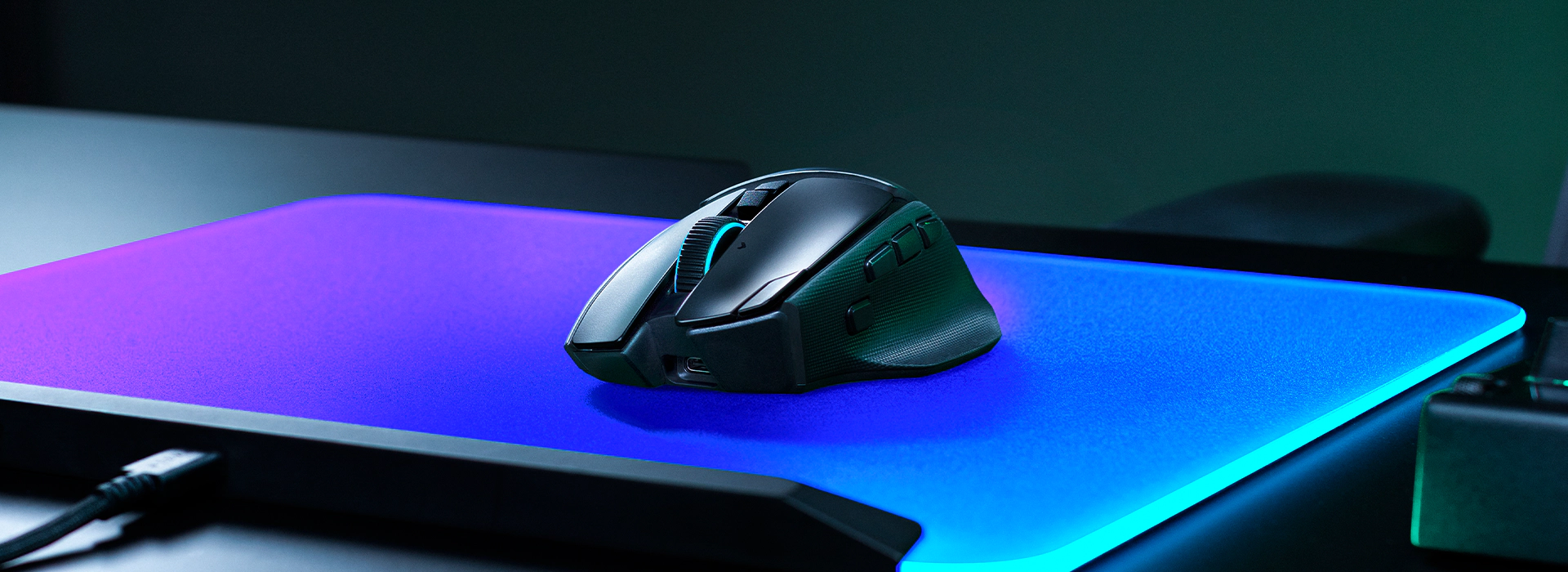
Razer rates the Basilisk V4 Pro for up to 200 hours over HyperSpeed Wireless Gen-2 at 1,000 Hz. Bluetooth 6.2 stretches that to 275 hours. The mouse can pair with up to five devices in total, counting the dongle, wired mode and up to three Bluetooth connections.
These numbers come from Razer, and we have not verified them. Basic Tutorials did not drain the mouse completely, but it estimated one to two weeks for an average user.
The charging accessories
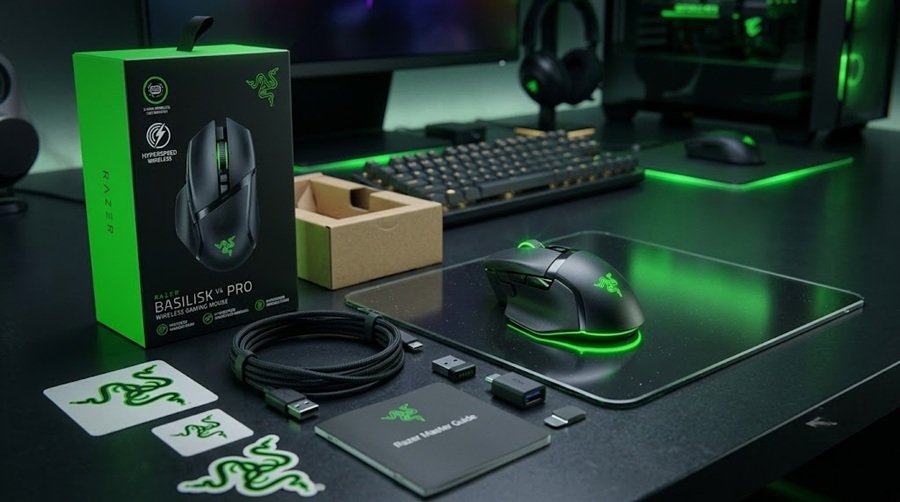
In the box, you get a braided USB-C cable, a wireless dongle and a small adapter that plugs into the cable. The reviewer also noted that the box mentions compatibility with the Razer Mouse Dock and the HyperFlux V2 system, which lets you skip charging cables altogether. Razer’s own page says you need to buy these accessories separately.
The matching Mouse Dock V2 Pro costs $69.99 and offers magnetic wireless charging with an integrated 8,000 Hz transceiver. That accessory plays a big part in the reviewer’s final opinion. If you want a never-charge setup, factor in the extra money.
Price, Alternatives and How It Compares
Razer prices the Basilisk V4 Pro at $169.99. The cheaper Basilisk V4 HyperSpeed costs $109.99 and cuts down the hardware, with a 33K sensor and 12 programmable buttons. The Mouse Dock V2 Pro adds another $69.99.
The reviewer makes a sensible point about value. The V4 Pro costs about $10 more than the Basilisk V3 Pro 35K, which is not much for the upgrades you get. At the same time, older Basilisk models are on deep discount right now. If you do not need the extra buttons or the newer switches, a discounted V3 Pro is a great deal.
Other mice to consider
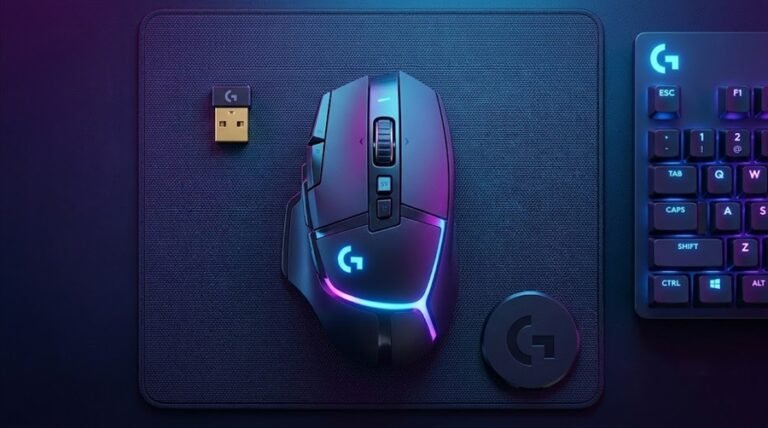
- Logitech G502 Hero is the long-running classic with a similar button-heavy shape.
- Logitech G502 X Plus is the wireless successor with RGB lighting.
- Logitech G Pro X3 Lightspeed and the Pro X3 Superstrike are lightweight esports picks.
- VXE R1S is a wireless option with strong specs, though it is heavier than rivals.
- G-Wolves Lyan is another lightweight alternative we have covered.
Not sure which style fits you? Our gaming mouse buying guide explains grip type, weight, sensor and switches in plain language. You can also browse every review in our mice and mousepads section.
Verdict: Who Should Buy the Razer Basilisk V4 Pro?
The Basilisk V4 Pro is a confident evolution. It is lighter than its predecessor and has a newer sensor and switches. It also adds three more controls and a smarter scroll wheel. The reviewer calls it his favorite Basilisk yet, mainly because of the extra buttons.
Buy it if you:
- Want an ergonomic right-handed shape with many programmable buttons.
- Grip with a relaxed claw or a loose fingertip style.
- Like tactical shooters, battle royales or MMOs that reward extra inputs.
- Plan to add the dock and enjoy a charge-free setup.
Skip it if you:
- Need a symmetrical or left-handed mouse.
- Prefer a very large body that fills a full palm grip.
- Already own a V3 Pro 35K and play slower-paced games.
- Want the lowest weight for fast aim-heavy play.
Our summary: the Basilisk V4 Pro earns a score of 8.8 out of 10. It loses points for the price, the reach to the top button and the separate dock. For right-handed gamers who want the most capable ergonomic Razer ever made, it is an easy recommendation.
Frequently Asked Questions (FAQ)
How much does the Razer Basilisk V4 Pro cost?
The Razer Basilisk V4 Pro starts at $169.99 in the United States. That is about $10 more than the Basilisk V3 Pro 35K. The cheaper Basilisk V4 HyperSpeed costs $109.99.
How much does the Basilisk V4 Pro weigh?
Razer lists it at about 100 g for the black model and 101 g for the white one. In The Techne’s video, the reviewer measured 99.4 g on a scale. That makes it roughly 12 g lighter than the V3 Pro 35K.
What is the battery life of the Basilisk V4 Pro?
Razer rates it at up to 200 hours over HyperSpeed Wireless Gen-2 at 1,000 Hz, and up to 275 hours over Bluetooth. Higher polling rates drain the battery faster, and Basic Tutorials cites about 54 hours at 8,000 Hz.
Is the Basilisk V4 Pro good for FPS games?
Yes, with a few caveats. The sensor and switches are excellent, and the extra buttons help with slides, melee and pings. The reviewer found the top button a long reach and prefers a bigger shape, so try a similar grip first if you can.
Should I use 8,000 Hz polling?
Most players do not need it. The reviewer plays at 4,000 Hz because 8,000 Hz adds PC strain and drains the battery. Start low and raise it only if your system handles it well.
Is the Basilisk V4 Pro worth upgrading from the V3 Pro 35K?
It is worth it if you want the extra buttons, lower weight and better battery. If you play slower games and the V3 Pro already suits you, a discounted V3 Pro is better value.