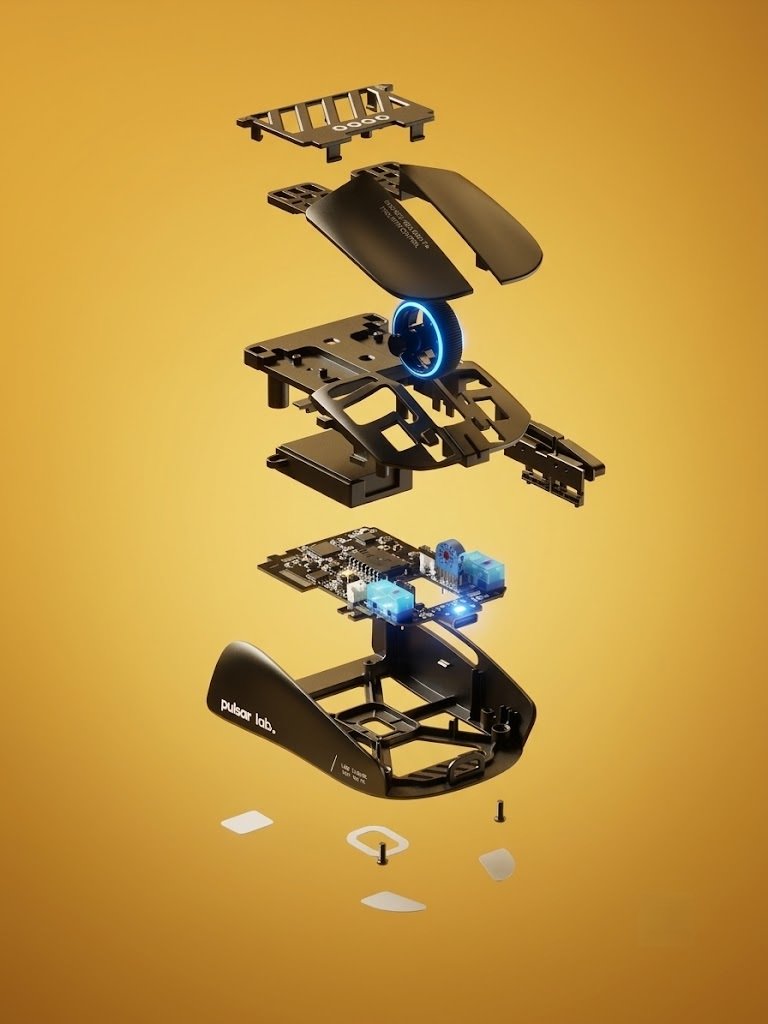
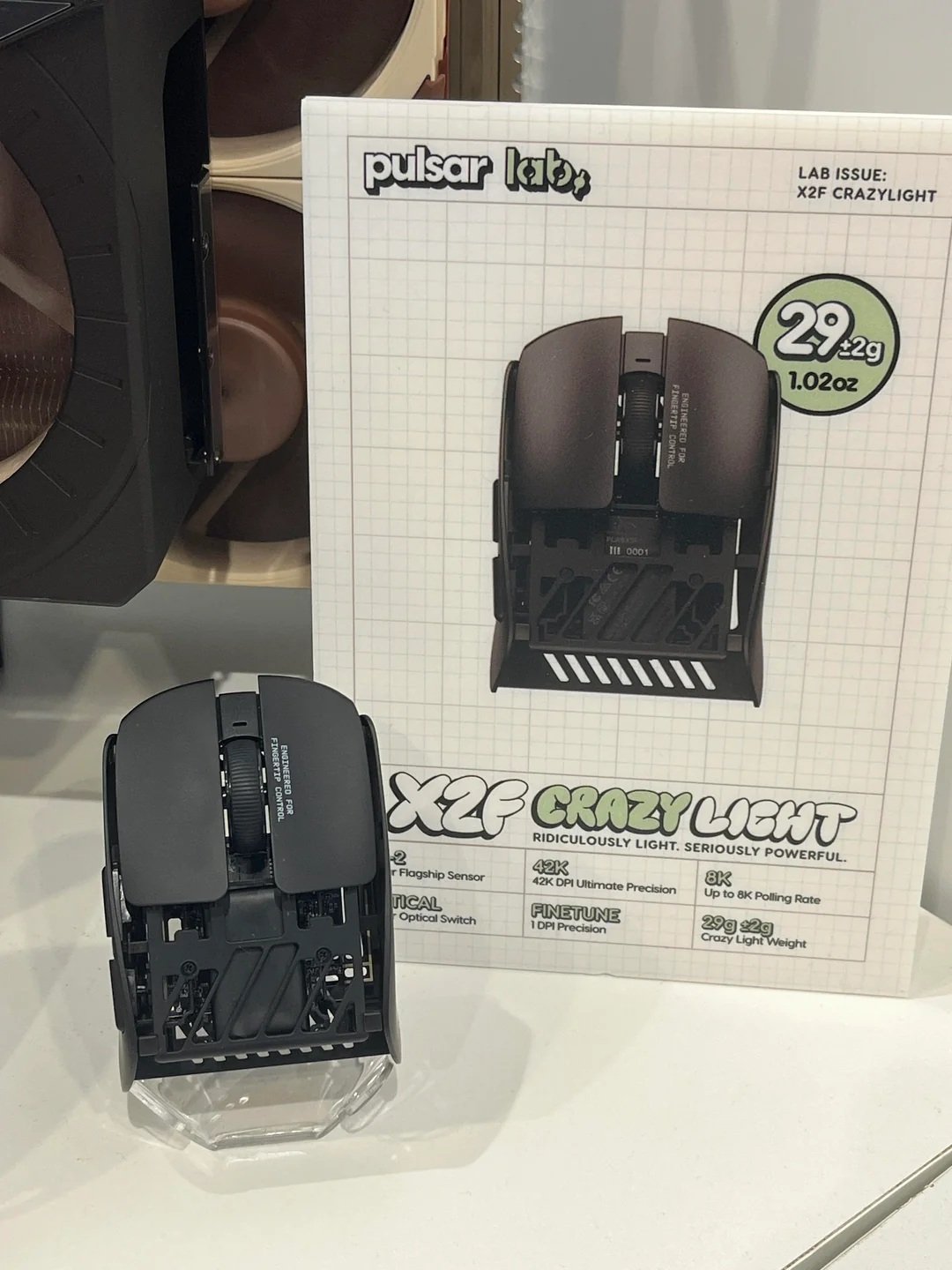
If you are a competitive FPS player who utilizes a dedicated Fingertip Grip, traditional gaming mice carry unnecessary bulk and weight at the back. Engineered directly under the experimental Pulsar Labs project, the Pulsar X2F strips away the entire rear shell to create an ultra-lightweight, high-precision instrument built purely for fingertip aimers.
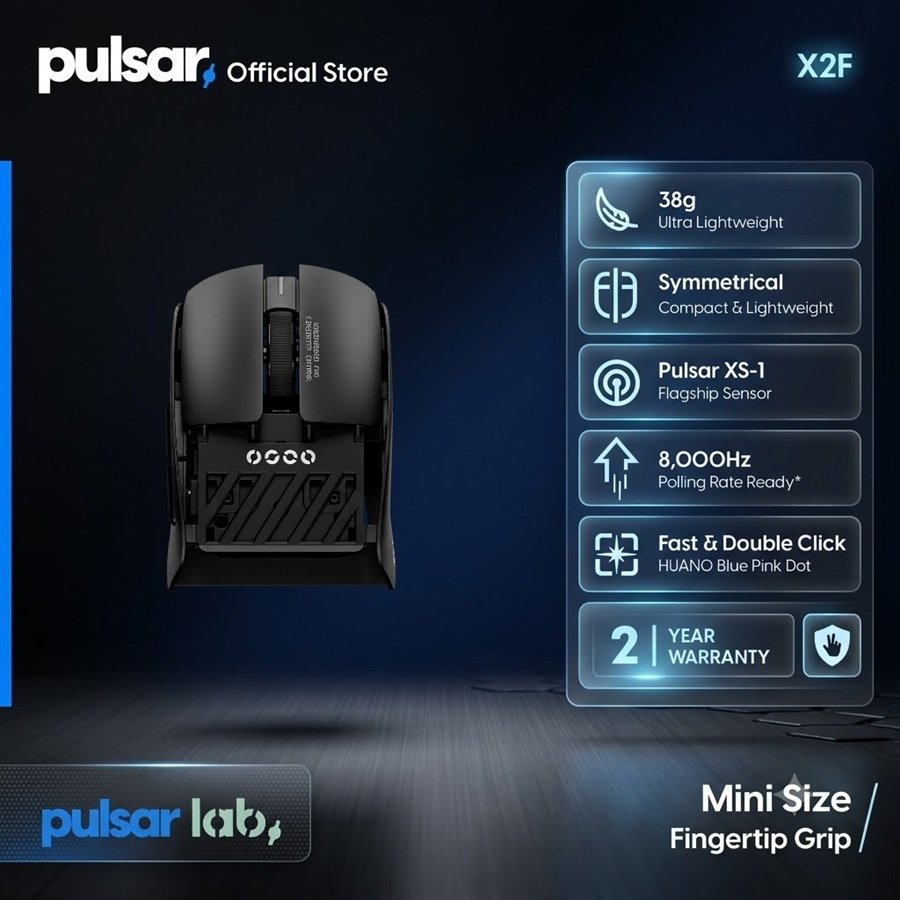
Weighing in at an extraordinary ~38 grams, powered by the flagship XS-1 sensor (Pulsar’s custom PixArt PAW3950 variant), and loaded with crisp Huano Blue Shell Pink Dot switches alongside 8K polling support, the X2F aims to redefine precision. Welcome to Gearzon’s in-depth review of this unique eSports peripheral.
Watch our unboxing, weight testing, skate installation, and hands-on overview of the Pulsar X2F.
⚙️ Quick Specifications
- ⚖️ Weight: ~38g (Averages ~40g with installed skates)
- 🖱️ Grip Type: Pure Fingertip Grip (Truncated rear body)
- 🎯 Sensor: Pulsar XS-1 (PixArt 3950 variant, up to 32,000 DPI)
- ⚡ Polling Rate: Up to 8,000Hz (Includes Pulsar 8K Dongle)
- 🔘 Main Switches: Huano Blue Shell Pink Dot Mechanical Switches
- 🔋 Battery Life: ~22 Hours continuous use at 8,000Hz
- 🔌 Charging Cable: Angled USB-C to USB-A Paracord Cable
1. Ergonomics & Shell Engineering: Designed Exclusively for Fingertip Aimers
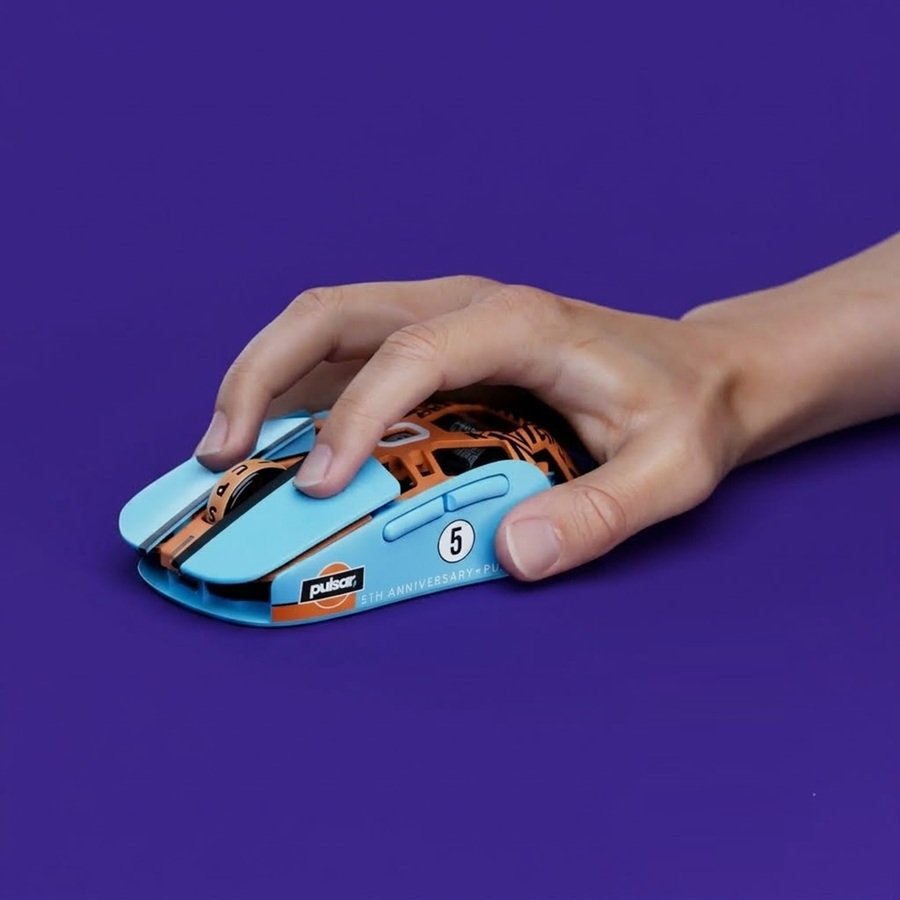
The defining characteristic of the Pulsar X2F is its completely truncated rear shape. By chopping off the palm hump, Pulsar removes all contact with the lower palm. If you use a Palm or Claw grip, this mouse is unusable by design. However, for fingertip grip loyalists, it offers unhindered wrist and finger articulation for vertical micro-adjustments.
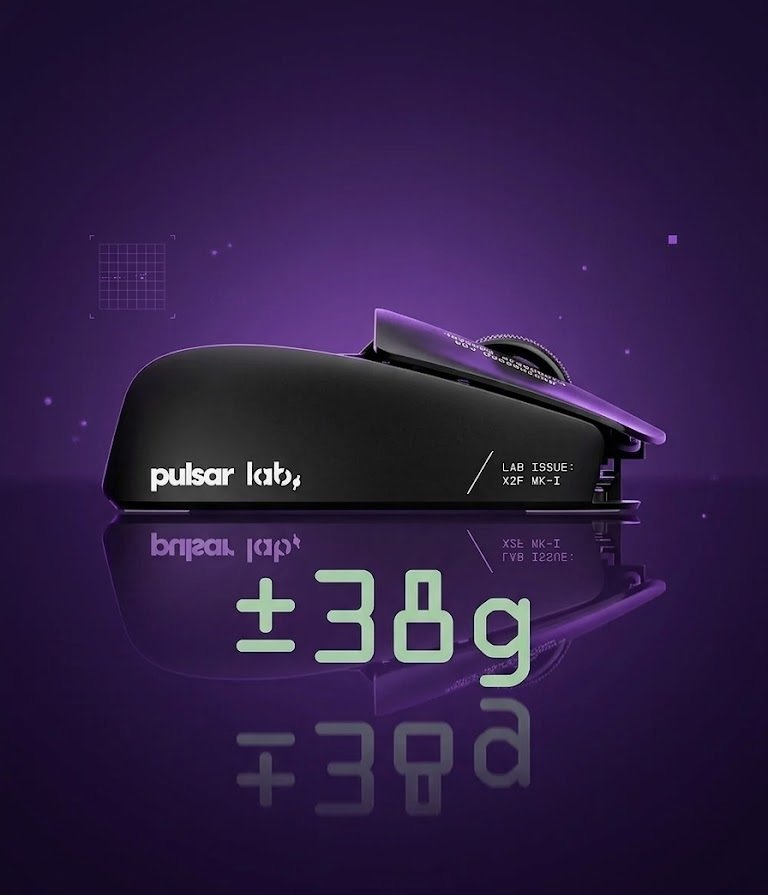
Pulsar uses a refined smooth-matte coating across the chassis. It feels soft to the touch while offering exceptional grip stability when your fingers get warm during intense competitive matches. On our scale, the mouse weighed in at 40 grams with skates applied—an amazingly low mass that drastically reduces inertia during rapid flick shots in Valorant or CS2.
2. Sensor Performance & Switch Tactility
At the core of the X2F is the **Pulsar XS-1 sensor**, built in partnership with PixArt on the flagship 3950 platform. It supports up to 32,000 DPI, offering flawless tracking accuracy, zero smoothing, and pixel-precise response across cloth and hybrid mousepads.
For primary inputs, Pulsar selected Huano Blue Shell Pink Dot switches. These mechanical switches are widely considered a gold standard among competitive aimers: they produce a crisp, tactile click with minimal pre- and post-travel, making rapid double-clicking effortless and satisfying.
3. 8,000Hz Wireless Polling & Battery Realities
Pulsar includes their dedicated 8K Wireless Dongle directly in the box with the Launch Edition. While running at an 8,000Hz polling rate reduces input latency to 0.125ms, it comes with a trade-off in battery longevity—dropping total battery life down to roughly 22 hours.
4. Unboxing, Tester Card, & Customizable PTFE Skates
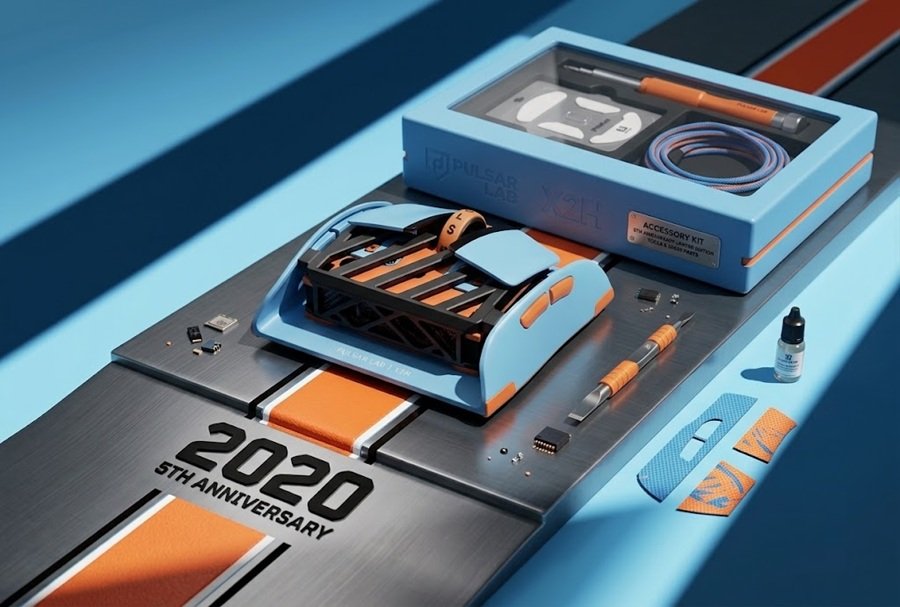
Pulsar’s attention to detail shines in the unboxing experience. The mouse is cradled in a protective styrofoam vault and includes a collector card thanking beta testers who helped refine the final chassis.
Rather than pre-installing skates, Pulsar provides multiple 100% virgin PTFE skate configurations in the package:
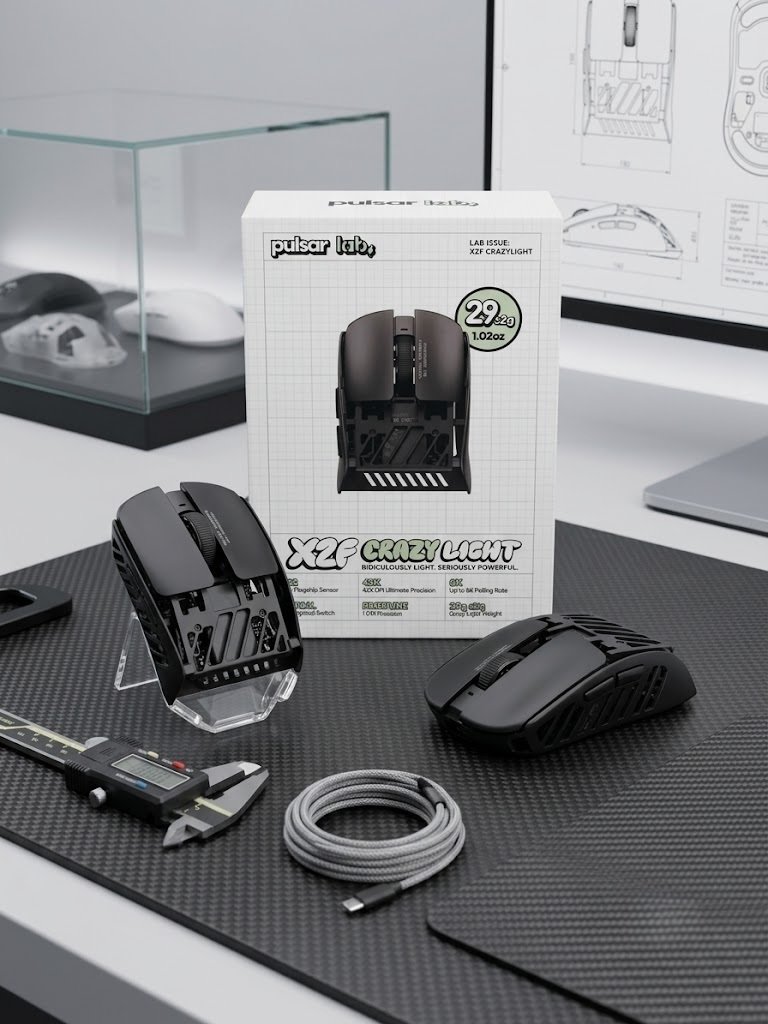
- Large Surface Skates: Ideal for players who want extra stopping power and friction control.
- PTFE Dot Skates: Includes three different dot sizes for users who prefer maximum glide speed and minimal pad contact.
5. Pros and Cons Summary
👍 Pros
- Extremely lightweight (~38g – 40g) tailored specifically for fingertip grip.
- Flawless XS-1 (PixArt 3950) sensor tracking up to 32,000 DPI.
- Crisp, tactile Huano Blue Shell Pink Dot mechanical switches.
- Smooth matte coating provides excellent grip during intense play.
- Bundled with 8K dongle, angled paracord cable, and versatile PTFE skates.
👎 Cons
- Exclusively designed for Fingertip Grip (unsuitable for Palm/Claw users).
- Battery life is short at 8,000Hz polling (~22 hours).
- Side button placement requires adjustment depending on hand size.
6. Final Verdict: Who Should Buy the Pulsar X2F?
The Pulsar X2F is a specialized eSports tool engineered for a specific style of player. By omitting the rear shell, Pulsar created one of the lightest, most agile mice on the market for fingertip aimers.
If you play competitive FPS titles using fingertip grip and want sub-40-gram speed paired with a flagship sensor, the Pulsar X2F comes with a strong recommendation from the Gearzon review team.
Ready to Elevate Your Fingertip Aim?
Check current pricing, stock availability, and shipping deals for the Pulsar X2F on Amazon.
Explore More Gaming Peripheral Reviews
Looking for competitive mouse comparisons, mechanical keyboards, and gaming gear guides? Visit Gearzon for expert technical reviews!