Dell Alienware AW3426DW Review: 280Hz QD-OLED Beats 360Hz Rivals?
Until recently, accessing the latest 2026 generation of Quantum Dot OLED (QD-OLED) ultrawide panels required dropping $1,000 or more on 360Hz flagship displays. The Dell Alienware AW3426DW changes the game completely. By adjusting the peak refresh rate to a blazing-fast 280Hz while retaining the exact same upgraded 2026 QD-OLED glass, Dell delivers high-end visual performance at an accessible $800 USD price point.
Equipped with a true RGB stripe subpixel layout, 1,300 nits HDR peak brightness, Dolby Vision support, and factory-calibrated color accuracy, this 34-inch curved ultrawide sets a benchmark for value. In this comprehensive Gearzon review, we break down why the AW3426DW represents Dell’s biggest ultrawide upgrade yet.
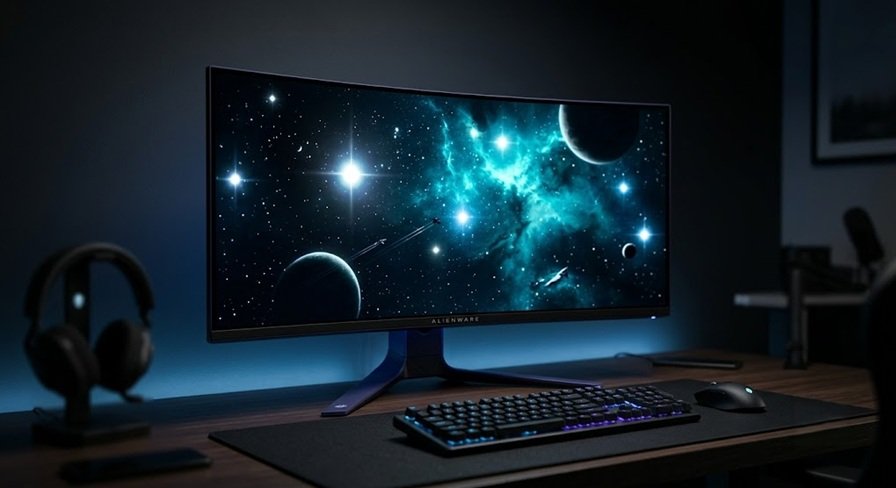
Watch the detailed technical breakdown, color testing, and gaming benchmarks of the AW3426DW.
⚙️ Quick Specifications
- 🖥️ Screen Size & Resolution: 34-inch Curved Ultrawide (3440 x 1440 UWQHD)
- 🌈 Panel Type: 2026 Gen QD-OLED (V-Stripe RGB Subpixel Layout)
- ⚡ Refresh Rate: 280Hz with Adaptive-Sync / G-Sync Compatibility
- ⏱️ Response Time & Lag: 0.03ms GTG / 0.5ms Ultra-low Processing Delay
- 🔆 Peak Brightness: 1300 nits (HDR Peak 1300) / 313 nits (Full-screen SDR)
- 🎨 Color Gamut: 98% DCI-P3 / 77.5% Rec. 2020
- 🔌 Inputs: 1x DisplayPort 1.4 (DSC), 2x HDMI 2.1 (48Gbps), 2-port USB 5Gbps Hub
- 🛡️ Warranty: 3-Year Factory Burn-in Protection Warranty
1. 2026 RGB Stripe Subpixel Layout: Text Clarity Fixed
The single most important upgrade introduced in the 2026 QD-OLED panel family is the shift away from the legacy triangular RGB subpixel layout to a traditional V-Stripe RGB layout. Previous QD-OLED generations suffered from noticeable magenta/green color fringing around text and fine desktop elements.
With the V-Stripe RGB layout matching standard LCD pixel structures, text rendering on the AW3426DW is crisp and clean. Browsing web pages, coding, and reading documents at 3440×1440 resolution now looks virtually identical to an LCD monitor of equivalent pixel density. Additionally, the screen surface coating hardness has been upgraded from 2H to a 3H rating, making it vastly more scratch-resistant and easier to wipe clean without leaving micro-scratches.
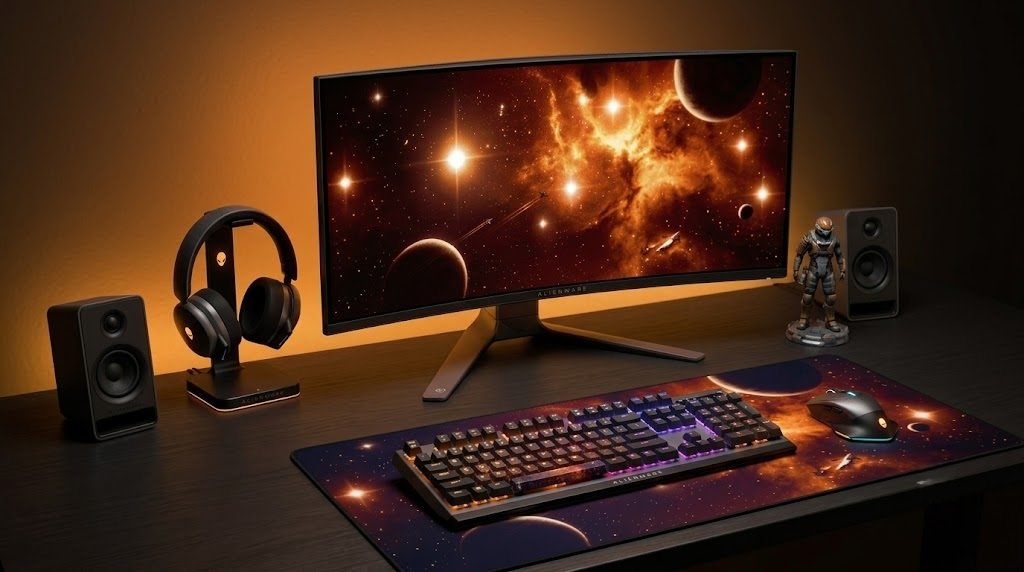
2. 280Hz vs 360Hz: Is the Refresh Rate Difference Noticeable?
To drop the price tag to $800, Dell opted for a 280Hz refresh rate ceiling rather than 360Hz. In real-world gaming, this trade-off makes immense financial sense. Motion clarity on OLED displays is tied to instant pixel response times (0.03ms) and frame rate. When comparing a 280Hz OLED to a 360Hz OLED at matching frame rates (e.g., 144 FPS or 200 FPS), motion clarity and smoothness are 100% identical.
The 360Hz models only offer a tiny 29% increase in motion fluidity when your PC can lock frames above 280 FPS. For players running demanding modern AAA titles between 100 Hz and 200 Hz, paying an extra $150 to $200 for 360Hz delivers zero tangible benefit. Furthermore, the AW3426DW boasts an ultra-fast 0.5ms processing delay, ensuring input latency is razor-sharp for competitive shooters.
3. Outstanding HDR Performance & Dolby Vision Debut
OLED technology excels at High Dynamic Range due to per-pixel dimming and absolute zero-level blacks. The AW3426DW achieves up to 1,330 nits peak brightness in 2% window tests within the HDR Peak 1300 mode, delivering brilliant highlights in dark scenes. For consistent brightness without APL dimming, the DisplayHDR True Black 500 mode caps peak highlights at 530 nits while delivering flat EOTF tracking.
Crucially, the AW3426DW is Dell’s first 34-inch QD-OLED ultrawide to include Dolby Vision support. Under Windows 11 mid-2026 updates, the monitor seamlessly switches between Dolby Vision for desktop apps/streaming media and HDR10 for gaming, providing optimal tone mapping across different content types.
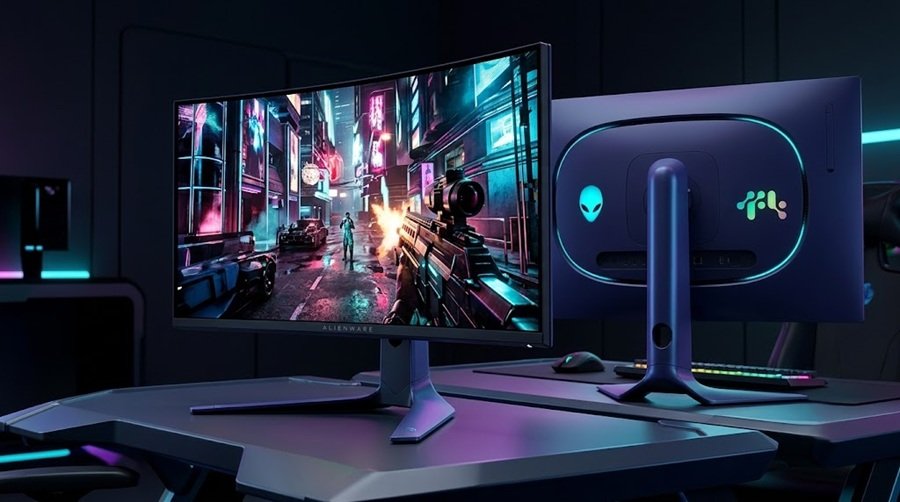
4. Class-Leading sRGB Calibration & Color Volume
Out-of-the-box SDR color performance on the AW3426DW is stellar. While the panel covers a wide color space (98% DCI-P3 and 77.5% Rec. 2020), enabling the factory-calibrated sRGB Mode clamps oversaturated colors with surgical precision. Delta E average errors fall well below 2.0 across grayscale and saturation charts, making this display out-of-the-box accurate for content creators, photo editors, and purists alike.
Full-screen SDR brightness reaches 313 nits—a healthy 27% increase over the older AW3425DW generation (which peaked at 250 nits)—making it comfortable for daytime use in bright rooms.
5. Design, Ergonomics, & Port Selection
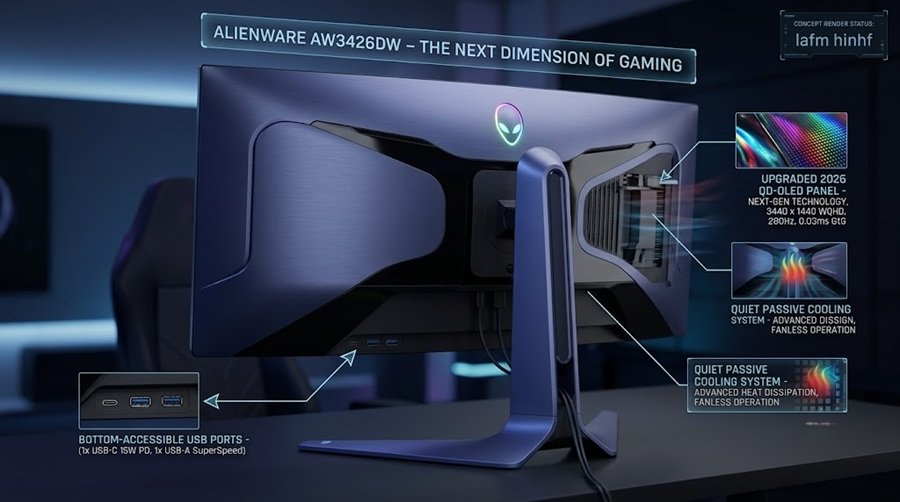
The monitor retains Dell’s iconic Interstellar Indigo aesthetic—a dark metallic chassis with a subtle blue tint. The included ergonomic stand features height, tilt, and swivel adjustments on a compact square base that saves desk space.
- Display Inputs: 1x DisplayPort 1.4 with DSC, 2x full-bandwidth HDMI 2.1 (48Gbps).
- USB Hub: 2-port USB 5Gbps hub with accessible bottom-edge Type-A and Type-C ports (15W power delivery/data only; no Alt-Mode video).
- Burn-In Protection: Always-on background OLED care algorithms paired with Dell’s reliable 3-year factory burn-in warranty.
6. Pros and Cons Summary
👍 Pros
- Unbeatable $800 price tag for 2026 QD-OLED technology.
- V-Stripe RGB subpixel layout fixes text rendering fringing.
- Hyper-smooth 280Hz refresh rate with 0.5ms ultra-low input lag.
- 1,300 nits peak HDR brightness and Dolby Vision support.
- Factory-calibrated sRGB mode with exceptional color accuracy.
- Hardened 3H anti-scratch coating and improved ambient contrast.
- 3-year warranty covering OLED burn-in.
👎 Cons
- HDR Peak 1300 mode suffers from aggressive panel dimming in high APL bright scenes.
- USB Type-C port supports data/15W charging only (no DP Alt-Mode or KVM).
7. Final Verdict
The Dell Alienware AW3426DW is easily the go-to recommendation for 34-inch ultrawide gaming in 2026. By bringing the latest RGB-stripe QD-OLED glass down to an aggressive $800 price point, Dell offers incredible value without cutting corners on color performance, text clarity, or build quality.
Unless you strictly require 360Hz for eSports titles running above 300 FPS, saving your hard-earned money and choosing the 280Hz AW3426DW is a no-brainer. It receives the highest Editors’ Choice award from the Gearzon review team.
Ready to Upgrade Your Setup?
Check the latest pricing, discounts, and availability directly on Amazon.
🛒 Buy Now on AmazonExplore More Monitor Reviews
Looking for competitive 4K OLED breakdowns, high-refresh eSports monitors, and ultimate battle station guides? Check out our latest display analysis at Gearzon!