Logitech G PRO X TKL Rapid Review: Is the Hall Effect TKL Still Worth $169.99?
The Logitech G PRO X TKL Rapid is a wired tenkeyless keyboard with magnetic analog (Hall Effect) switches. It was Logitech’s first Hall Effect keyboard, and it lists at $169.99 in the US. Every key supports actuation from 0.1 mm to 4.0 mm, Rapid Trigger and SOCD handling, all set in Logitech G HUB.
The board is no longer brand new. Newer rivals add 8,000 Hz polling and wireless connections, so the question is whether Logitech’s mix of build quality, software and price still holds up. We pulled together the official details and independent reviews to find out.
How we built this review. GearZon has not tested this keyboard, and we will not pretend otherwise. This article combines Logitech’s UK product page, the reviews from GamesRadar, Trusted Reviews and Truthful Reviews, and our own knowledge of Hall Effect keyboards. Every hands-on observation below belongs to the outlet we name. When the sources disagree, we say so.
Logitech G PRO X TKL Rapid Specs and Quick Verdict
Here is the keyboard at a glance. Specs come from Logitech and the reviews above, and notes flag the few places where sources conflict.
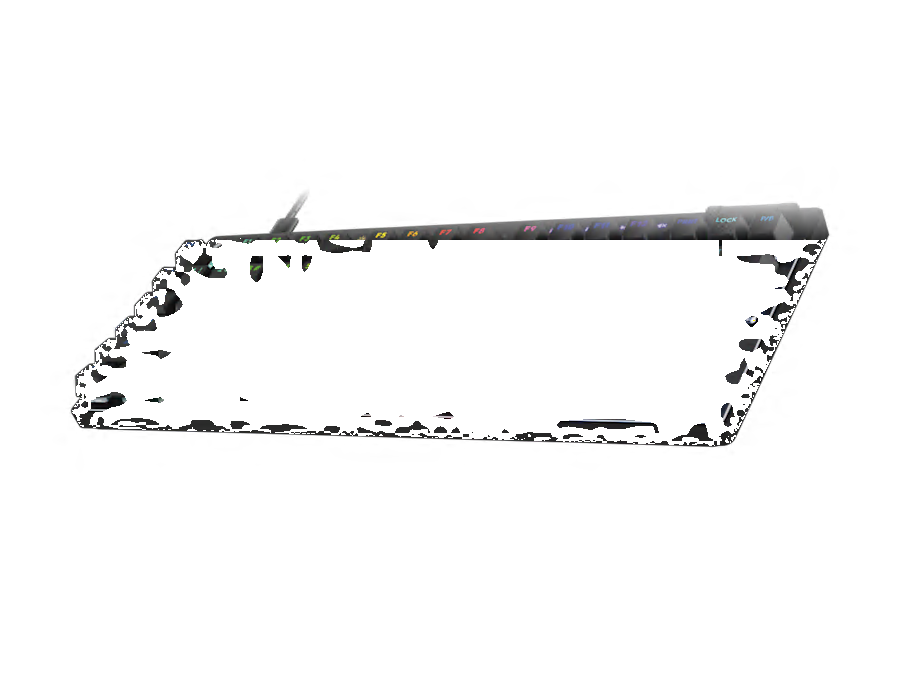
⚙️ Quick Specifications
Full specs table
| Spec | Logitech G PRO X TKL Rapid |
|---|---|
| Layout | Tenkeyless (TKL), no numpad, no macro keys |
| Switches | Logitech magnetic analog linear (Hall Effect) |
| Actuation force | 35 gf |
| Actuation range | 0.1 mm to 4.0 mm, adjustable per key |
| Rapid Trigger | Reset adjustable from 0.1 mm to 2.0 mm in 0.1 mm steps |
| SOCD | Key Priority, with five modes per Truthful Reviews |
| Multi-Point Action | Two actuation stages per key |
| Polling rate | 1,000 Hz |
| Dimensions | 357 x 150 x 38 mm |
| Weight | About 1 kg (reviews list between 920 g and 1.1 kg) |
| Case | Plastic chassis with an aluminium front plate |
| Keycaps | Double-shot textured PBT |
| Lighting | Lightsync RGB, per key |
| Cable | 1.8 m USB-C, unbraided, not detachable per one spec page |
| Controls | Game Mode, RGB, play/pause and mute buttons plus a volume roller |
| Onboard memory | Three profiles |
| Software | Logitech G HUB |
| Colors | Black, white and pink |
| Hot-swap sockets | Reports conflict, so confirm before buying |
| Price | $169.99 list in the US; 149.99 pounds on Logitech UK |
The Good and the Bad
👍 The Good
- ✔ Per-key actuation from 0.1 mm to 4.0 mm, plus Rapid Trigger and SOCD, sit in one clear G HUB menu.
- ✔ The light 35 gf linear switches feel smooth and fast in shooters, according to reviewers.
- ✔ The build is solid, with an aluminium front plate and a chassis that does not flex.
- ✔ Three onboard profiles and some on-keyboard settings work without installing software.
- ✔ It undercuts several Hall Effect rivals, including the SteelSeries Apex Pro TKL Gen 3 at $219.99 and the NZXT Function Elite MiniTKL at $199.99.
👎 The Bad
- ✘ Polling is capped at 1,000 Hz while newer rivals reach 8,000 Hz.
- ✘ It is wired only, with a basic unbraided cable.
- ✘ GamesRadar found the key feel heavy and tense over long typing sessions, and Truthful Reviews found it louder than the class leader.
- ✘ Legends are hard to read with the backlight off, and the long keys light unevenly.
- ✘ Rapid Trigger, SOCD and dual-action cannot all run at once on the same key, and there is no wrist rest or USB passthrough.
A well-built, fully tunable Hall Effect TKL that is still good value, but it lacks 8,000 Hz polling and wireless. Buy it if you want Logitech’s polish and software at a fair price. Skip it if you chase every last bit of speed.
Magnetic Analog Switches and Actuation
Under each keycap sits a linear switch that tracks the position of a magnet instead of closing a metal contact. That lets the keyboard know exactly how far a key has traveled. Logitech rates the actuation force at 35 gf, and both GamesRadar and Truthful Reviews describe the switches as light and smooth. Trusted Reviews adds that they are lubricated.
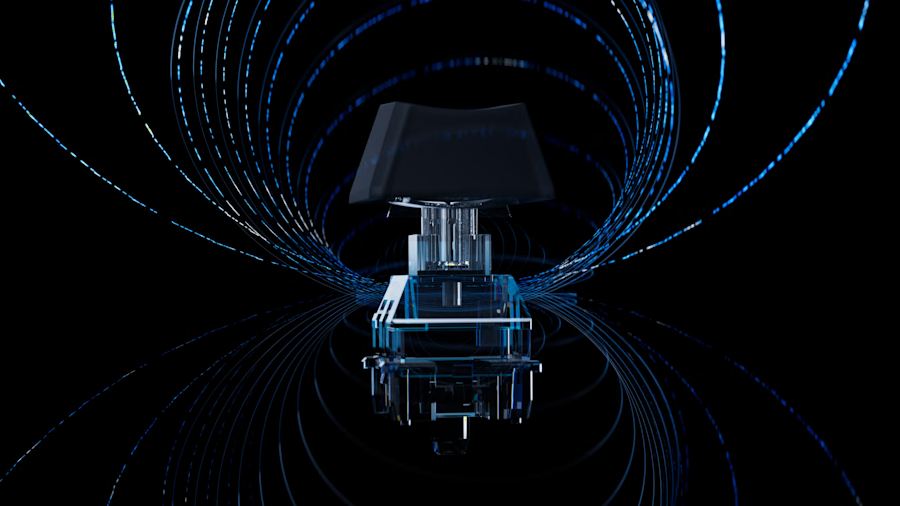
Actuation is adjustable from 0.1 mm to 4.0 mm on every key. A very short setting registers on a feather touch, and GamesRadar liked it for fast, light presses in Apex Legends and Counter-Strike 2. Truthful Reviews also found that the real behavior matched the number you set in G HUB.
Why per-key tuning matters
Settings are per key, so you can make your WASD cluster hair-trigger while leaving punctuation and rarely used keys deeper. Deeper keys block accidental presses when your fingers rest. This is a GearZon tip and not a claim from the reviews.
The 4.0 mm end of the range
The full 4.0 mm range is useful too. A deep actuation point makes the board act like a conventional keyboard for typing. Some competitors stop well short of that. GamesRadar notes that the NZXT Function Elite MiniTKL tops out at 0.6 mm of adjustment and treats the Logitech’s full range as a plus.
Rapid Trigger, SOCD and Multi-Point Action
Rapid Trigger resets a key the moment your finger starts to rise, instead of waiting for a fixed release point. That makes quick repeated taps and counter-strafing faster. Truthful Reviews says the reset distance can be set in 0.1 mm steps from 0.1 mm to 2.0 mm. Trusted Reviews saw a real benefit in quick-draw situations in Counter-Strike 2.
SOCD, called Key Priority
Logitech calls its SOCD feature Key Priority. When you hold two opposing keys, the newest press can override the older one, which helps with sharp direction changes. Truthful Reviews counts five modes. Some competitive events ban this behavior, so check the rules of your game or tournament first.
Multi-Point Action
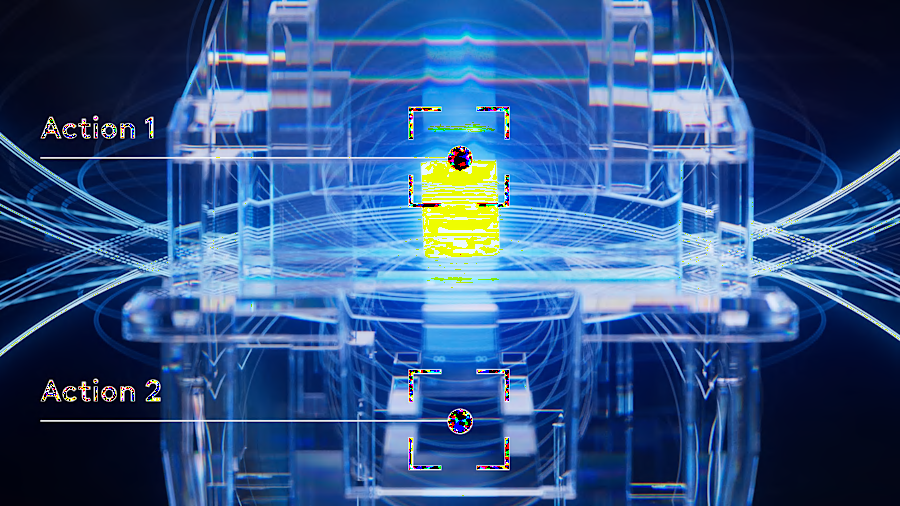
Because the switches measure travel, one key can trigger two actions at two depths. GamesRadar gives the example of walking on a half press and running on a full press. Logitech’s page describes two actuation stages per key. Trusted Reviews points out that you can only use one of Rapid Trigger, SOCD and dual-action on a key at a time.
Design, Build and Keycaps
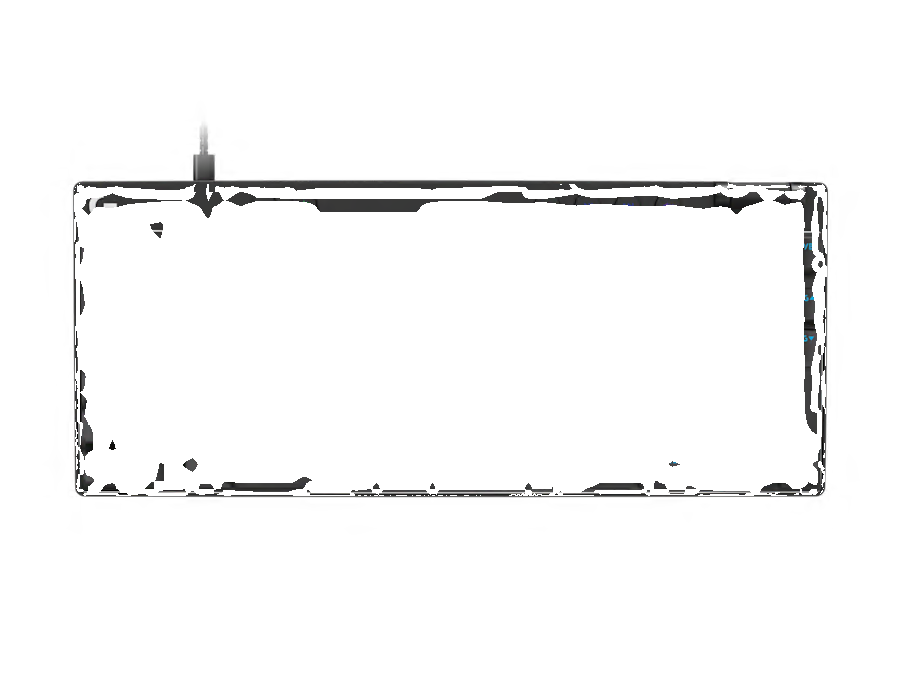
The keyboard measures 357 x 150 x 38 mm and weighs about 1 kg. Reviews quote anything from 920 g to 1.1 kg, so we would not rely on a single figure. GamesRadar and Truthful Reviews both describe a metal front plate set into a plastic chassis. The result feels sturdy without a premium price, and Trusted Reviews says the chassis does not flex.
Keycaps and legends
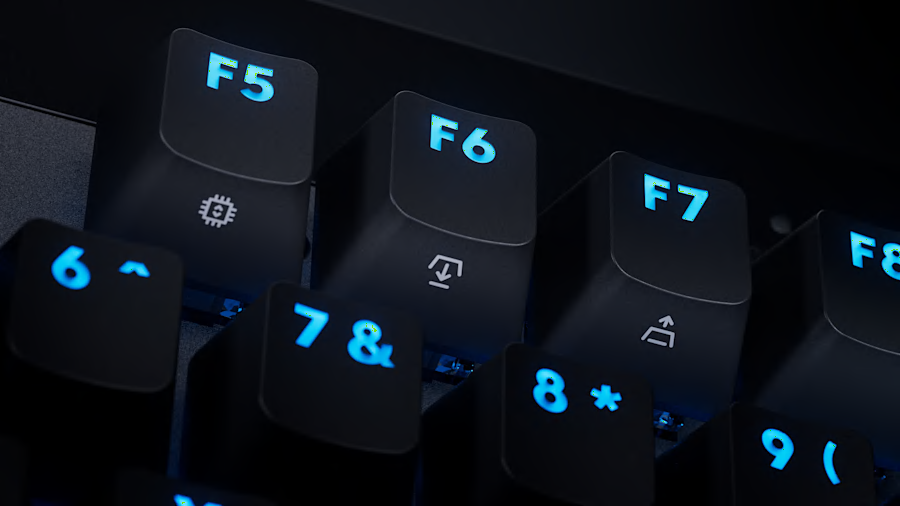
The keycaps are double-shot textured PBT. Trusted Reviews says PBT lasts longer than typical ABS and resists shine. GamesRadar finds them less grippy than the SteelSeries and NZXT caps, though it did not lose precision. Truthful Reviews likes the feel but notes that the legends are hard to read with the backlight off, and that twelve keys carry simply printed tertiary legends.
Feet, cable and controls
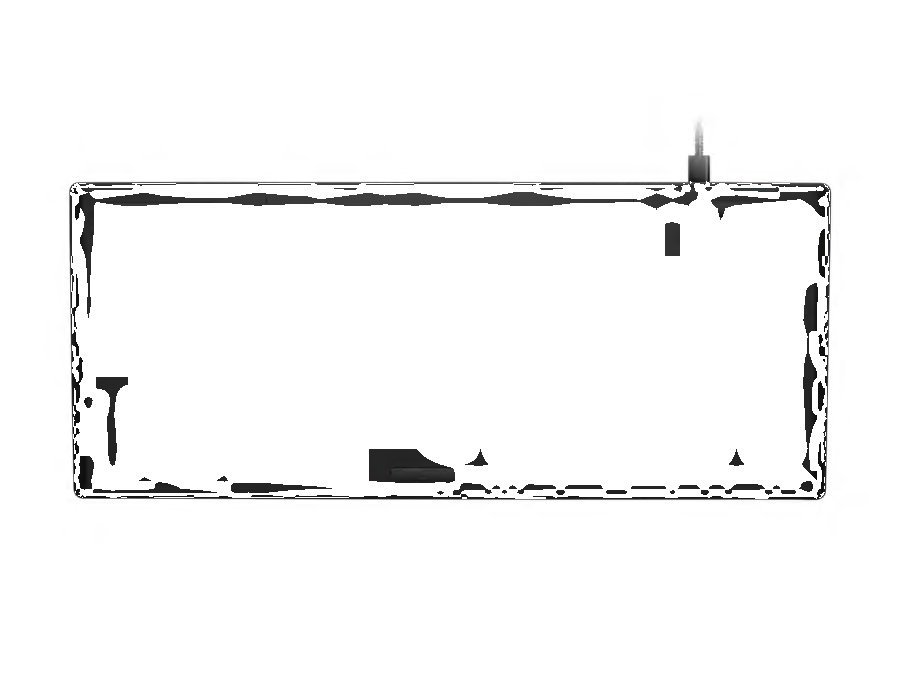
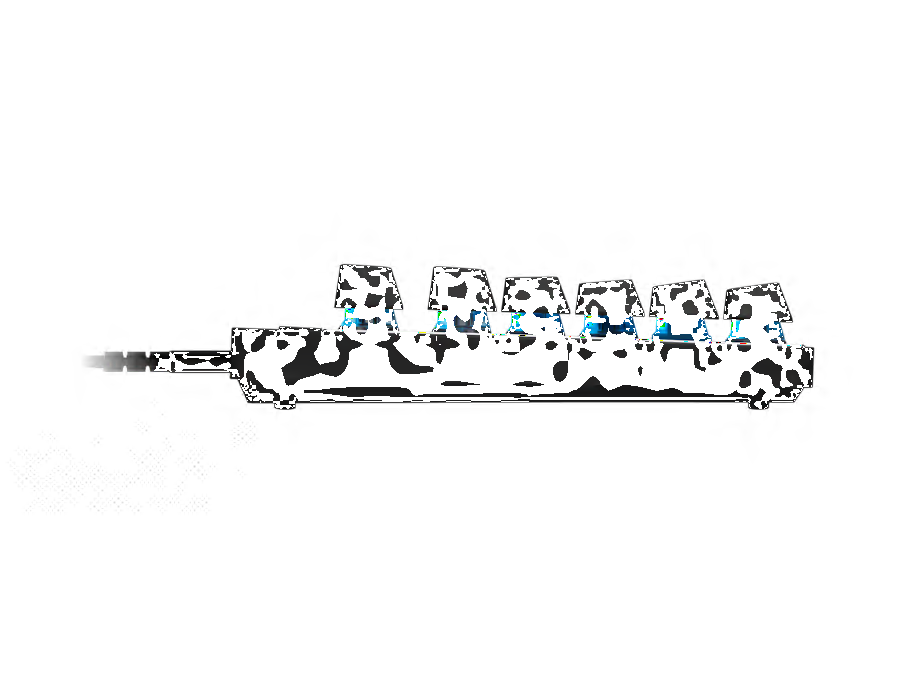
Two flip-out feet raise the rear, and Truthful Reviews lists angles of 4 and 8 degrees. The cable is 1.8 m long and basic, and there is no wrist rest or USB passthrough. Dedicated buttons handle Game Mode, RGB, play/pause and mute. The volume roller is a nice touch, but Truthful Reviews says it gives little feedback and collects dust.
Hot-swap: sources disagree
One review we read says the board has hot-swap sockets. Truthful Reviews says it does not. We could not confirm this from Logitech’s page, so check the current spec sheet if switch swapping matters to you.
Typing Feel and Sound
Reviewers do not agree on how this keyboard feels. Truthful Reviews calls the switches light and smooth. GamesRadar found a soft bottom-out but a heavy, tense feel that caused fatigue over long typing sessions, and noted that the space bar sounded lighter by the end of a two-week test.
Sound splits opinion as well. Truthful Reviews hears more clack than thock and finds the board louder than the class leader, although nothing rattles. That matches the fairly hard plate and plastic case. If you share a room, test it before you commit.
How to make it feel lighter
Raise the actuation point on typing keys in G HUB so they register before the bottom. You press less, and the board feels softer. This is a GearZon suggestion based on how Hall Effect boards work. A desk mat under the board also trims some sound.
Watch it in action: the most-viewed English videos
Sound and feel are easier to judge on video. We searched YouTube in English for videos about this exact keyboard and picked the three with the most views as of October 10, 2026. We have not verified every claim in them, and the hands-on opinions belong to their creators.
1. Logitech G, “Introducing the PRO X TKL RAPID” (about 89,000 views). This 30-second clip is Logitech’s own promo, so treat it as marketing. It is still a quick look at Rapid Trigger and the G HUB controls.
2. TSM, “Using Logitech G’s NEW RAPID Keyboard!” (about 68,000 views). A five-minute unboxing and settings walkthrough from the esports organization TSM.
3. SML Tech EN, “Logitech made an actual gaming keyboard – PRO X TKL Rapid” (about 49,000 views). An independent test and review of about eight minutes that asks whether the board is worth it against Wooting, SteelSeries and Razer.
G HUB Software and Onboard Profiles
Everything is set in Logitech G HUB. Truthful Reviews rates it the clearest of the major manufacturer utilities. The Analog Switches menu combines actuation, Rapid Trigger and SOCD, and it shows the settings on a picture of the keyboard. Dual-action assignments live in a separate Assignments tab, which confused the GamesRadar reviewer at first.
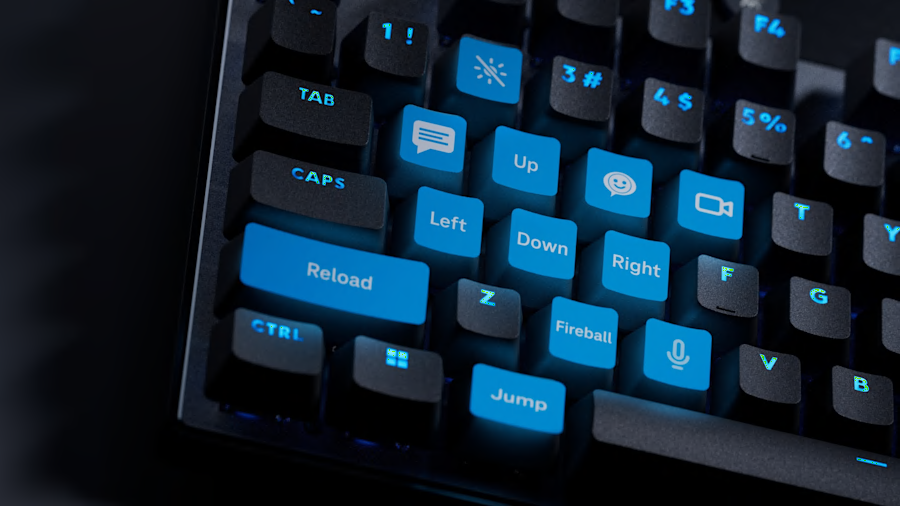
Remapping is simple, and you can build multiple profiles. The keyboard stores three profiles onboard, and Truthful Reviews notes that lighting, actuation and Rapid Trigger can be set on the board itself without software. That is handy at LAN events where you cannot install anything. GamesRadar calls the Lightsync RGB vivid, with no light bleed.
Gaming Performance
The reviews agree on the main point: this board is fast. GamesRadar scores it 4 out of 5 for speed and customization, with 3 out of 5 for typing feel and comfort. In practice, short actuation plus Rapid Trigger gives a clear edge when you tap, strafe and peek in shooters. Trusted Reviews also says the price is competitive against rival Rapid Trigger boards.
The weak spot is polling. Truthful Reviews reports 1,000 Hz, and says 8,000 Hz boards only give an edge at the highest competitive level. For most players that gap is small. If you play at that level, or simply want the biggest number on the spec sheet, look at newer 8K boards such as our ATK RS6+ / Ultra review or the YUNZII RT75 PRO review.
Price, Alternatives and How It Compares
Reviews list the keyboard at $169.99, and Logitech’s UK store lists 149.99 pounds. GamesRadar saw it for about $142 at Amazon, so street prices can run below list. Prices change often, so check the current figure before you buy.
How it compares
| Keyboard | Price (per GamesRadar) | Standout points |
|---|---|---|
| Logitech G PRO X TKL Rapid | $169.99 list | 0.1 to 4.0 mm range, Rapid Trigger, dual actuation, 1,000 Hz |
| SteelSeries Apex Pro TKL Gen 3 | $219.99 MSRP | OLED display, wrist rest, volume dial, grippier keycaps |
| NZXT Function Elite MiniTKL | $199.99 MSRP | Lighter, crisper feel; actuation range stops at 0.6 mm |
| Glorious GMMK 3 Pro HE | Higher than the Logitech | 2.4 GHz and Bluetooth, more dampening, modular design |
GamesRadar prefers the SteelSeries overall for its keycaps, display and wrist rest. The Logitech wins on price and actuation range. The Glorious wins if you need wireless. Not sure how much to spend on a keyboard? Our guide, How Much Should You Spend on a Mechanical Keyboard?, explains where the value sits.
Pair it with a Logitech mouse
G HUB also runs Logitech mice, so one app can cover your whole setup. See our G PRO X SUPERLIGHT 2 review, Pro X3 SUPERSTRIKE review, Pro X2 Superstrike review, G502 X Plus review and G502 Hero review. Prefer another brand? Try the Pulsar X2F or the Razer Basilisk V4 Pro, or start with the Gaming Mouse Buying Guide 2026.
Verdict: Who Should Buy the Logitech G PRO X TKL Rapid?
| ✅ Buy it if | ❌ Skip it if |
|---|---|
| You want per-key actuation and Rapid Trigger from a trusted brand | You need wireless or Bluetooth |
| You like a compact TKL with a sturdy build | You want 8,000 Hz polling |
| You value clear software and onboard profiles | You prefer a heavier, plusher typing feel |
| You can find it below list price | You need a numpad or wrist rest in the box |
| You use other Logitech gear and G HUB | You need confirmed hot-swap sockets |
Our summary
The G PRO X TKL Rapid is a sensible Hall Effect keyboard. Its best parts are the full actuation range, the clear G HUB software and the sturdy build. Its weakest parts are the 1,000 Hz polling, the wired-only design and a key feel that some reviewers find heavy. We give it 8.2 out of 10 based on the specifications and the reviews we read, and we will revisit the score if we test one ourselves.
Frequently Asked Questions (FAQ)
Is the Logitech G PRO X TKL Rapid wireless?
No. The G PRO X TKL Rapid is a wired-only keyboard that connects over a 1.8 m USB-C cable. If you want wireless, look at the Logitech PRO X TKL LIGHTSPEED, which uses mechanical switches, or at a wireless Hall Effect rival.
How much does the G PRO X TKL Rapid cost?
Reviews list the keyboard at $169.99 in the US, and Logitech lists it at 149.99 pounds in the UK. GamesRadar saw it for about $142 at Amazon, so street prices can sit below list. Check the current price before you buy.
What is the actuation range of the G PRO X TKL Rapid?
Actuation is adjustable from 0.1 mm to 4.0 mm on every key through Logitech G HUB. Rapid Trigger resets can be tuned in 0.1 mm steps from 0.1 mm to 2.0 mm, according to Truthful Reviews.
Does it support 8,000 Hz polling?
No. Reviewers report a 1,000 Hz polling rate. Some newer Hall Effect keyboards reach 8,000 Hz, which matters mainly to top competitive players.
Is the G PRO X TKL Rapid hot-swappable and does it have PBT keycaps?
Most reviews describe double-shot PBT keycaps. Reports about hot-swap sockets conflict, with one review saying yes and another saying no, so confirm in Logitech’s current spec sheet if swapping switches matters to you.
Is it good for typing as well as gaming?
Opinions are mixed. Truthful Reviews found the 35 gf linear switches light and smooth, while GamesRadar found the keys heavy and tense during long typing sessions. Raising the actuation point in G HUB can make the board feel lighter.