Best Budget Gaming Chair in 2026: Razer Iskur V2 X and 3 Cheaper Alternatives
A good gaming chair should not cost as much as a graphics card. Yet many budget chairs fall apart, sag within a year or fit only a narrow range of body types. This guide separates chairs that deliver real comfort at a fair price from ones that only look good in photos.
Our top pick is the Razer Iskur V2 X. It lists at $299.99, reclines to 152 degrees and uses a breathable fabric that reviewers found comfortable for full workdays. We compare it with the Corsair TC100 Relaxed, the Cooler Master Hybrid 1 and the Autonomous ErgoChair Core, and we mention two more chairs at the end.
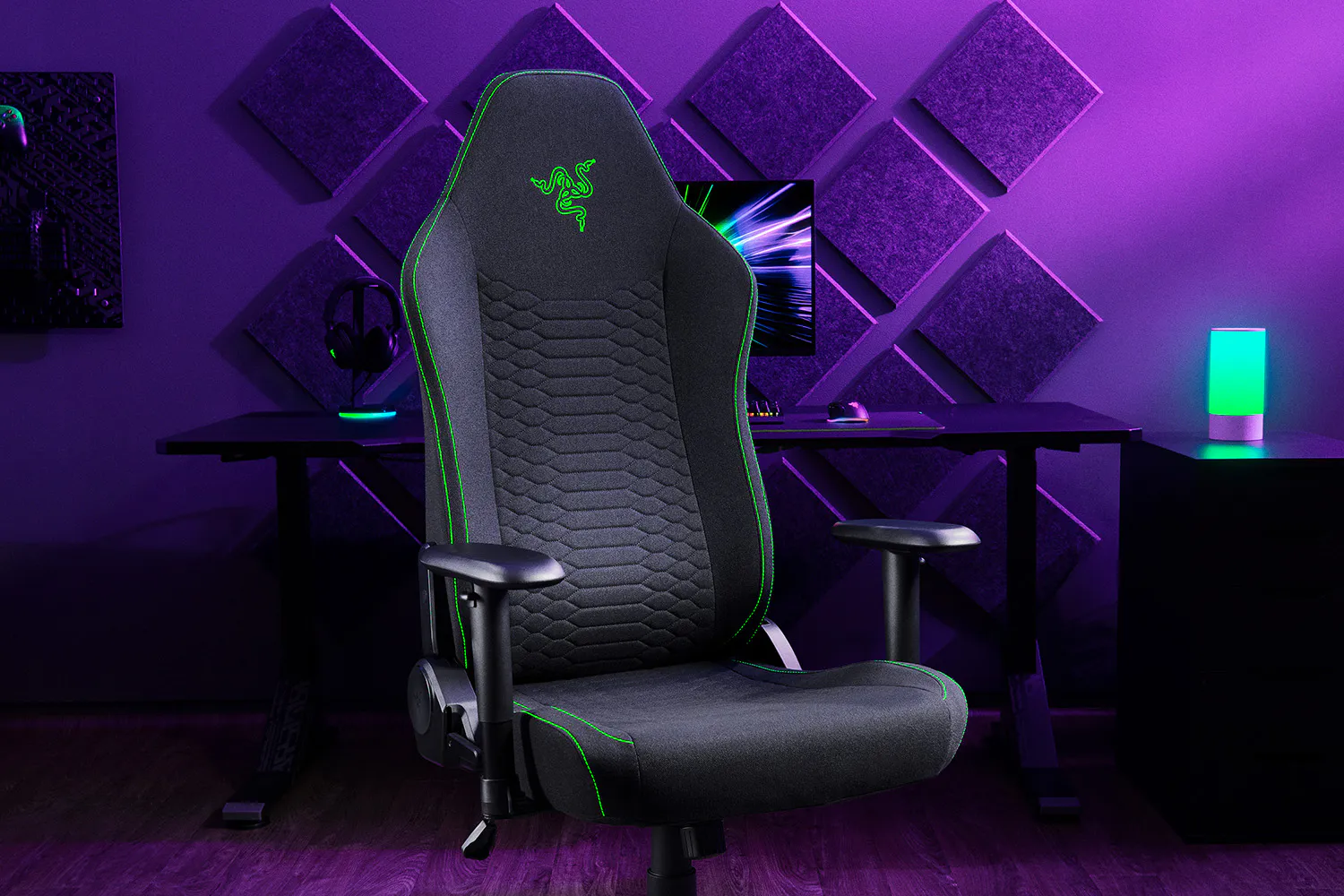
Best Budget Gaming Chairs at a Glance
| Chair | Best for | Price signal | Max load | Recline |
|---|---|---|---|---|
| Razer Iskur V2 X | Best overall budget pick | $299.99 list | 300 lb | 90-152° |
| Corsair TC100 Relaxed | Lowest price | $269.99 list, often $135-$200 on sale | 264 lb | 90-160° |
| Cooler Master Hybrid 1 | Best step-up ergonomic | $449.99 at launch (2023) | 330 lb | To about 180° |
| Autonomous ErgoChair Core | Office-style look | $349 | 242.5 lb | Not stated |
List prices and sale prices vary by retailer and season. Treat the numbers as signals, not quotes.
How We Built This Guide
We started with the manufacturer pages from Razer and Corsair. We then read independent reviews: TechRadar, CGMagazine and 3DTested for the Razer, PC Gamer and HotHardware for the Corsair, and Tom’s Hardware for the Cooler Master. Tom’s Hardware’s gaming chair roundup supplied the Autonomous details.
Some reviews are a few years old, so specifications and prices may have changed. Where a review gives no figure, we say so instead of guessing.
Video: creator Drew Kozub reviews the Razer Iskur V2 X.
What to Look for in a Budget Gaming Chair
Price alone does not make a chair good. At this level, a few specifications decide whether you will be comfortable after four hours or sore after one. We weigh these points.
Seat Padding and Size
Check seat width, depth and foam density. A chair that is too narrow squeezes wider users, and soft foam collapses fast. Reviewers praised the wide seat on the Razer and Cooler Master, and PC Gamer liked the thick, wide seat on the Corsair.
Recline and Adjustments
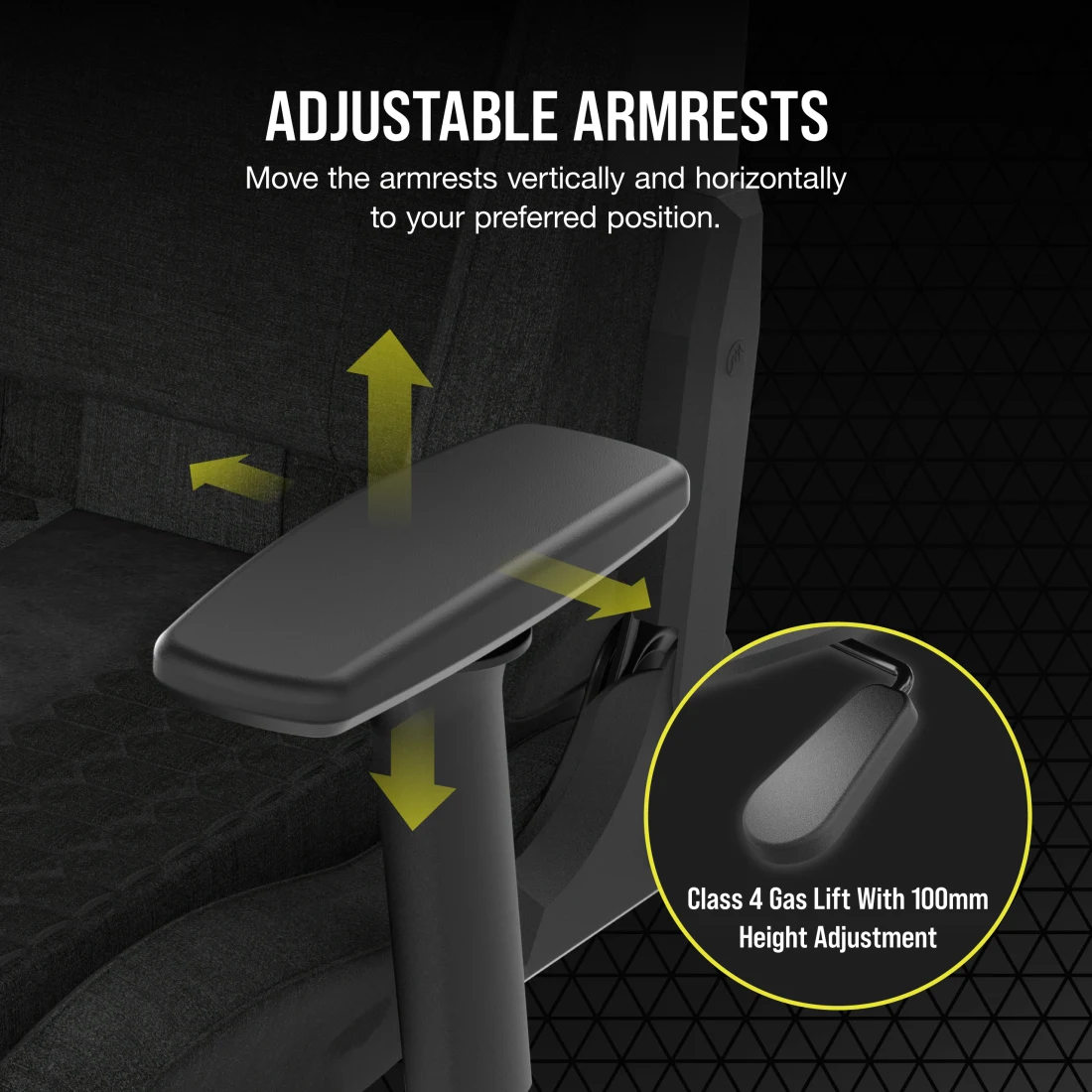
Look at the recline range and whether the chair rocks or locks. Height adjustment, tilt and armrest options also matter. Budget chairs usually offer 2D armrests that move up, down and sideways. Premium chairs add 4D armrests that also move forward and back, and pivot.
Lumbar Support
Many budget chairs include a fixed lumbar contour or a separate pillow. Adjustable lumbar is rarer. The Cooler Master Hybrid 1 is the only chair here with adjustable lumbar, while the Autonomous ErgoChair Core has a fixed lumbar. If your lower back is sensitive, this is the feature to prioritise.
Weight Limit and Height Range
Rated weight limits range from about 242 lb to 330 lb in this guide. Height guidance also differs. PC Gamer says the Corsair TC100 Relaxed is not suited to users over 6 ft 2 in, and Tom’s Hardware says the Cooler Master suits people up to about 6 ft 3 in. Taller buyers should check those numbers first.
Upholstery, Warranty and Assembly
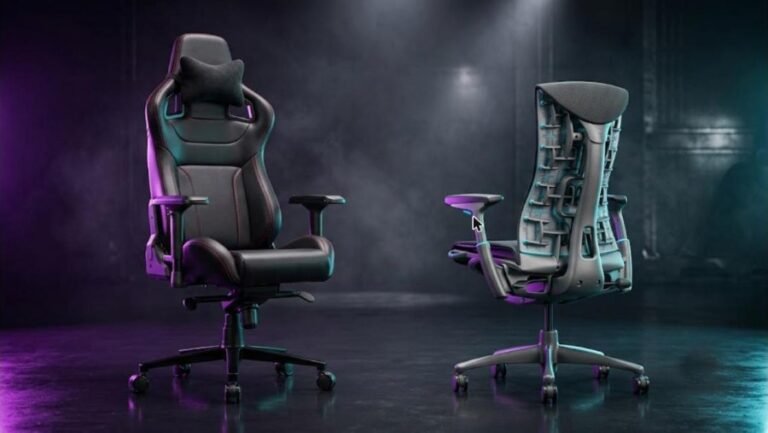
Fabric breathes better than faux leather, but it can be harder to clean. Warranties are short at this price, usually two to three years. Assembly takes 10 to 45 minutes depending on the chair, and a helper makes it easier. Our guide to a premium ergonomic chair like the Embody shows what you get if you stretch your budget.
| Spec | Why it matters | What to aim for |
|---|---|---|
| Seat width | Wider users need room | About 21 in or wider |
| Recline range | Rest between matches | At least 150 degrees |
| Armrests | Keep shoulders relaxed | 2D at minimum, 4D if possible |
| Lumbar | Lower back support | Adjustable, or a firm built-in curve |
| Weight and height limits | Frame and fit safety | Check against your numbers |
| Warranty | Budget parts wear out | 2-3 years |
1. Razer Iskur V2 X: Best Budget Gaming Chair Overall
The Iskur V2 X is a stripped-down version of the Razer Iskur V2. It keeps the build quality and the fabric, but trims the adjustments. For most buyers who want a comfortable chair under $300, that is a good trade.
🪑 Razer Iskur V2 X: Quick Specifications
Design and Build Quality
TechRadar describes a brushed aluminum base, fabric upholstery and soft foam cushioning, with an armrest mechanism that feels slightly plasticky. CGMagazine notes a wider-than-typical base and contoured high-density foam cushions. The overall look is clean, with a green accent stitch.
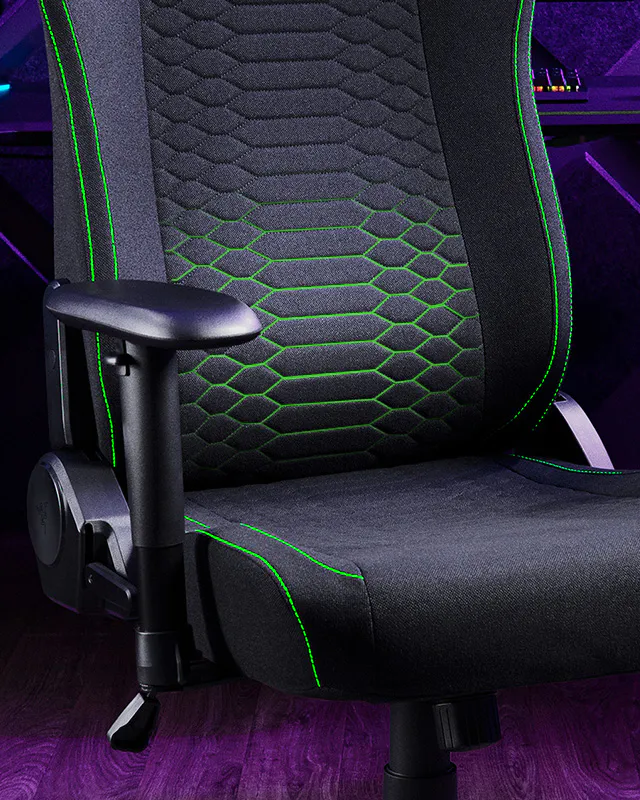
Comfort and Adjustments
CGMagazine scored it 9 out of 10 and called it the best gaming chair that reviewer had used, praising the wide seat, breathable fabric and lumbar support. TechRadar gave it a Great Value badge. Both noted the reduced adjustment range compared with the Iskur V2.
The main complaint is the 2D armrests. CGMagazine’s reviewer found them too mobile and had to readjust them every 10 to 15 minutes. 3DTested also pointed out that the casters are not PU-coated, no memory foam headrest is included and the cloth can attract odors and stains.
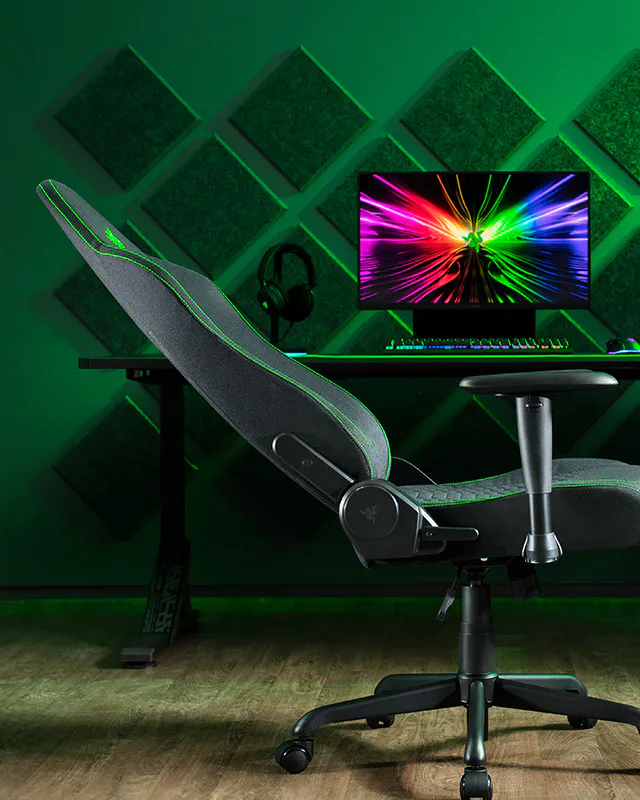
Assembly, Software and Price
There is no software. TechRadar reports about 10 minutes of assembly with clear instructions, tools and gloves in the box. Razer lists $299.99. Tom’s Hardware’s roundup in October 2026 shows it at $189.51 on sale, so watch for discounts. The lumbar disagreement between sources, with TechRadar noting an integrated curve and 3DTested saying no adjustable lumbar, simply reflects that the curve is fixed.
👍 The Good
- ✔ Wide, comfortable seat with breathable fabric
- ✔ Built-in lumbar curve and strong build for the price
- ✔ Quick, easy assembly
- ✔ Frequently discounted below $300
👎 The Bad
- ✘ 2D armrests can feel too loose
- ✘ No adjustable lumbar or headrest
- ✘ Only fabric and two colors
- ✘ Fabric is harder to clean than leatherette
2. Corsair TC100 Relaxed: Best Cheap Gaming Chair
If you want the lowest price from a major brand, the Corsair TC100 Relaxed is the safest bet. PC Gamer scored it 86 and called it the best budget gaming chair in an October 2024 update. TechRadar’s September 2026 roundup also names it the best budget pick and shows it at $134.99 on sale.
🪑 Corsair TC100 Relaxed: Quick Specifications
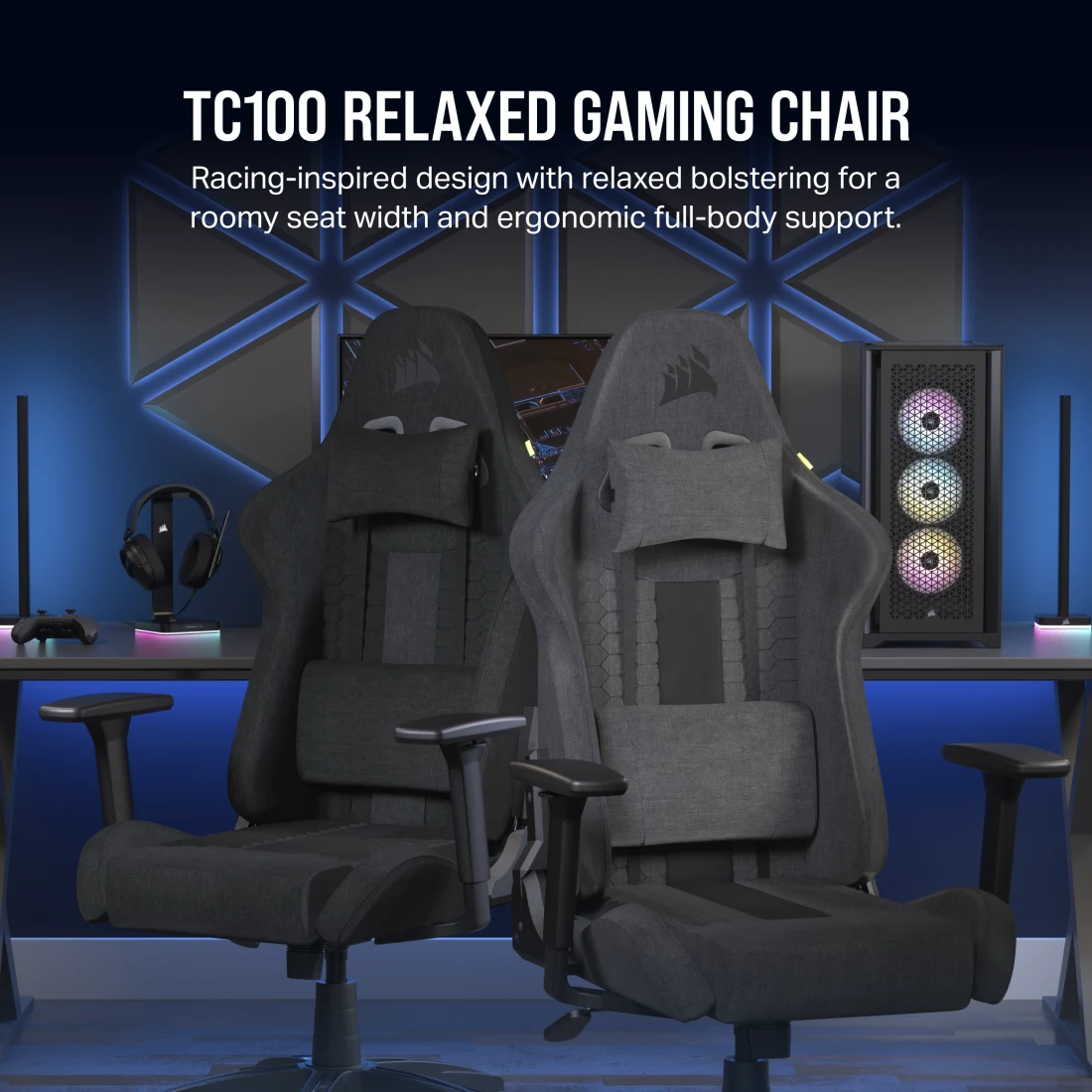
Comfort and Build
PC Gamer described a thick seat cushion, gentle bolsters and room to sit cross-legged, and called it genuinely comfy. HotHardware tested the fabric model for about a month. It liked the wide height range, the sturdy base and the smooth casters, but noted that the neck pillow sits too low for users around 6 ft and taller. The lumbar pillow can also push a taller user forward on the seat.
Assembly and Compromises
Assembly takes about 30 to 45 minutes, and reviewers recommend a helper. There are no printed instructions in the box, only an online guide, and some screw holes are stubborn. PC Gamer also lists 2D armrests, limited headrest adjustability and slightly rattly armrests. These are fair trade-offs at this price.
👍 The Good
- ✔ Lowest price from a major brand
- ✔ Thick, wide, comfortable seat
- ✔ Lumbar and neck pillows included
- ✔ Strong recline range up to 160 degrees
👎 The Bad
- ✘ Fiddly assembly with no printed manual
- ✘ Cheaper parts and slightly rattly armrests
- ✘ Not suited to users over about 6 ft 2 in
- ✘ Neck pillow sits low for taller users
Video: DoughsLife unboxes and sit-tests the TC100 Relaxed.
3. Cooler Master Hybrid 1: Best Step-Up Ergonomic Chair
The Cooler Master Hybrid 1 costs more than the other chairs here, but it is a different class of seat. Tom’s Hardware launched its review at $449.99 in January 2023 and gave it an Editor’s Choice badge. The site’s October 2026 roundup still lists it among budget picks and calls it one of the more affordable ergonomic options.
| Spec | Cooler Master Hybrid 1 (Tom’s Hardware) |
|---|---|
| Price | $449.99 at review (2023) |
| Max load | 330 lb |
| Height guidance | Up to about 6 ft 3 in |
| Seat | 24 in wide, 21.3 in deep, foam-filled |
| Lumbar | Adjusts in four directions |
| Recline | Rock, lock, tilt, nearly flat (180 degrees) |
| Materials | Mesh back, perforated PU leather, steel frame, aluminum base |
| Warranty | 2 years |
It has comfortable upholstery, an extra-wide seat, height-adjustable lumbar and a firm, bolted-on headrest that slides up and down. The main flaw is that the armrests do not lock when moved forward or back. Because the review is from 2023, check the current price. If you find it discounted, it is the best-value ergonomic option here.
👍 The Good
- ✔ Adjustable four-way lumbar
- ✔ Extra-wide seat and 330 lb rating
- ✔ Mesh back for airflow
- ✔ Full recline options
👎 The Bad
- ✘ Highest price in this guide
- ✘ Armrests do not lock in place
- ✘ Mixed mesh and PU look is a little disjointed
- ✘ Review is from 2023
4. Autonomous ErgoChair Core: Best for an Office Look
Tom’s Hardware lists the ErgoChair Core at $349. It is a mesh chair with PU padding at the seat front, a lightweight build and a professional look. The reviewer found the backrest, headrest and armrests comfortable, but the seat pressed against the thighs near the front edge.
The weight limit is 242.5 lb (110 kg), and neither the lumbar nor the headrest is height adjustable. A 6 ft 1 in reviewer had fit issues. Tom’s Hardware sums it up as an entry-level office chair that is cheaper for a reason. Pick it if you want a quiet look rather than a gaming style, and you are within the weight and height range.
Also Considered
Two more chairs appear in budget lists. The Blacklyte Athena Pro offers 155 degrees of recline, 4D armrests and adjustable lumbar, but its maximum seat height of 20.1 in is lower than many rivals. The GTPlayer LR002 is a cheap and cheerful option per TechRadar, though it uses cheaper materials and the footrest was not a favorite.
We left out pricier chairs such as the Secretlab Titan Evo, which Tom’s Hardware lists at $549, because they are not budget picks.
How to Pick the Right Budget Chair for Your Body and Setup
| If you are… | Choose | Why |
|---|---|---|
| Under about 6 ft 2 in and want the lowest price | Corsair TC100 Relaxed | Cheapest major-brand pick, frequently on sale |
| A wider or larger user who wants a comfortable seat | Razer Iskur V2 X | Wide seat and 300 lb rating |
| Taller, up to about 6 ft 3 in, or want adjustable lumbar | Cooler Master Hybrid 1 | 330 lb rating and four-way lumbar |
| Setting up a home office as much as a gaming room | Autonomous ErgoChair Core | Quiet office look, but a 242.5 lb limit |
Build a Budget Gaming Setup Around Your Chair
A chair is only part of a comfortable setup. A budget monitor like the one in our ASUS TUF VG247Q1A review keeps costs down, and our OLED monitor comparison covers the next step up. For input devices, see the AULA F99, YUNZII IF68 and MCHOSE Ace 75 keyboard reviews, plus our guide to how much to spend on a mechanical keyboard.
For aim, read our gaming mouse buying guide. A comfortable headset also matters, so see the HyperX Cloud III S Wireless review or the Arctis Nova 5X vs Cloud III S comparison. If you can stretch to a premium ergonomic seat, our Herman Miller x Logitech G Embody review shows what that looks like.
Our Verdict
The Razer Iskur V2 X is the best budget gaming chair for most people. It combines a wide, breathable seat, a solid base and a good recline at $299.99, and it is often discounted. The Corsair TC100 Relaxed is the choice when the price must be as low as possible. Step up to the Cooler Master Hybrid 1 if you want adjustable lumbar, and consider the Autonomous ErgoChair Core only if you want an office look.
No chair here is perfect. Watch for loose 2D armrests, short warranties and fiddly assembly, and check height and weight limits before you buy. Prices change often, so compare the current offers before you order.
Frequently Asked Questions
What is the best budget gaming chair?
We rate the Razer Iskur V2 X as the best budget gaming chair overall. It lists at $299.99, reclines up to 152 degrees and has a wide, breathable fabric seat. The Corsair TC100 Relaxed is the cheaper alternative.
How much should a budget gaming chair cost?
Most good budget chairs cost between $130 and $350, depending on sales. Sale prices can drop lower, but list prices for chairs like the Razer Iskur V2 X and Corsair TC100 Relaxed are close to $270-$300.
Is the Corsair TC100 Relaxed worth it?
Yes, if you are under about 6 ft 2 in and want a comfortable chair at a low price. PC Gamer scored it 86 and called it a good value. Expect cheaper parts, 2D armrests and a fiddly assembly.
Does the Razer Iskur V2 X have adjustable lumbar support?
No. It has a built-in lumbar curve that you cannot adjust. Some reviewers found that curve effective, while 3DTested noted the absence of the adjustable lumbar found on the pricier Iskur V2.
What is the weight limit of a budget gaming chair?
Limits vary. The Autonomous ErgoChair Core is rated for about 242.5 lb, the Corsair TC100 Relaxed for 264 lb, the Razer Iskur V2 X for about 300 lb and the Cooler Master Hybrid 1 for 330 lb.
Is fabric or leatherette better for a gaming chair?
Fabric breathes better and feels cooler in long sessions, but it can be harder to clean. Leatherette wipes clean more easily but can feel warmer. The Corsair TC100 Relaxed offers both at the same price in some regions.
Is the Cooler Master Hybrid 1 a budget chair?
It is more expensive than the others in this guide. Tom’s Hardware reviewed it at $449.99 in 2023 and still lists it in a budget roundup, so treat it as an affordable ergonomic step-up chair.
Are budget gaming chairs bad for your back?
Not necessarily, but fit matters. Look for good lumbar support, a seat that suits your height and weight, and take regular breaks. If you have back pain, ask a healthcare professional for advice.