VXE R1S by ATK Review: Incredible Specs, But Is It Too Heavy?
The ultra-budget gaming mouse market is traditionally a minefield of questionable shapes, awful sensors, and degraded build quality. Finding a reliable wireless mouse under $30 usually means compromising on almost every competitive feature. However, the VXE R1S by ATK completely shatters this expectation.
Priced at an unbelievable $20, this mouse offers hardware and performance that genuinely threaten legacy models from industry giants. In this comprehensive Gearzon review, we will dismantle the VXE R1S—literally and figuratively—to evaluate its universally friendly shape, the mysterious “Zero AI” sensor, and the one glaring flaw that keeps it from absolute perfection.
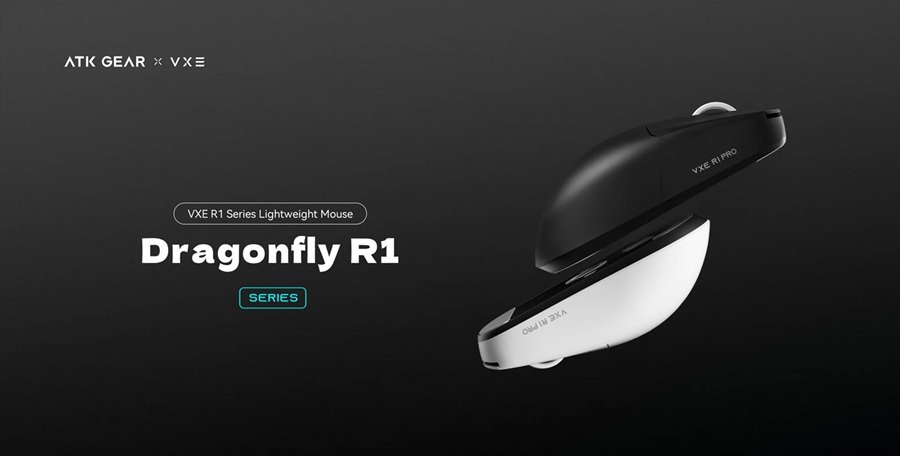
1. The $20 Price Point: A True Loss Leader
The most shocking specification of the VXE R1S is its price tag. This mouse costs exactly $20 consistently across Amazon, AliExpress, and ATK’s official website. This is not a temporary flash sale; in fact, the initial launch price was a staggering $10.
Watch the full breakdown and teardown of the VXE R1S.
In business terms, this represents a classic “loss leader” strategy. ATK is offering a highly capable, entry-level wireless mouse at virtually no profit to introduce newcomers to their brand ecosystem. For the consumer, it means you are getting a level of quality that realistically belongs in the $50 to $60 bracket.
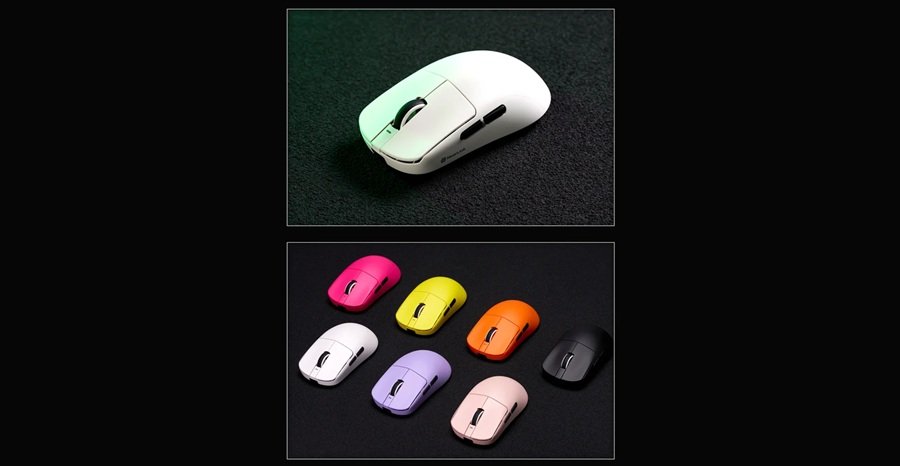
VXE R1S Specs at a Glance
Before the detail, here is a quick spec sheet. Figures come from ATK’s product page unless noted.
| Spec | Detail |
|---|---|
| Weight | 55 g (±3 g) per ATK; 59 g in this review |
| Dimensions | 120.6 x 64.1 x 37.6 mm |
| Sensor | Branded "Zero AI" in this review; ATK’s store lists "Xhero AI" |
| DPI range | 200 to 15,000 |
| Polling rate | 1,000Hz |
| Battery | 520mAh, rated for 150 hours at 1,000Hz |
| Connectivity | Wired, 2.4GHz wireless, Bluetooth |
| Main switches | Huano Blue Shell White Dot V2 |
| Coating | Uncoated |
| List price on ATK’s store | $18.98 (sale prices vary) |
| Warranty | 1 year per this review; ATK’s store also lists a 30-day troubleshooting guarantee |
Budget brands rename products often, so sources disagree in small ways. Weight and sensor naming are the two to watch. Check the listing for the exact version before you order.
2. Unboxing Experience and a Crucial Warning
At this price, the unboxing experience is purely functional. You receive the mouse, a charging cable, and the 2.4GHz USB wireless dongle. However, there is a notable omission: an extension adapter is not included.
Crucial Setup Tip: Never plug a 2.4GHz wireless dongle directly into the back of your PC tower. The electromagnetic interference from your motherboard and USB 3.0 ports will cause stuttering and connection drops. You must purchase a cheap USB extension cable separately to route the dongle directly to your desk, keeping it as close to your mousepad as possible.
3. Shape and Ergonomics: Universally Friendly
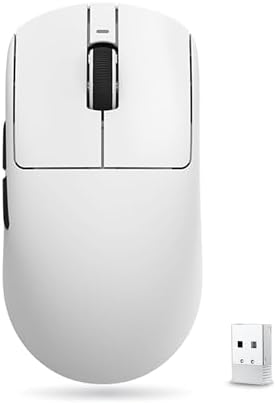
The biggest advantage the VXE R1S possesses over its budget competitors is its shape. ATK has utilized a highly popular, universally friendly symmetrical design that has been tweaked and perfected by the community over the years.
- Grip Style: The shape is primarily tailored for a claw grip, though fingertip users will also find it adaptable.
- Design Nuances: The body is relatively narrow, and the lower rear hump can push slightly into your palm. This design reduces overall hand contact with the shell.
- In-Game Benefit: A narrow grip width combined with a low main-button height means your fingers can execute micro-adjustments effortlessly. This makes the mouse phenomenal for titles that require precise tracking and small vertical corrections.
Contrast this with the sea of “garbage” shapes typically found on Amazon under $30. Most budget mice rely on bulky, outdated ergonomic designs or clunky, aggressive “gamer” aesthetics that actively hinder your aim.
4. Build Quality: VXE R1S vs. Legacy Giants
A common trap with cheap AliExpress mice is rapid degradation. Mice like the Attack Shark X3 may feel incredible out of the box, only for the click feeling to turn mushy after just a few hours of intensive gaming. The R1S completely avoids this pitfall. The main switches, side buttons, and scroll wheel maintain their crisp tactility even after heavy use.
To truly understand how good the R1S is, we must compare it to the entry-level options from the two biggest brands in gaming:
| Feature | VXE R1S (ATK) | Razer DeathAdder Essential | Logitech G203 |
|---|---|---|---|
| Price | $20 | ~$20 | ~$25 |
| Connectivity | Wireless (2.4GHz) | Wired | Wired |
| Click Quality | Crisp, no pre-travel | Mushy, significant pre-travel | Crisp and reliable |
| Shape | Modern symmetrical | Bulky ergonomic | Symmetrical (tapered sides) |
The R1S drastically outperforms the DeathAdder Essential, lacking the annoying pre-travel and the rubber side grips that do nothing but collect dirt. The Logitech G203 matches the R1S in build quality, but its heavily tapered sides can cause hand cramping, and it lacks wireless functionality. The closest wireless equivalents from Logitech or Razer cost at least $12 to $20 more.
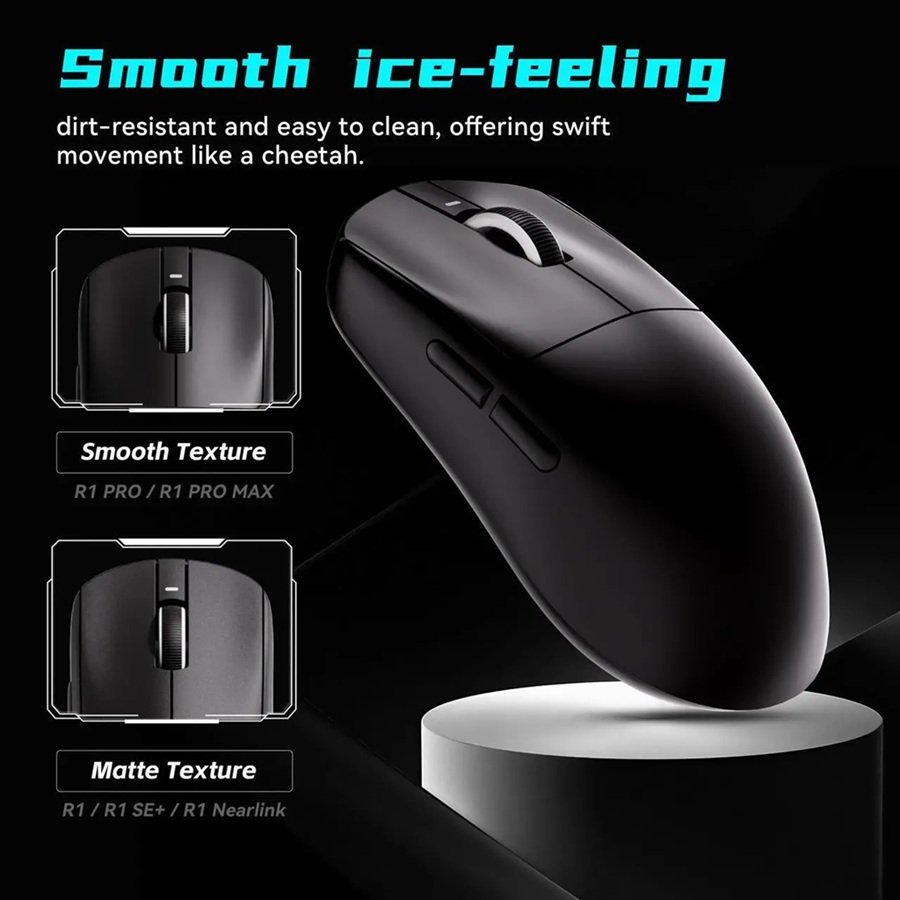
Note on Coating: The R1S is uncoated, leaving a slightly coarse texture. While completely acceptable for $20, if you want a premium soft-matte finish, you will need to upgrade to the more expensive R1 Pro.
5. Internals: Zero AI Sensor and NearLink MCU
When tearing down the VXE R1S, the internals reveal a very interesting hardware configuration that strays from the industry standard.
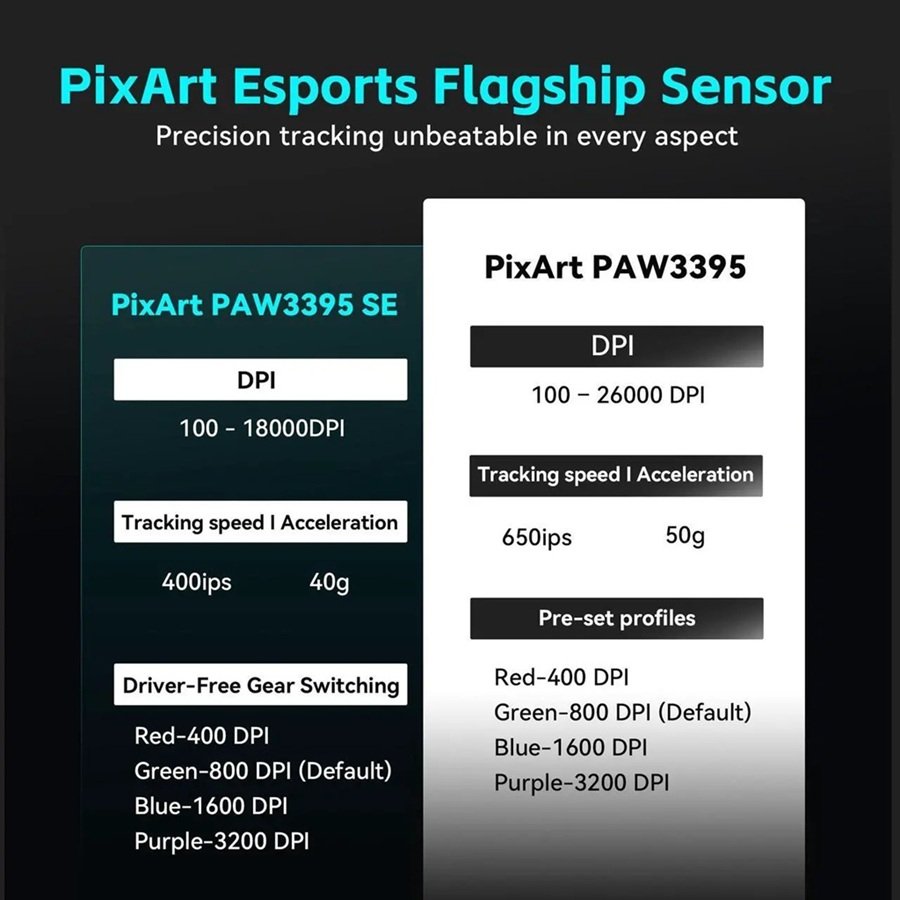
- The Sensor: The sensor is branded as “Zero AI”. Despite the confusing naming convention, hardware analysis suggests this is a modified PixArt 3311 sensor. It boasts a max DPI of 15,000.
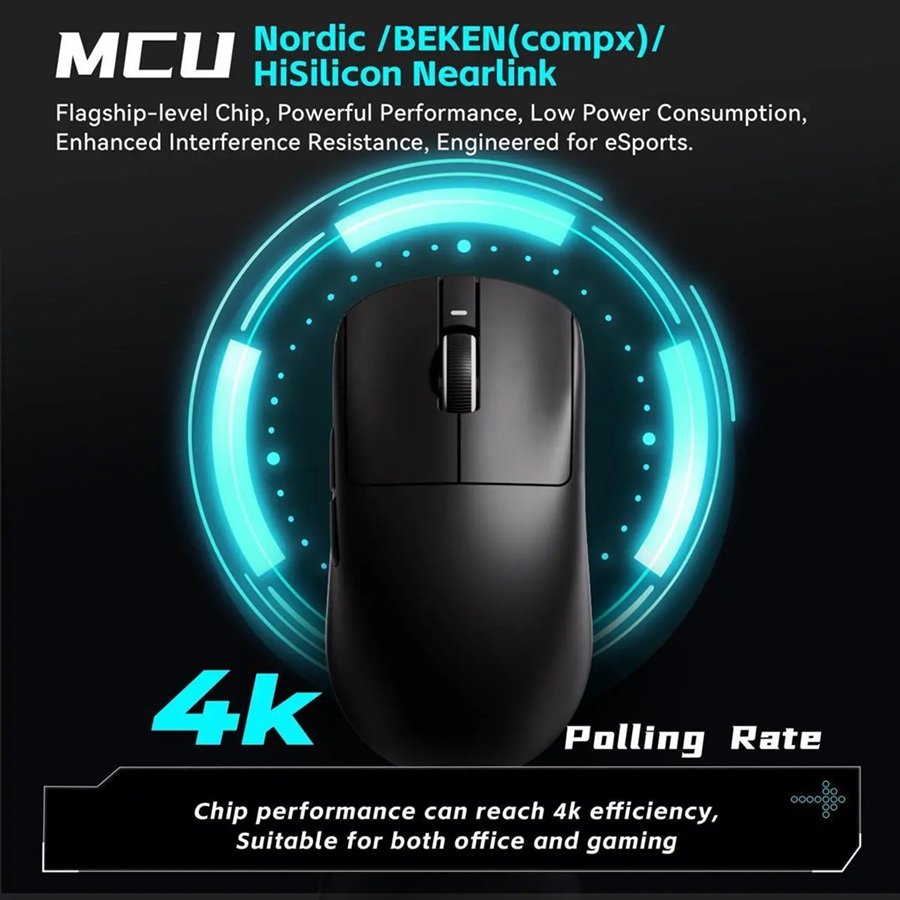
- The Microcontroller (MCU): Instead of the widely trusted Nordic MCU found in premium mice, ATK opted for a NearLink MCU.
While tech enthusiasts might turn their noses up at these non-standard components, the real-world benchmarking tells a different story. The mouse runs at a stable 1,000Hz polling rate. While you cannot adjust the Lift-Off Distance (LOD), you can adjust debounce times, and the sensor appears to support Motion Sync. Extensive testing across titles like Overwatch 2, Team Fortress 2, and Deadlock at 800, 1600, and 3200 DPI yielded flawless tracking. Simply put: this sensor will never be the reason you miss a shot.
Switches and Wireless Link: What the Listings Say
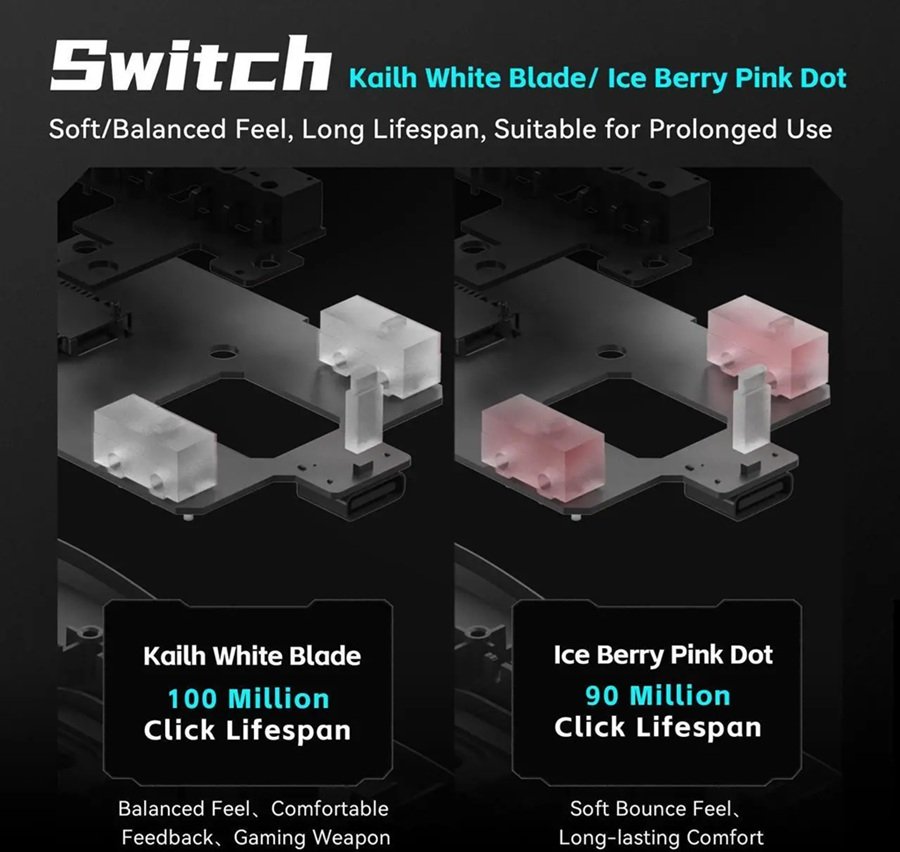
ATK lists the R1S main switches as Huano Blue Shell White Dot V2. Club386 describes them as mechanical Huano switches. ProSettings notes that optical switches need no debounce delay, because nothing touches. Mechanical ones do, which is why the debounce option in ATK’s software matters at this price. If you want the optical route, our ATK U2 V2 Ultimate review covers ATK’s custom optical switches.
The wireless link is less clear-cut. Retail listings mention NearLink, a standard backed by Huawei that aims to combine the best of Bluetooth and Wi-Fi, according to Club386. ATK’s own page lists wired, 2.4GHz, and Bluetooth modes. Confirm the connection modes on the listing you buy.
6. Software: The ATK Hub
Budget mice often come with malware-esque, broken software. Surprisingly, the ATK Hub is one of the best peripheral applications on the market. Available both as a web-based driver and a standalone app, it allows for seamless customization without bloating your PC. While you might spot a few untranslated Chinese characters acting as a garnish, it is undeniably a high-effort, well-coded piece of software.
What ATK V HUB Lets You Change
ATK’s V HUB guide describes the options the software offers across ATK mice:
- Up to eight DPI levels, with steps as fine as 10.
- Key debounce delay for unstable button feedback.
- Button remapping and macros.
- Motion sync, linear correction, and ripple correction.
- Several onboard profiles for different games.
- Battery status, connection type, and firmware updates.
Not every option applies to every model. As noted earlier, the R1S does not expose lift-off distance. Our gaming mouse buying guide lists the software features worth checking before you buy any mouse.
7. The Major Flaw: A Sluggish Dump Truck
This brings us to the only true negative of the VXE R1S: weight distribution.
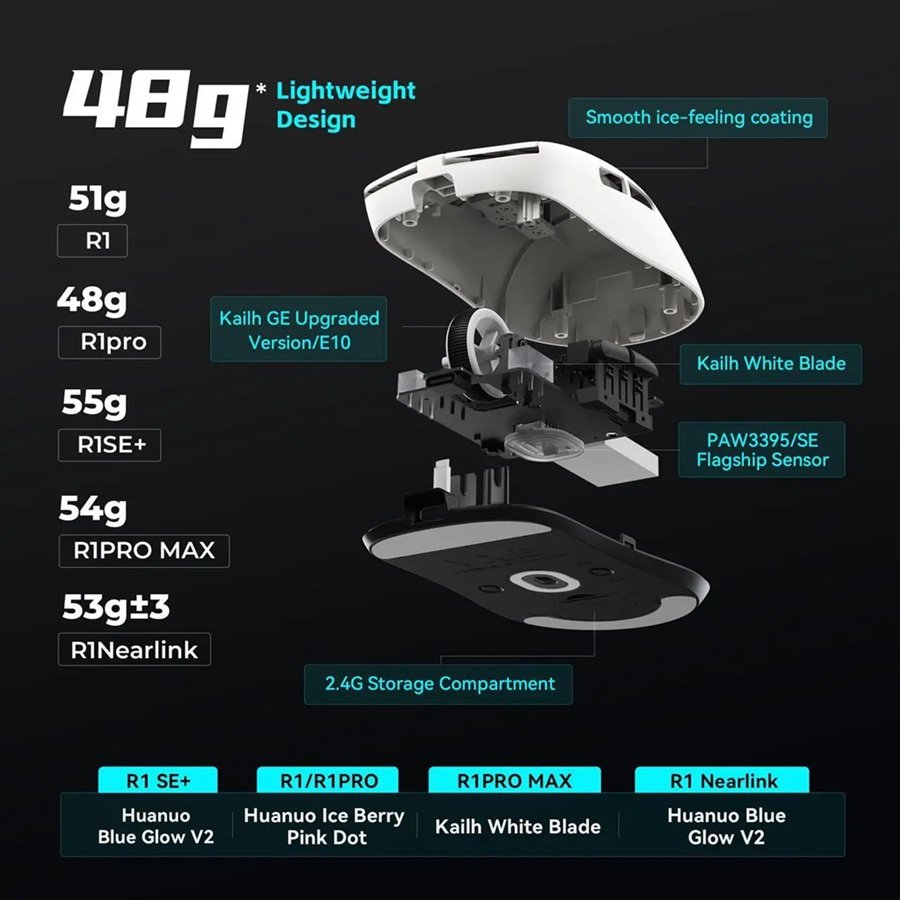
To achieve a ridiculous 150 hours of battery life, ATK installed a massive 520mAh battery. This is double the capacity of the battery found in the lighter R1 Pro model. While the total weight sits at an acceptable 59 grams, the large battery is seated toward the rear of the mouse.
This creates a severe “bottom-heavy” imbalance. If you attempt to lift the mouse from the center, the rear instantly sags downward. During gameplay, this imbalance makes the mouse feel significantly more sluggish—closer to a 75-gram mouse. It applies excess pressure to the lower half of the skates, making it feel like the mouse is dragging on the pad.
Applying aftermarket dot skates from AliExpress can slightly alleviate this friction, but the bottom-heavy sensation remains. While you will likely adapt to this after a month of use, users coming from perfectly balanced premium mice will notice it immediately.
8. Warranty and Customer Support
A minor compromise of the $20 price tag is customer protection. Legacy brands like Logitech and Razer offer an ironclad 2-year warranty. ATK only provides a 1-year warranty, and you will be responsible for the shipping costs if you need to send a defective unit back to them. Given the price, replacing the mouse entirely is often cheaper than shipping it overseas for repair.
Return Terms on ATK’s Store
The product page adds some reassurance. ATK’s store lists a 30-day troubleshooting guarantee with a replacement or refund, plus a 7-day return window. Those terms sit alongside the 1-year warranty described above, so read the policy for your region before you order. Our buying guide explains why return terms matter more when you buy from a budget brand.
9. Final Verdict: The Undisputed Budget King
To say that a bottom-heavy weight distribution is the only major flaw on a $20 wireless gaming mouse is absolutely mind-blowing. The VXE R1S by ATK delivers crisp clicks, a flawless shape, a reliable sensor, and outstanding software.
If ATK refines their marketing, simplifies their confusing naming schemes, and narrows down their product lineup, they are poised to become an industry leader in the near future.
Should you buy it? If you have exactly $20 to spend, this is the best mouse on the planet. Period. However, if your budget allows it, we highly recommend upgrading to the R1 Pro. For a bit more money, you shed the heavy battery, achieving a perfectly balanced 48g weight, alongside vastly superior switches, scroll wheel tactility, and a premium soft-matte coating.
Upgrade Your Aim with Gearzon
Still searching for the perfect mouse to match your grip style? Dive into our extensive library of peripheral teardowns, sensor benchmarks, and competitive eSports gear guides right here at Gearzon. Elevate your setup today.
How the R1S Compares With Other ATK Mice
The R1S is the cheapest entry in a crowded family. This table shows where it sits, using ATK’s spec sheets.
| Model | Weight | Sensor | Polling | Connectivity | Main switches |
|---|---|---|---|---|---|
| VXE R1S | 55 g (±3 g) | Xhero AI | 1,000Hz | Wired, 2.4GHz, Bluetooth | Huano Blue Shell White Dot V2 |
| VXE R1 Pro | 48 g | PAW3395 SE | 125 to 4,000Hz | Wired, 2.4GHz | Huano Ice Berry Pink Dot |
| VXE R1 SE+ | 55 g | PAW3395 | 125 to 4,000Hz | Wired, 2.4GHz, Bluetooth | Huano Blue Glow V2 |
| ATK U2 V2 Ultimate | 45 g (±3 g) | PAW3950 Ultra | 125 to 8,000Hz | Wired, 2.4GHz | ATK Custom Optical |
The R1 Pro is the upgrade this review recommends, and the table shows why: it drops about 7 g and adds up to 4,000Hz polling. The U2 V2 Ultimate goes further, but its shape is far more specialized, as our ATK U2 V2 Ultimate review explains.
Other Mice to Consider
Other brands solve the problem differently. If you want the lightest possible mouse, read our G-Wolves Lyan review or our Pulsar X2F review. For a wired mainstream pick, see our Logitech G502 Hero review, and for a feature-rich successor, our G502 X Plus review. The R1S body is narrow, so larger hands may prefer the shape in our Lamzu Thorn V2 review.
If money is no object, our Logitech G PRO X SUPERLIGHT 2 review and G PRO X2 Superstrike review cover the premium end.
Who Should Buy It, and Who Should Skip It
- Buy it if you want a wireless mouse for about $20 with a friendly symmetrical shape.
- Buy it if you want long battery life and do not mind a rear-weighted feel.
- Skip it if you are coming from a perfectly balanced premium mouse, because the weight distribution will bother you.
- Skip it if you want a soft-matte coating, since the R1S is uncoated.
- Skip it if you want a long warranty and easy local support. The 1-year term and return shipping costs may not suit you.
Frequently Asked Questions
How much does the VXE R1S by ATK cost?
It’s priced at a consistent $20 across Amazon, AliExpress, and ATK’s official store — not a temporary sale price.
What sensor does the VXE R1S use?
It uses a sensor branded “Zero AI,” which hardware analysis suggests is a modified PixArt 3311 with a max DPI of 15,000 and a stable 1,000Hz polling rate.
Why does the VXE R1S feel heavier than its 59g weight?
Its oversized 520mAh battery — needed for roughly 150 hours of battery life — sits toward the rear of the mouse, creating a bottom-heavy imbalance that makes it feel closer to a 75-gram mouse during fast movements.
Is the VXE R1S better than the R1 Pro?
The R1 Pro sheds the oversized battery for a balanced 48g weight, along with better switches, a more tactile scroll wheel, and a premium soft-matte coating — worth the upgrade if your budget allows it.
Does the VXE R1S come with a good warranty?
Only a 1-year warranty, shorter than the 2-year coverage from Logitech or Razer, and you’re responsible for return shipping costs on a defective unit.


How much does the VXE R1S weigh?
ATK’s spec sheet lists the VXE R1S at 55 grams with a 3 gram tolerance. This review puts it at 59 grams. Either way, the rear-mounted 520mAh battery shifts the balance backward, which is why it can feel heavier than the number suggests during fast movements.
Does the VXE R1S support Bluetooth?
Yes. ATK’s product page lists wired, 2.4GHz wireless, and Bluetooth connection modes for the R1S. The 2.4GHz dongle is the best choice for gaming. Bluetooth suits casual use on a laptop or tablet, where latency matters less.
What switches does the VXE R1S use?
ATK lists Huano Blue Shell White Dot V2 main switches, and Club386 describes them as mechanical Huano switches. Mechanical switches need a debounce setting to avoid double clicks, so adjust that option in ATK’s software if you ever notice one.